Headlightのアプリアイコン。黒地にあたたかい白い光の輪
HEADLIGHT

あなたを軽くするアプリThe app that lightens your head.당신을 가볍게 하는 앱.

好きなものを棚に。日記・予定はAI整理
iPhone / iPad / Mac / Apple Watch
Put what you love on the shelf. AI sorts your journal and plans.
iPhone / iPad / Mac / Apple Watch
좋아하는 것을 선반에. 일기・일정은 AI가 정리
iPhone / iPad / Mac / Apple Watch

ベータ版を無料で試せますTry the beta, free베타 버전을 무료로 사용해 볼 수 있어요 TestFlightアプリをダウンロード後、このリンクからインストールできます。Download the TestFlight app, then install from this link.TestFlight 앱을 내려받은 뒤, 이 링크에서 설치할 수 있어요.

頭の中は、
いつもいっぱい。
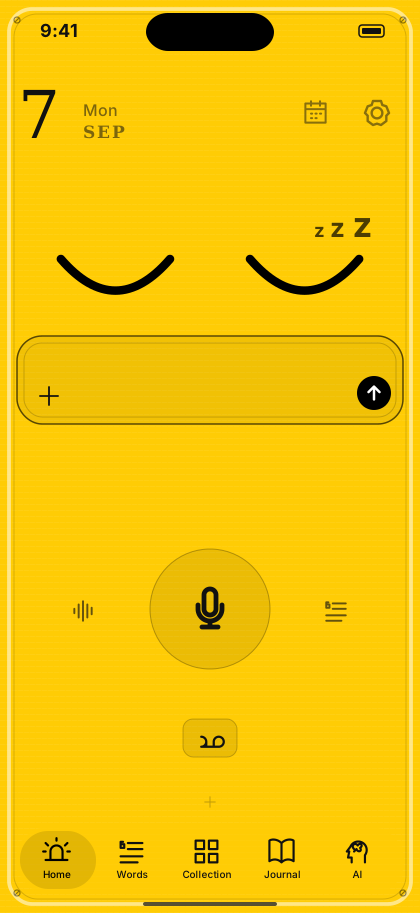
Your head is
always full.
머릿속은,
언제나 가득해요.

やることも、予定も、ふとした思いつきも。
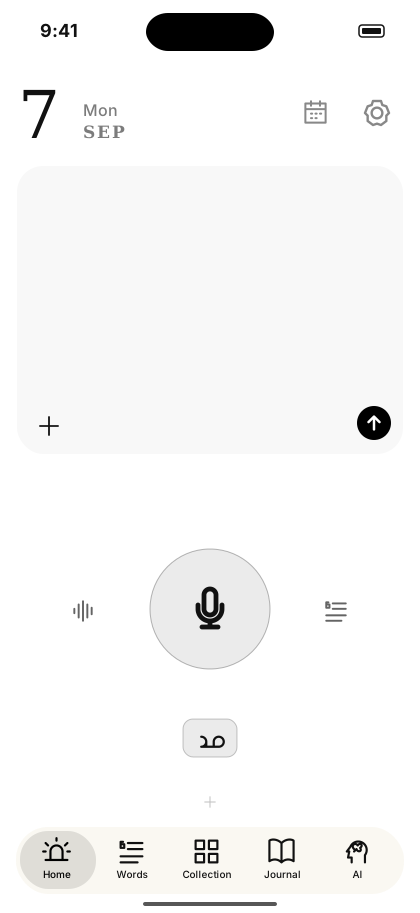
忘れられない「好き」も。
ぜんぶを頭に置いたまま、今日も一日が始まる。
To-dos, plans, passing thoughts —
and the things you love and can't forget.
You carry it all in your head, and another day begins.
할 일도, 일정도, 문득 떠오른 생각도.
잊을 수 없는 「좋아함」도.
전부 머리에 담은 채, 오늘도 하루가 시작돼요.

  • 覚えておこうとするほど、疲れていく。The harder you try to remember, the heavier it gets.기억해두려 할수록, 지쳐가요.
  • メモは書いたきり、開かない。Notes get written, then never opened.메모는 써두고, 다시 열지 않아요.
  • 好きなものは増えていくのに、置き場所がない。The things you love keep growing, with nowhere to live.좋아하는 건 늘어나는데, 둘 곳이 없어요.

あなたのせいではありません。置き場所が、なかっただけ。It's not you. These things just never had a place.당신 탓이 아니에요. 둘 곳이, 없었을 뿐이에요.

頭の中に線が渦を巻き、そのまわりをカレンダー・買い物・ひらめき・時計・音楽が取り囲む線画
声で放り込むSpeak it in목소리로 던져 넣기

話して、任せて、
軽くなる。
Talk. Hand it off.
Feel lighter.
말하고, 맡기고,
가벼워져요.

話した言葉が光の粒になって、カレンダー・瓶・ノートに収まっていく線画

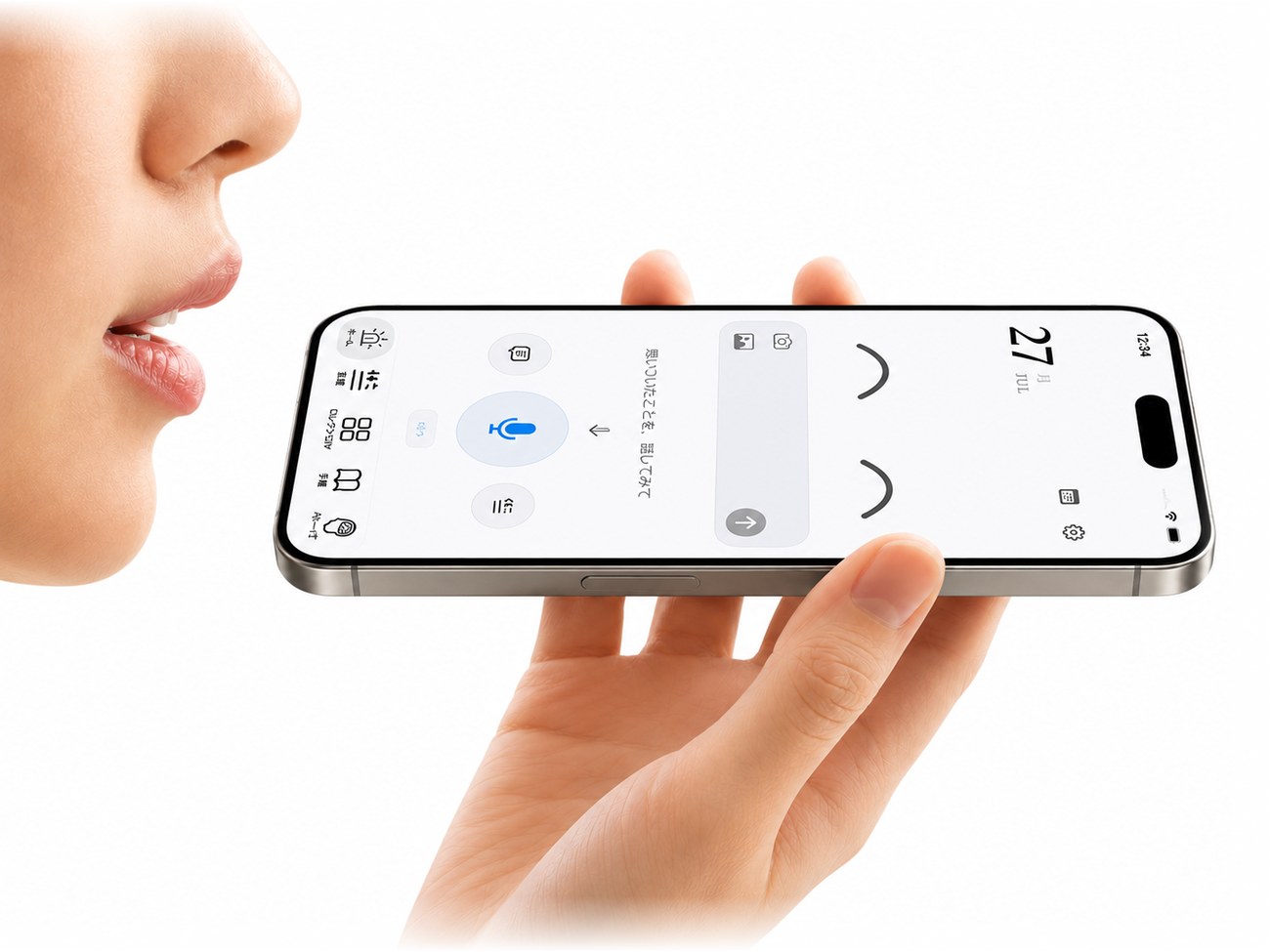
思いついたことを声か文字で放り込むと、AIが自動で仕分けます。たとえば──Drop in a thought by voice or text, and AI sorts it out automatically. For example —떠오른 것을 목소리나 글자로 던져 넣으면, AI가 자동으로 분류해요. 예를 들면──

「えーと、来週の水曜たしか3時から歯医者で、あと帰りに電池買わないと。そういえば新曲のサビ、転調したら面白いかも」"Um, next Wednesday I think it's the dentist at 3, and I need to grab batteries on the way home. Oh — the chorus of that new song might actually work better modulated."「음, 다음 주 수요일 아마 3시부터 치과였고, 돌아오는 길에 배터리도 사야 해. 아 맞다, 새 곡 후렴구 전조하면 재밌을 것 같은데」

📅
歯医者 水曜 15:00Dentist, Wed 15:00치과 수요일 15:00「カレンダーに入れる?」と一度だけ聞いてくれるAsks once, “Add to calendar?”「캘린더에 추가할까요?」라고 한 번만 물어봐요
電池を買うBuy batteries배터리 사기やることへGoes to your to-dos할 일로
💡
新曲のサビを転調してみるTry modulating the new song's chorus새 곡 후렴구 전조해보기アイデアの瓶へ、玉になって溜まるGoes to the Ideas Jar, as a little bead아이디어의 병으로, 구슬이 되어 쌓여요

ぐちゃぐちゃに話して大丈夫。仕分けはAIの仕事です。Ramble all you want. Sorting it out is AI's job.두서없이 말해도 괜찮아요. 분류는 AI의 일이에요.

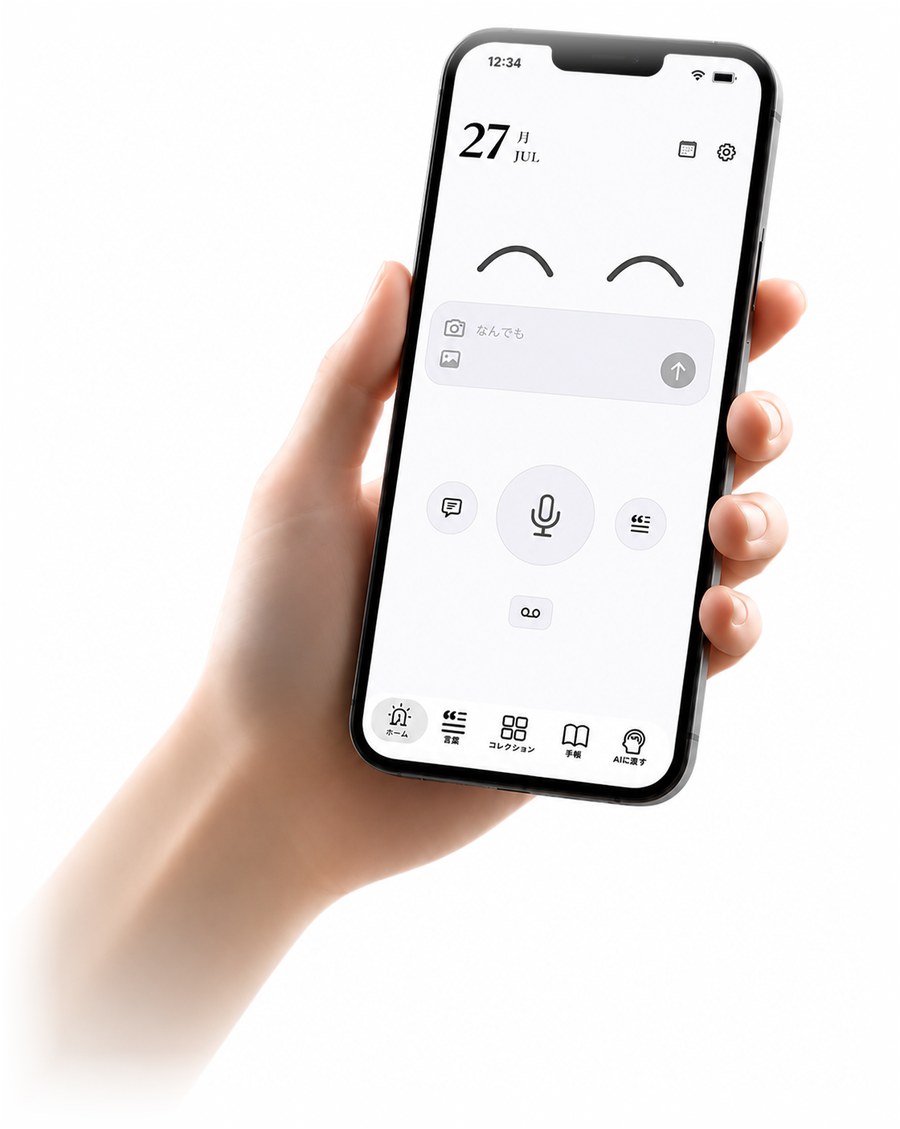
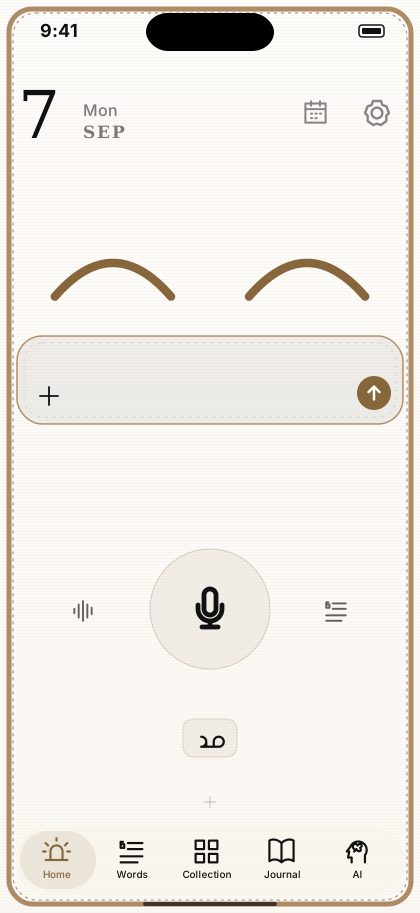
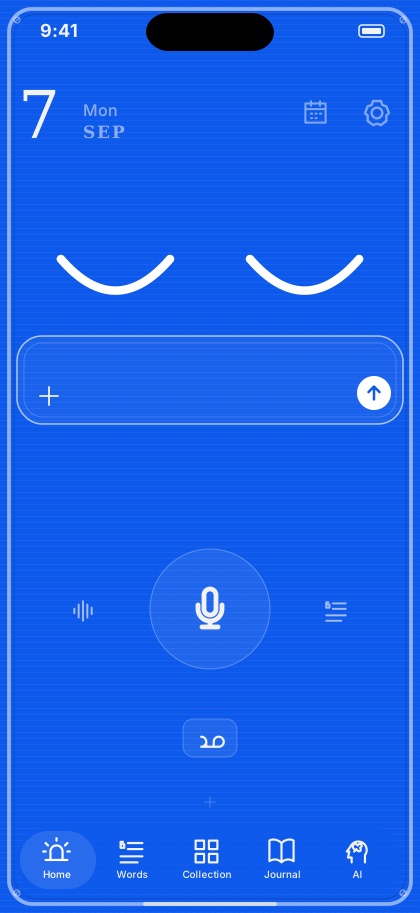
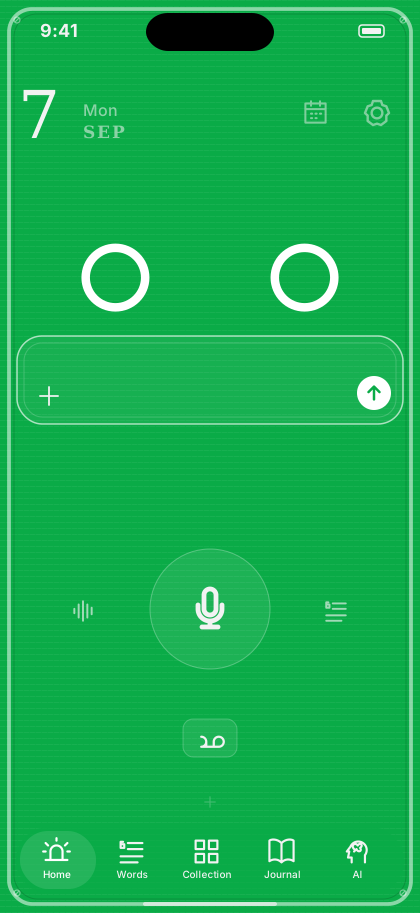
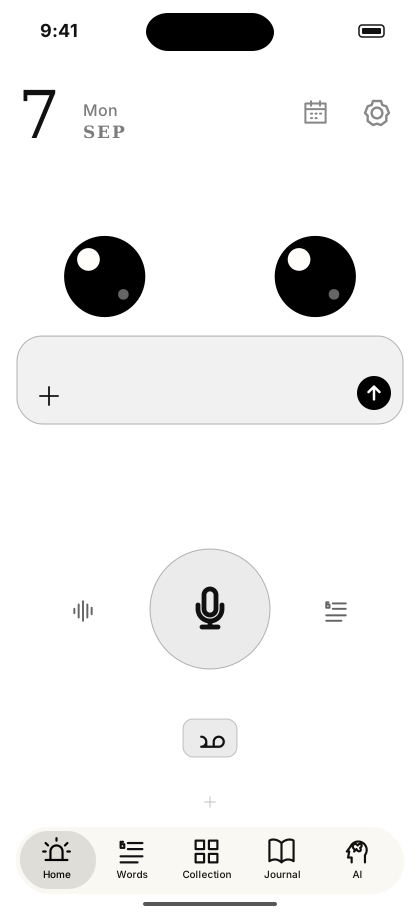
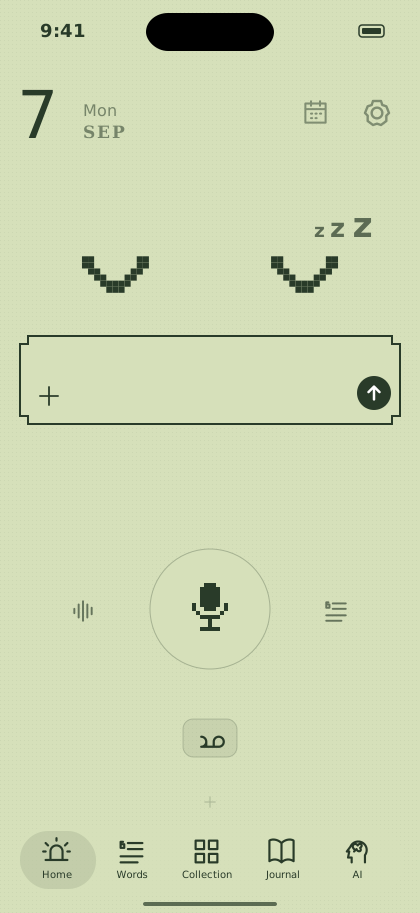
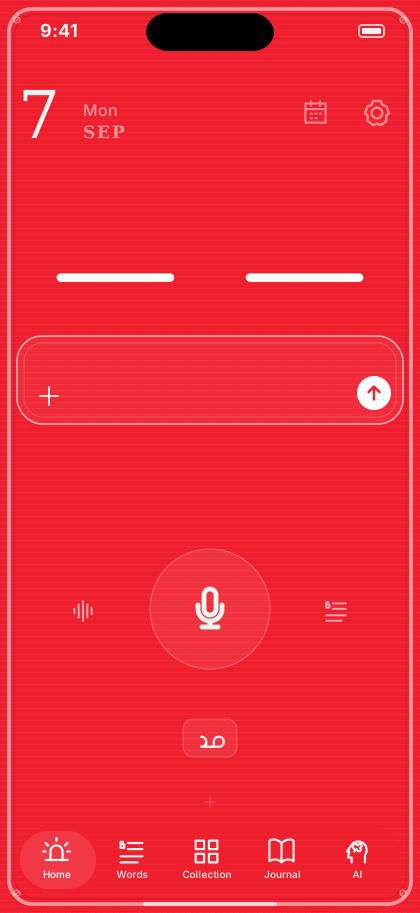
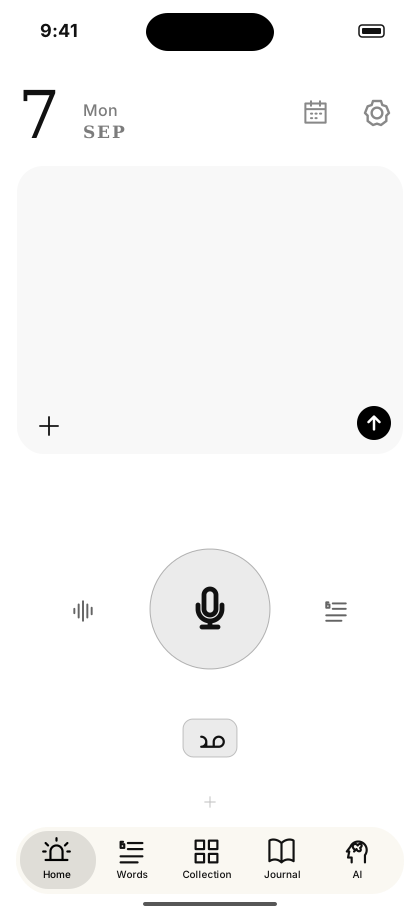
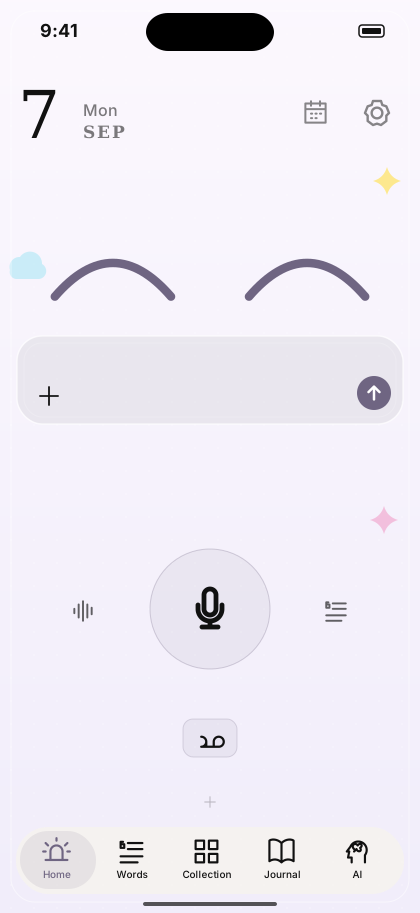
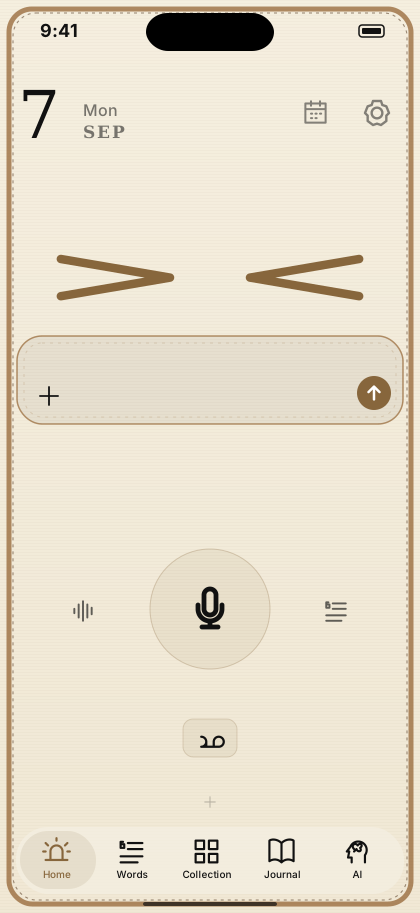
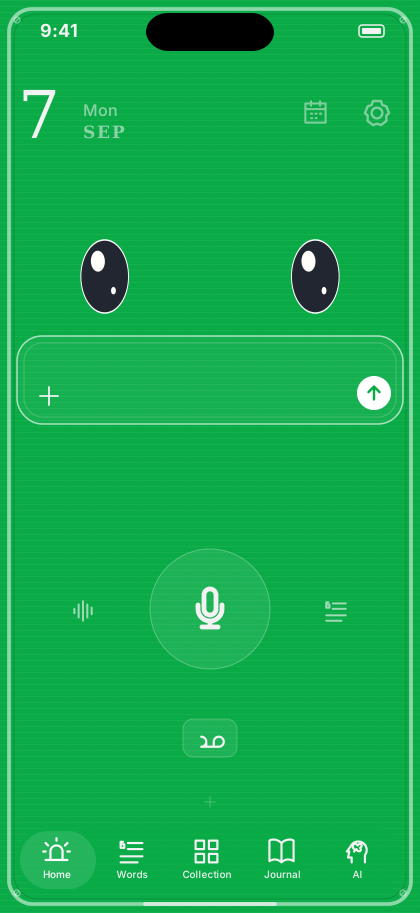
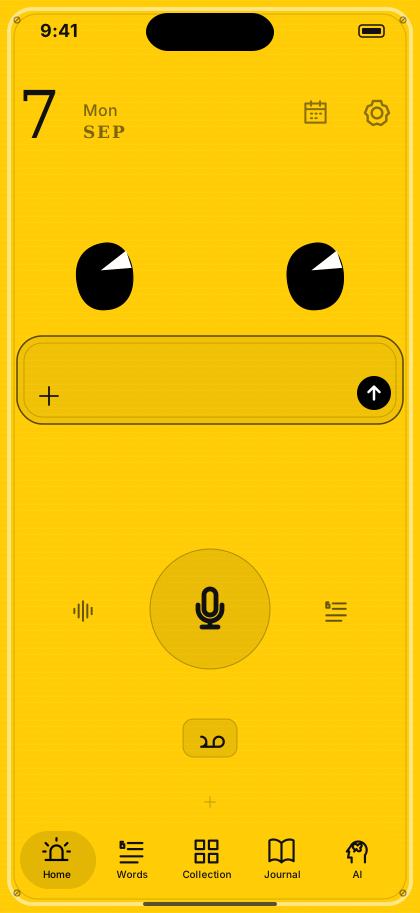
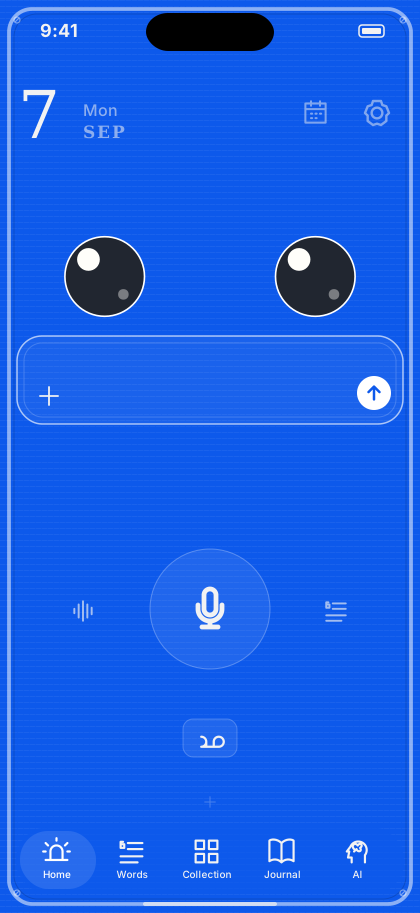
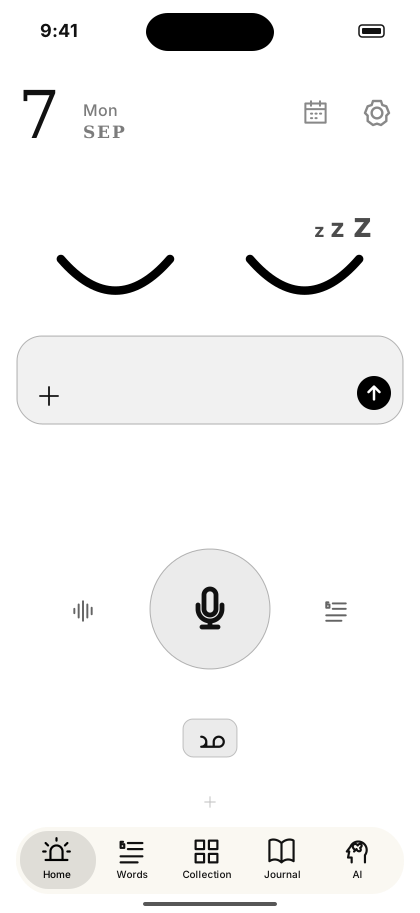
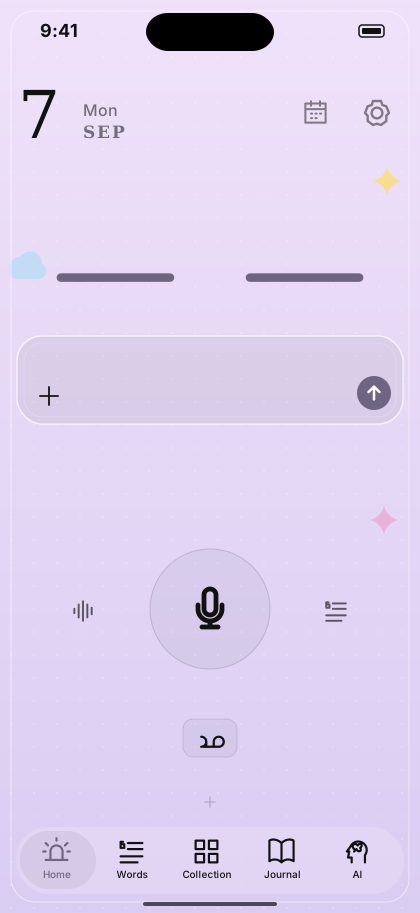
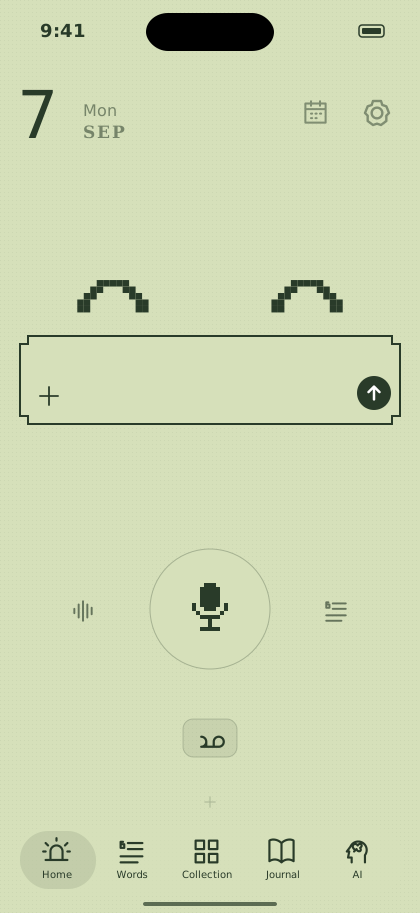
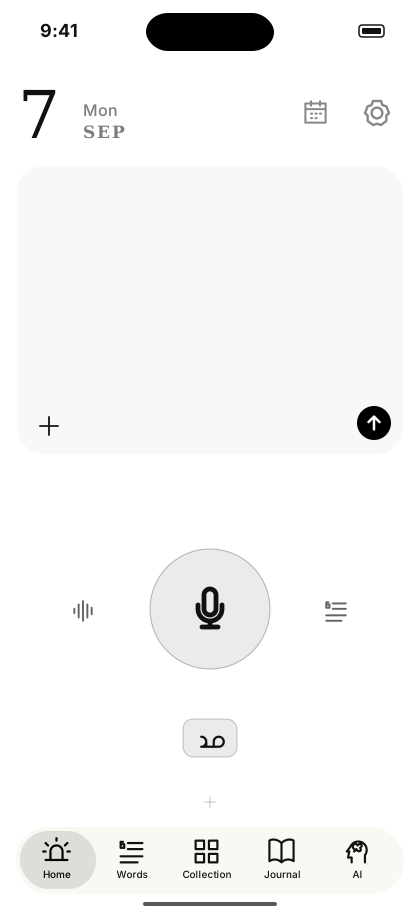
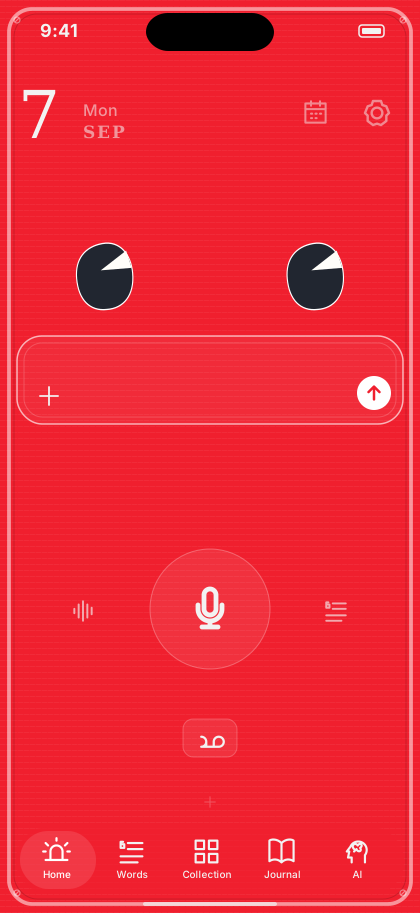
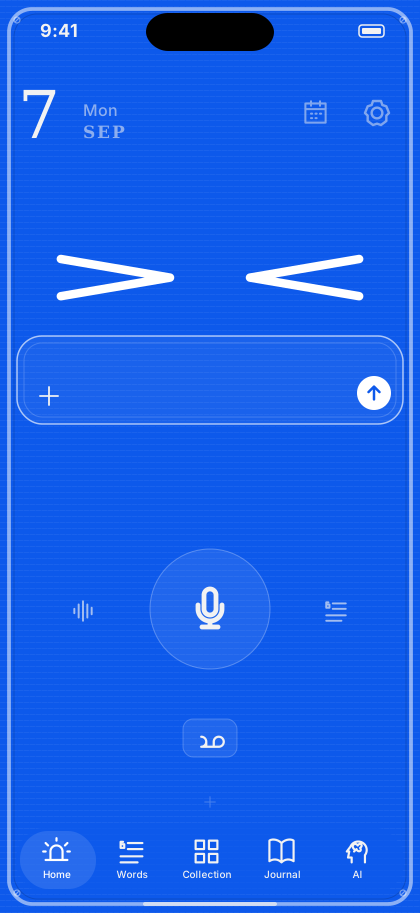
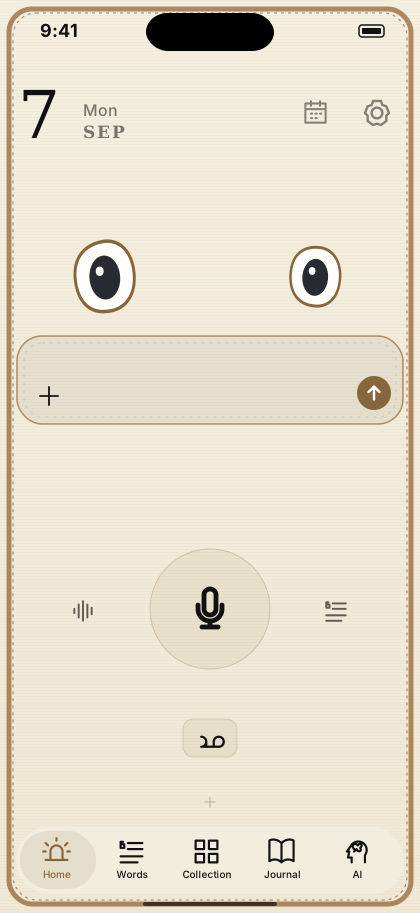
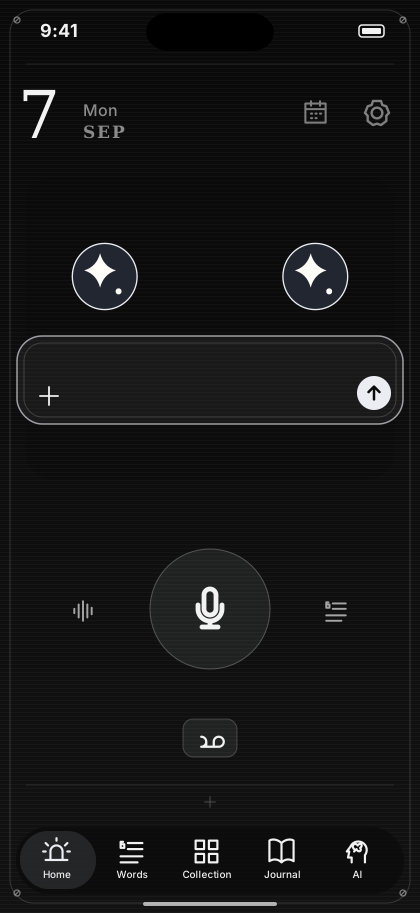
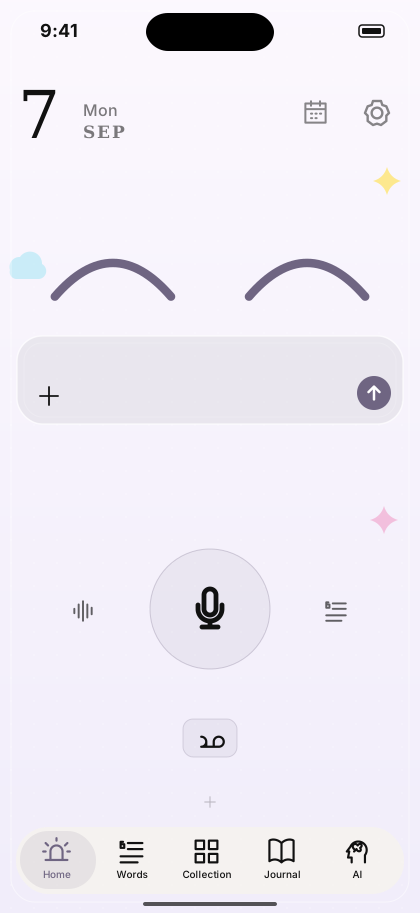
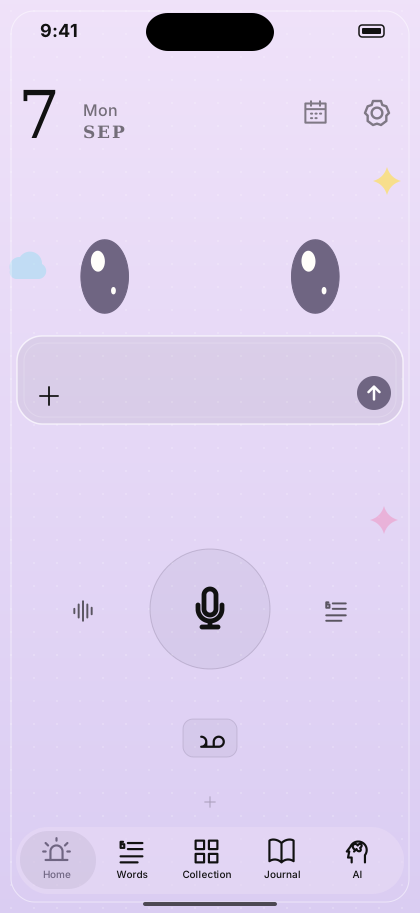
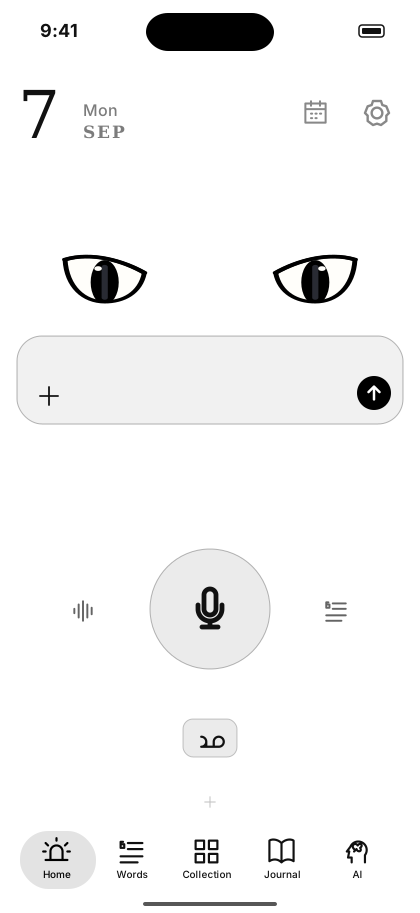
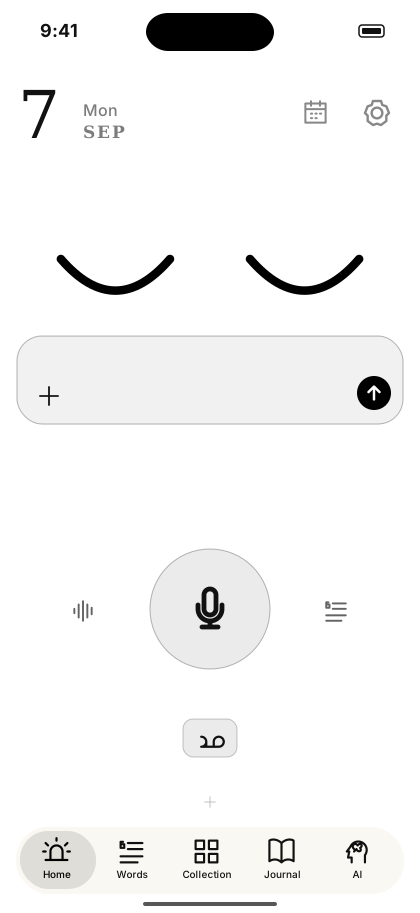
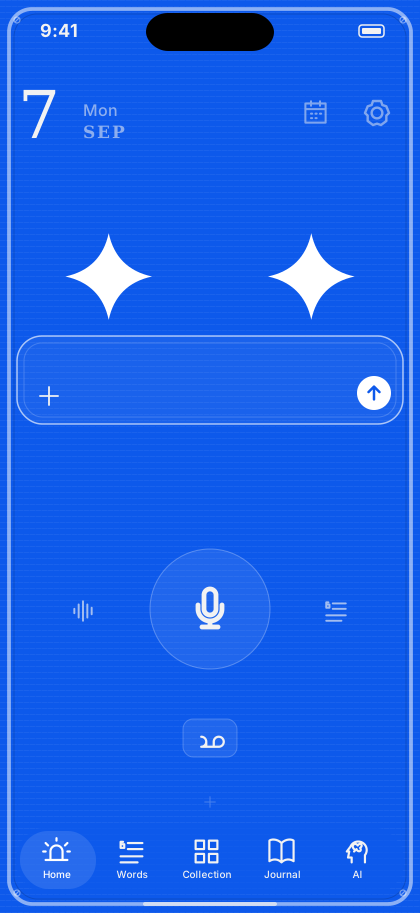
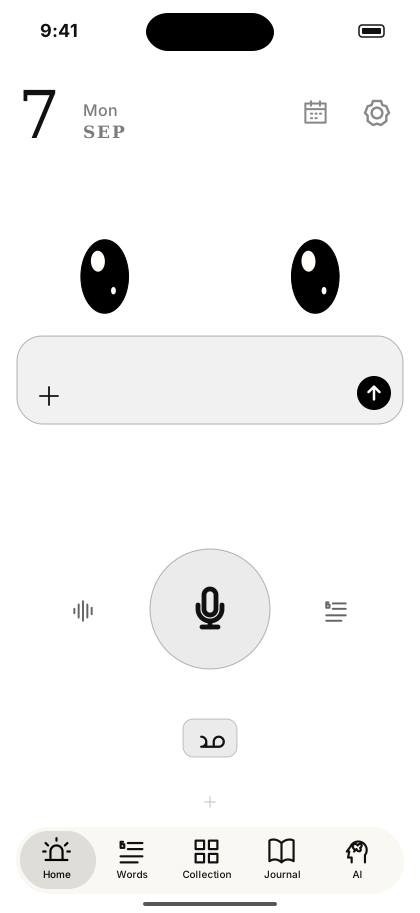
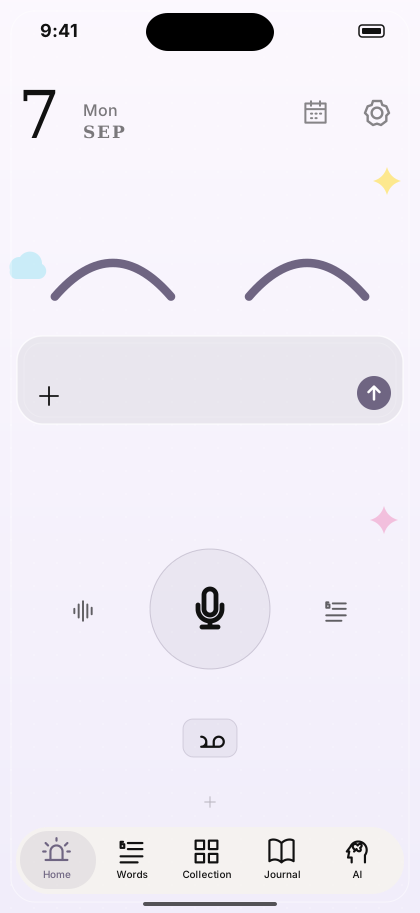
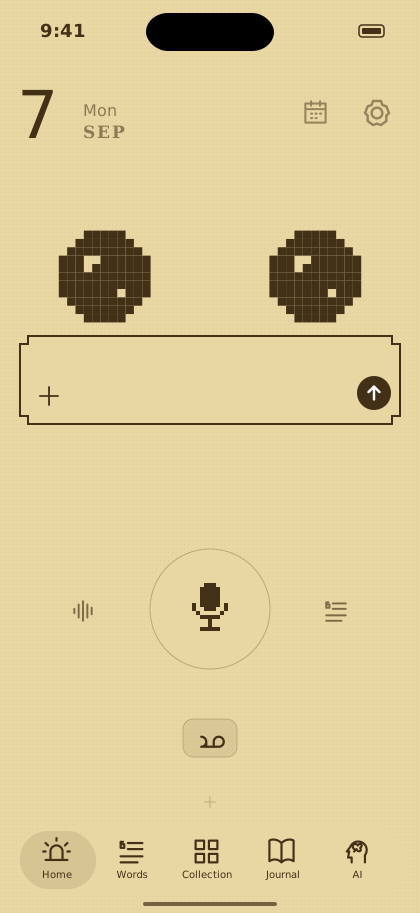
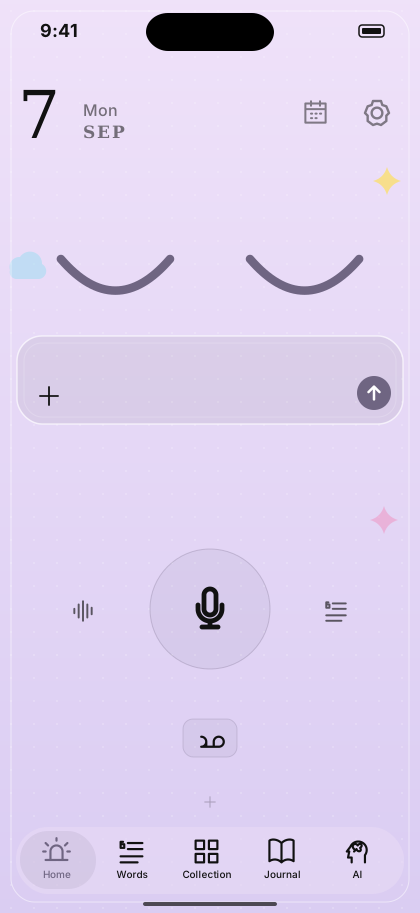
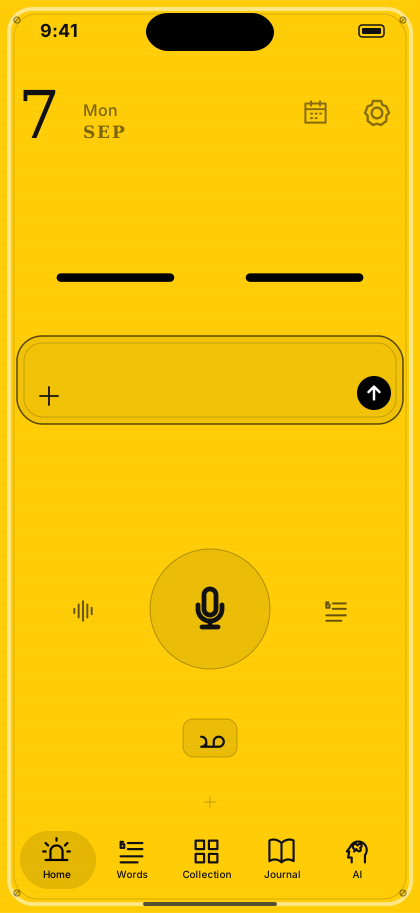
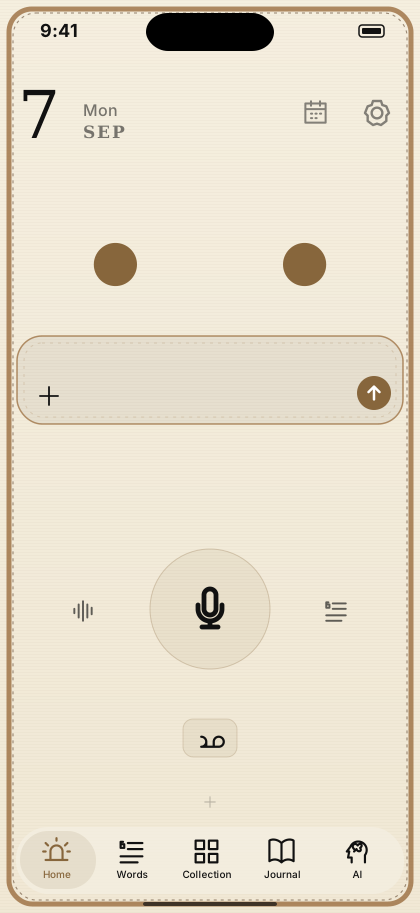
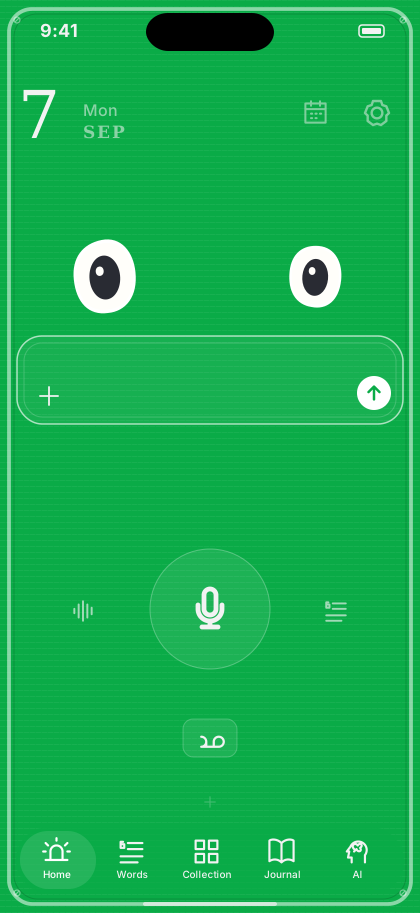
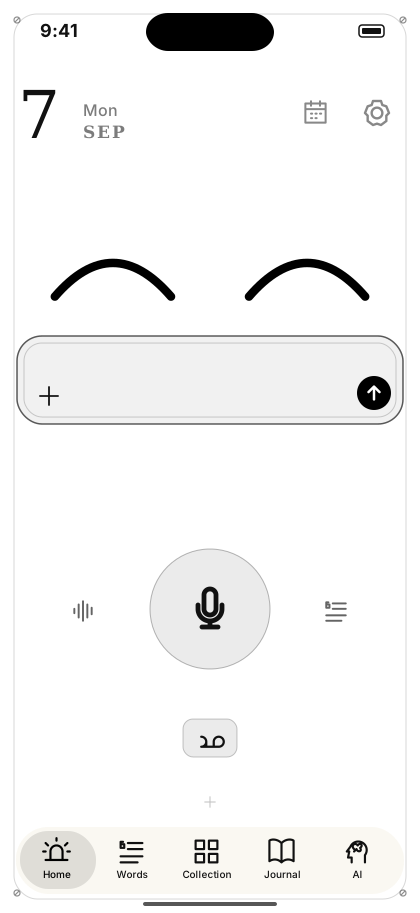
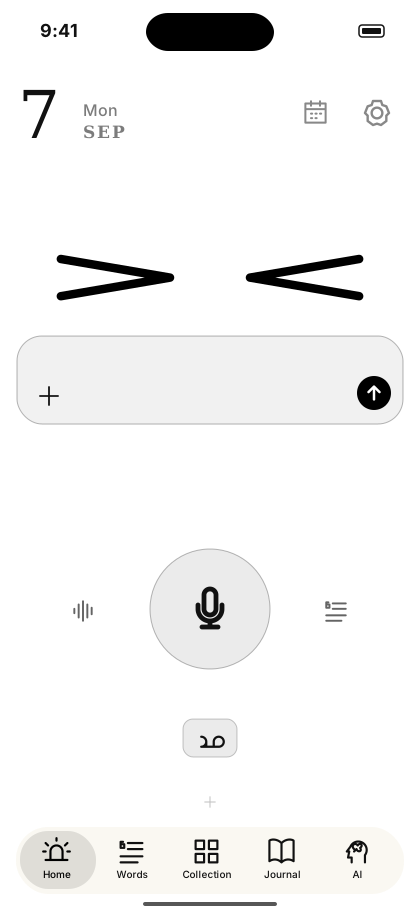
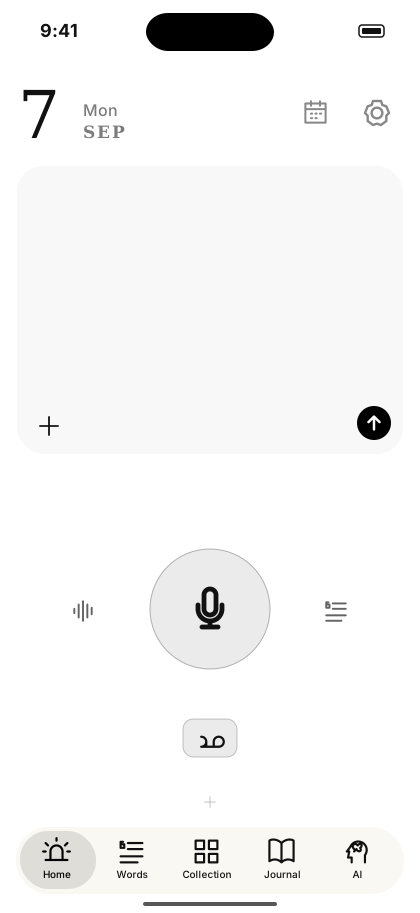
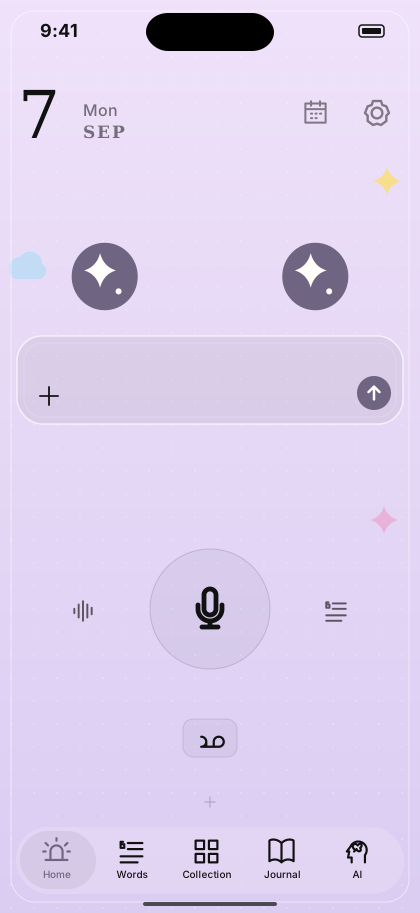
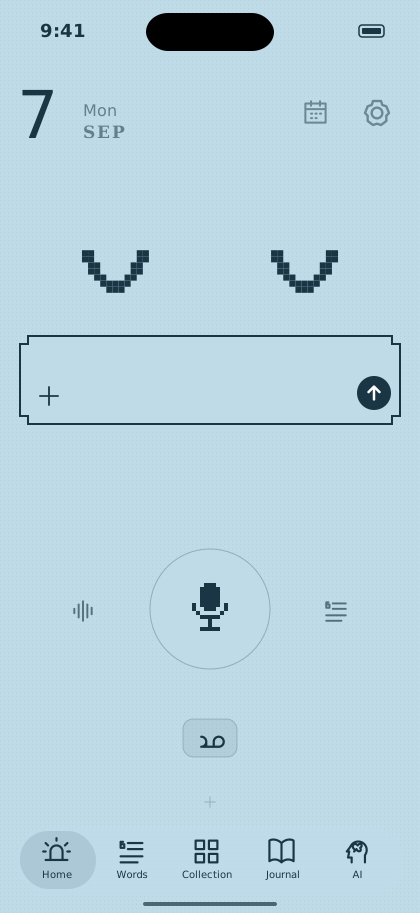
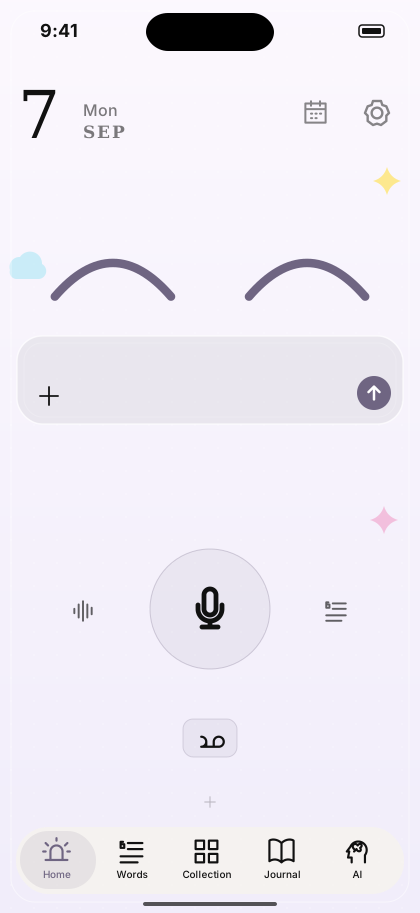
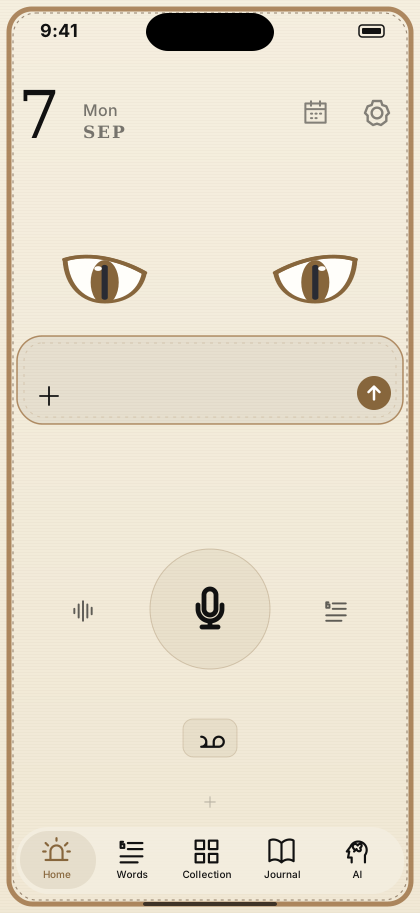
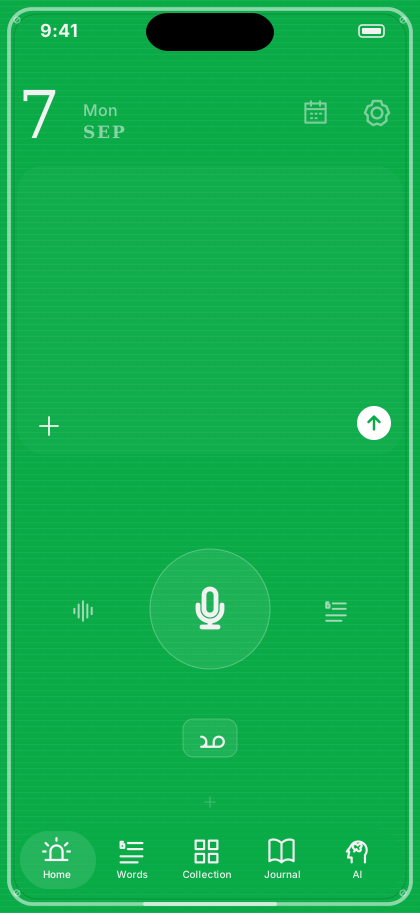
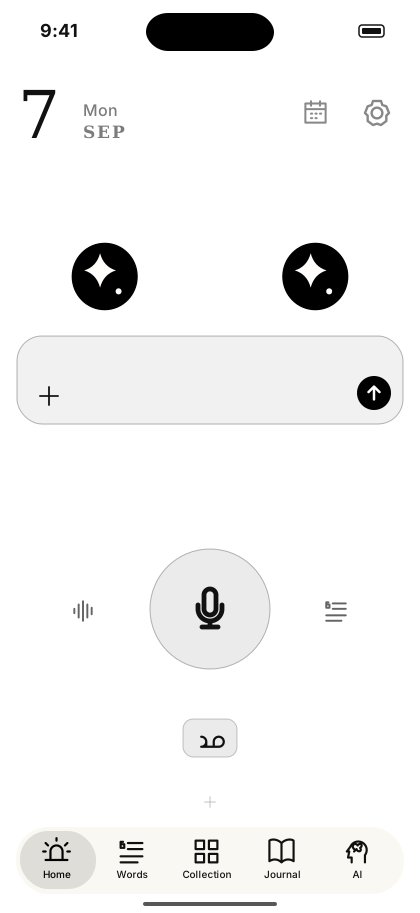
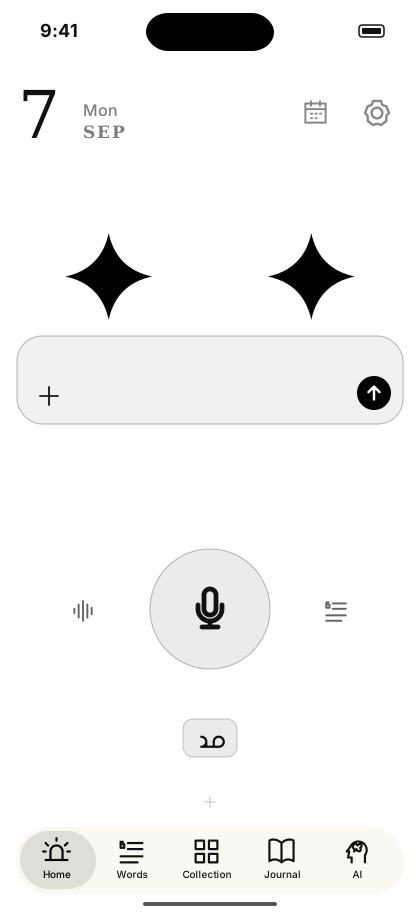
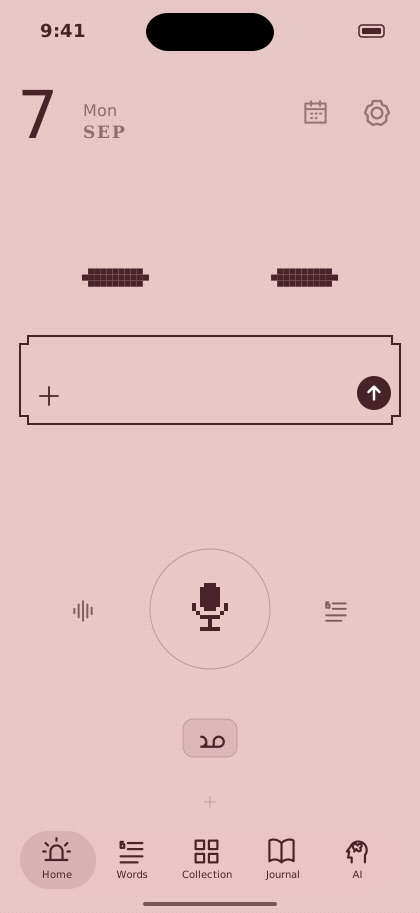
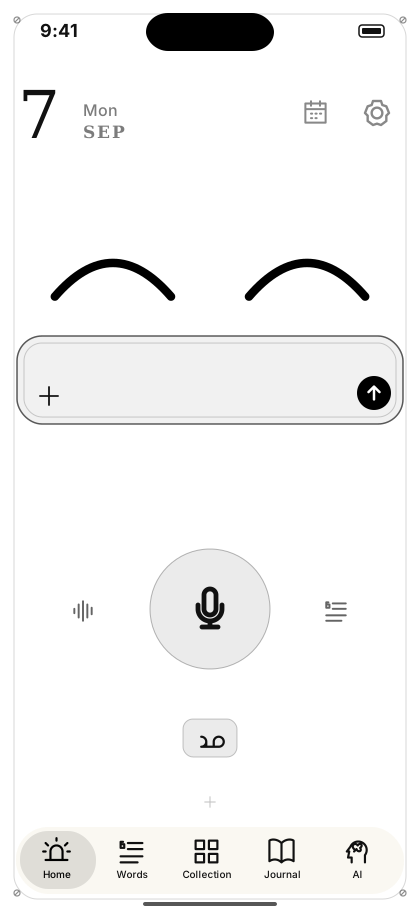
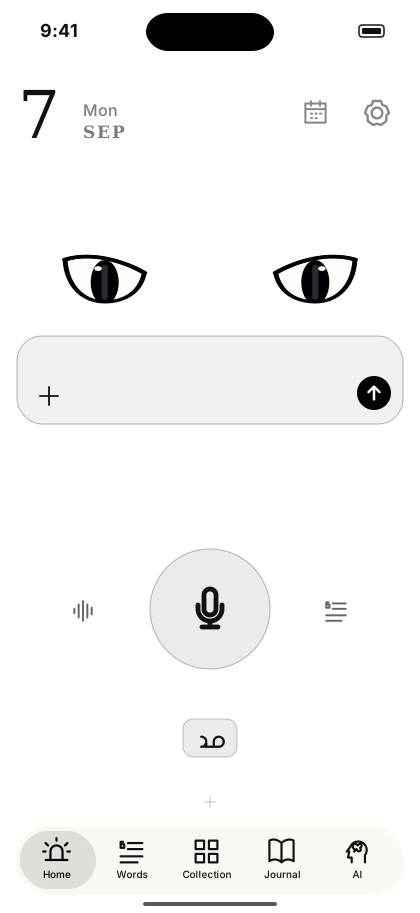
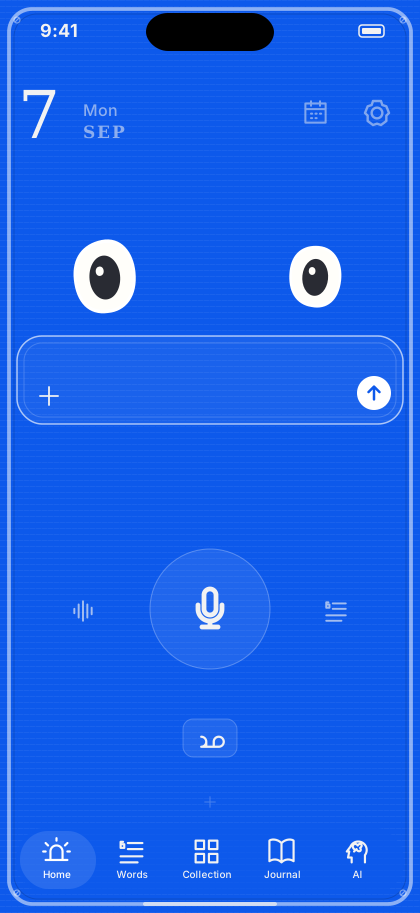
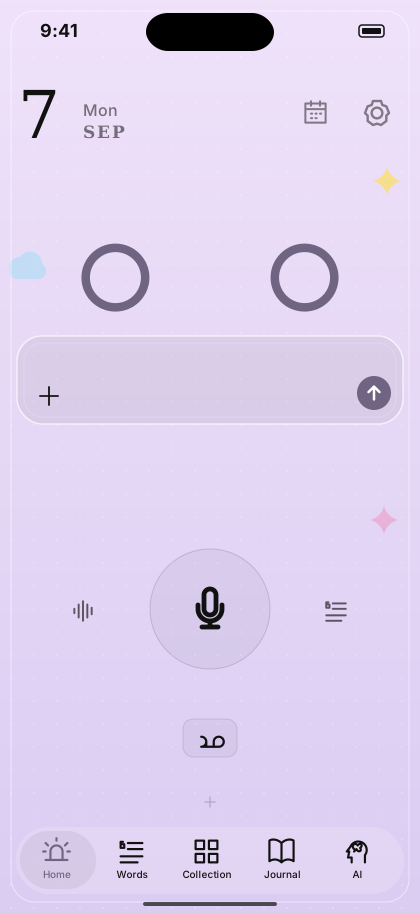
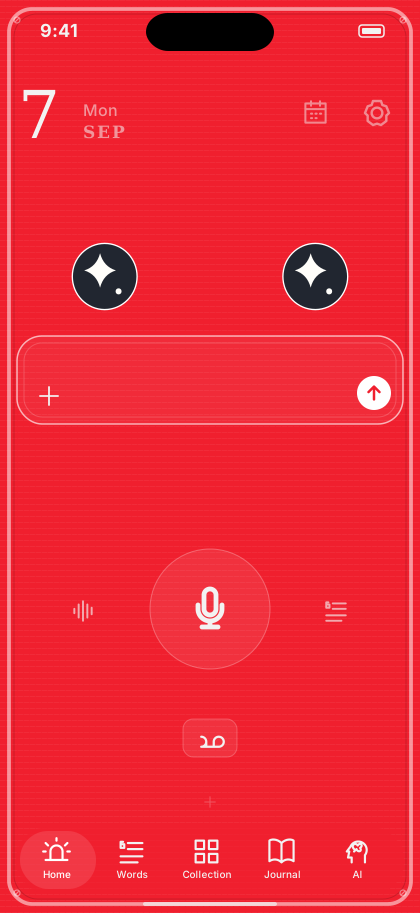
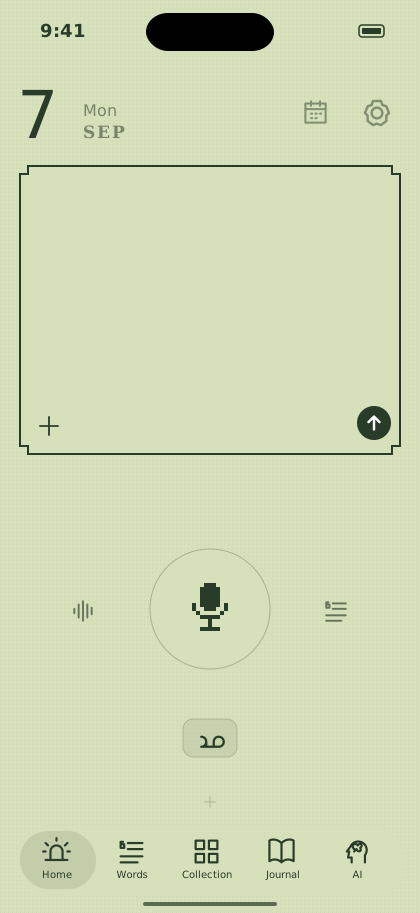
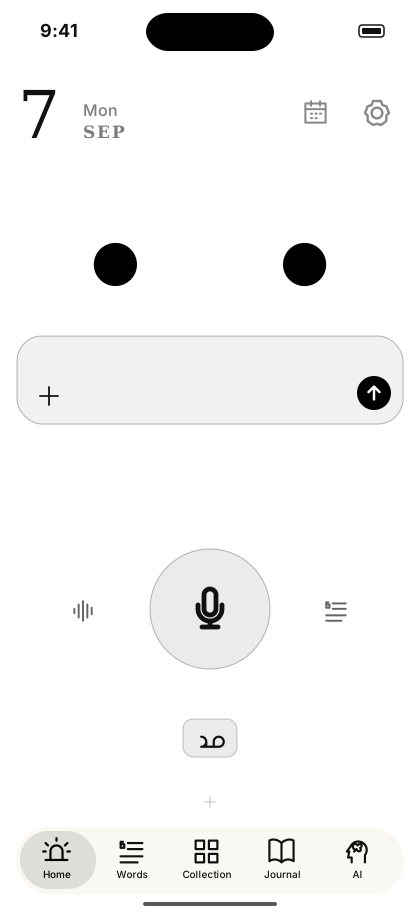
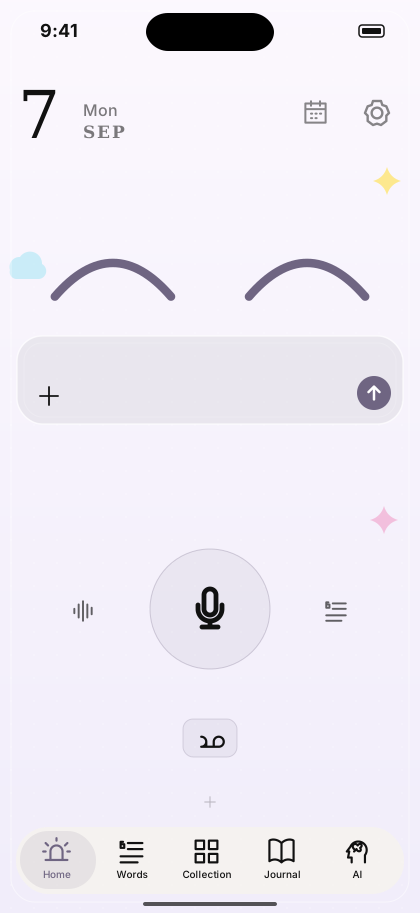
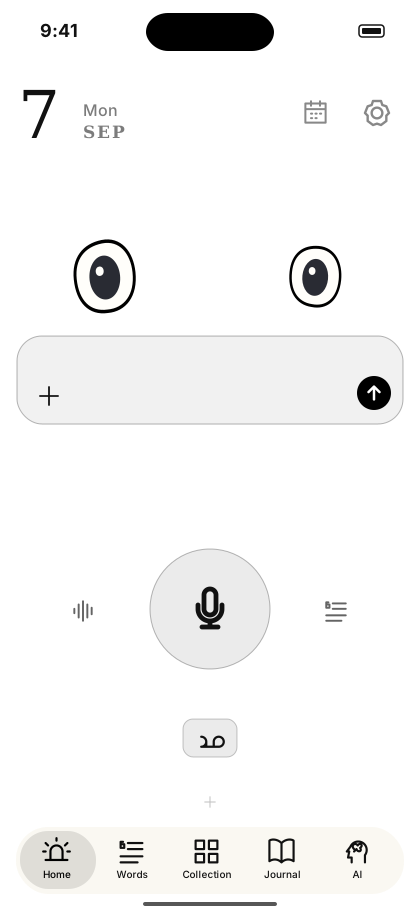
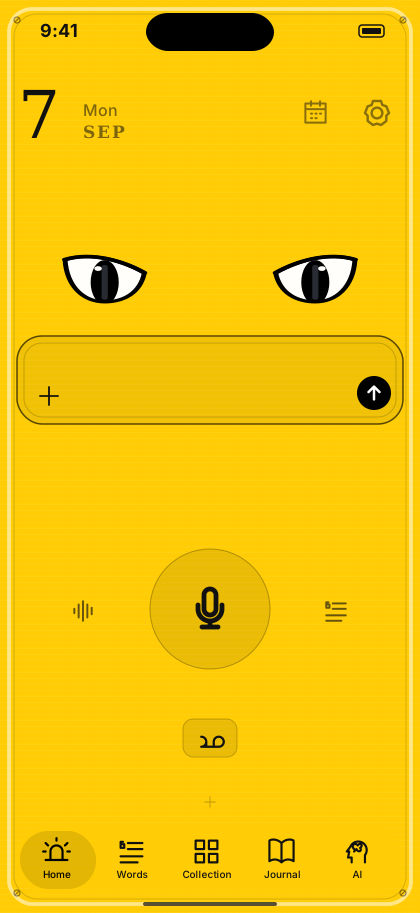
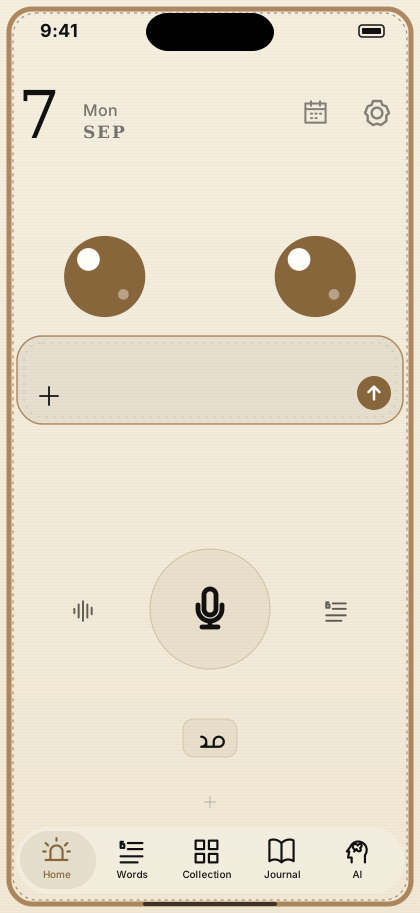
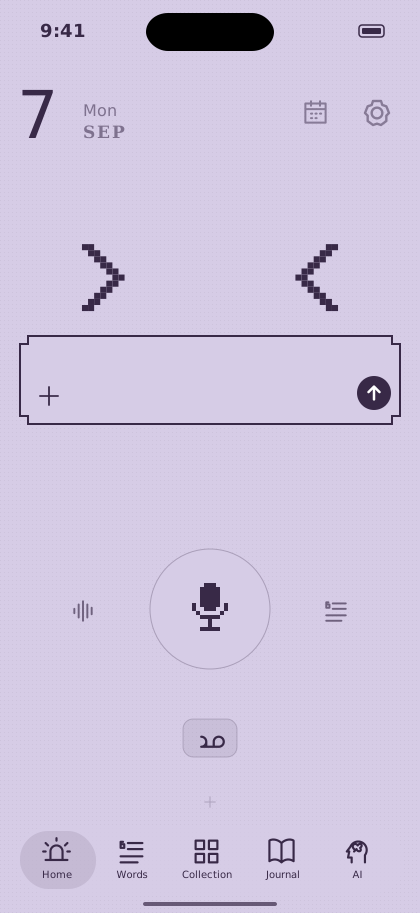
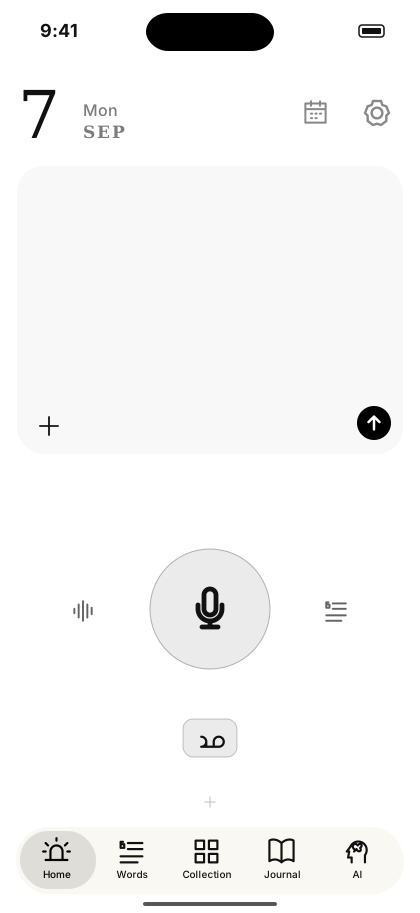
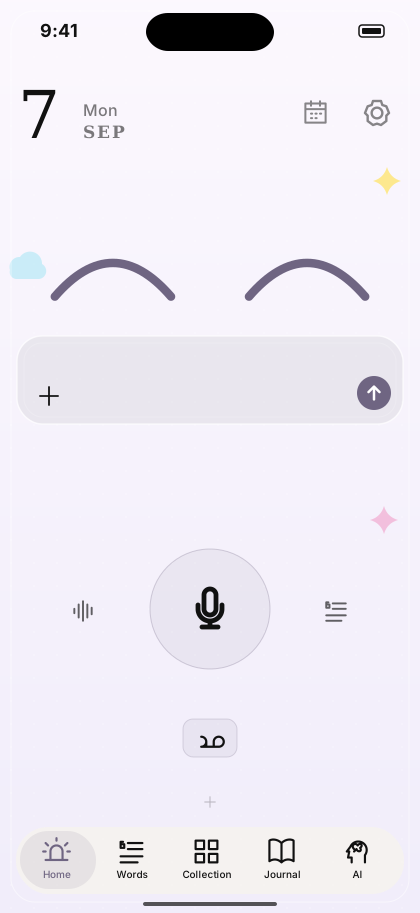
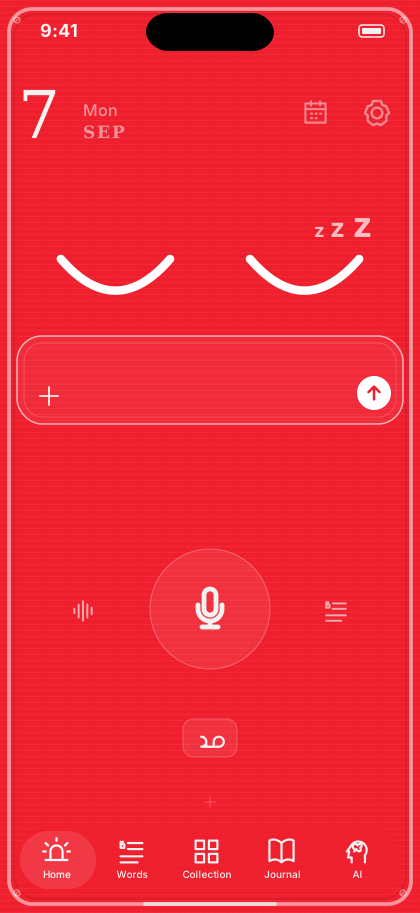
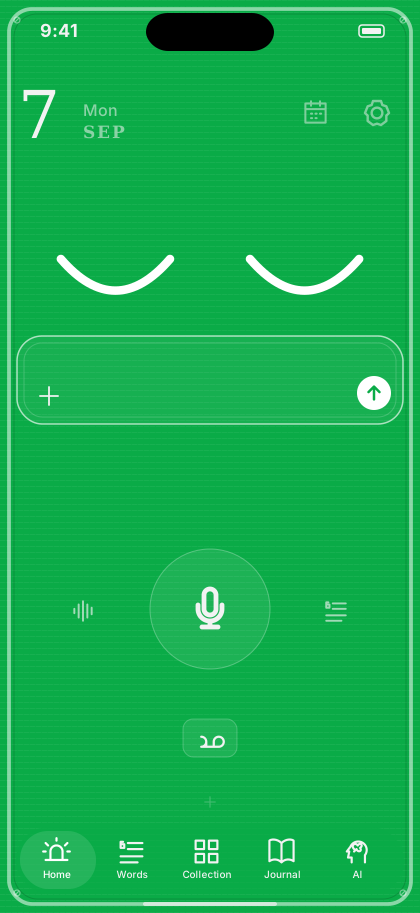
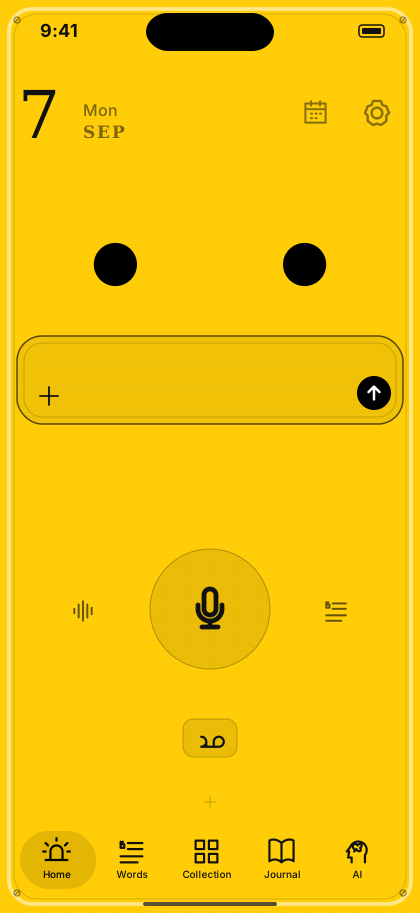
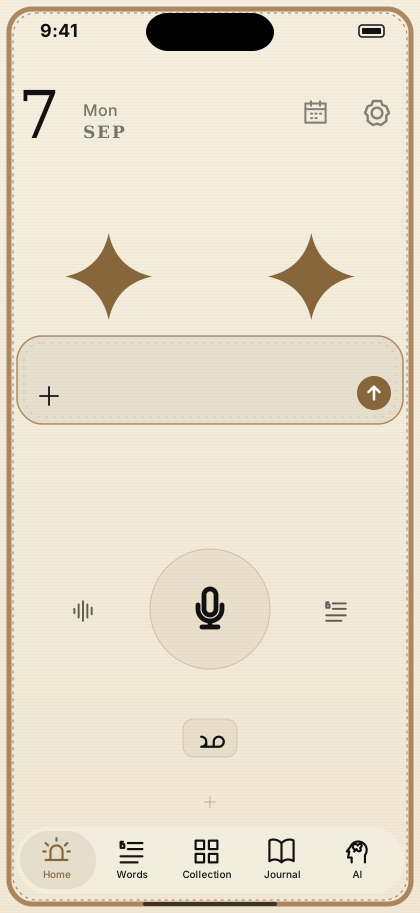
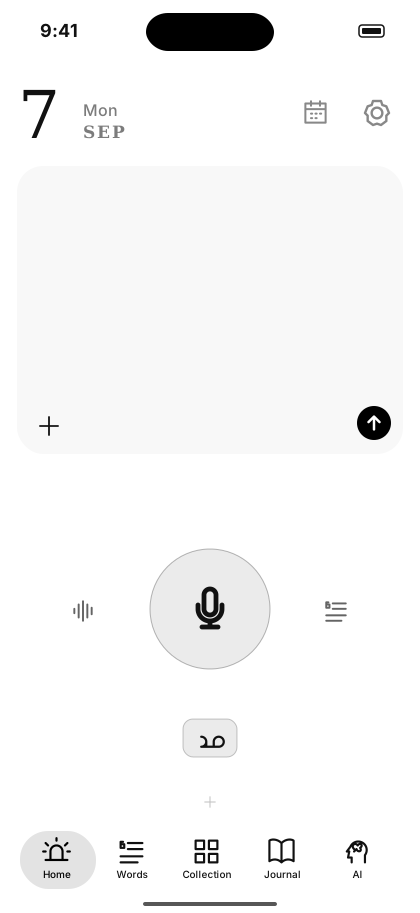
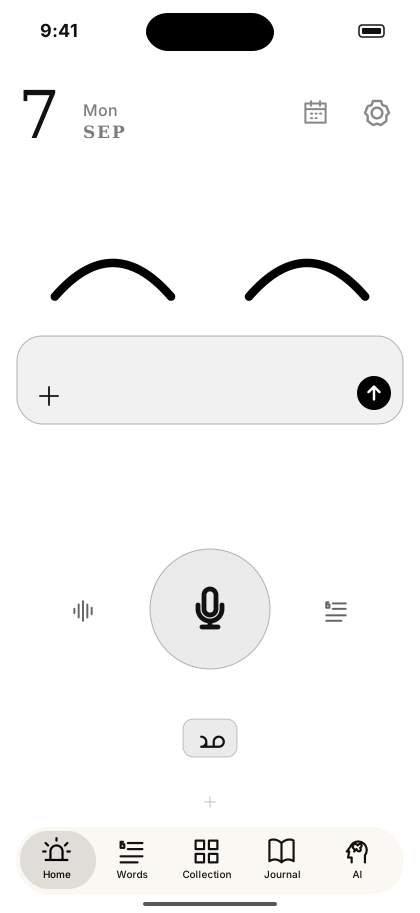
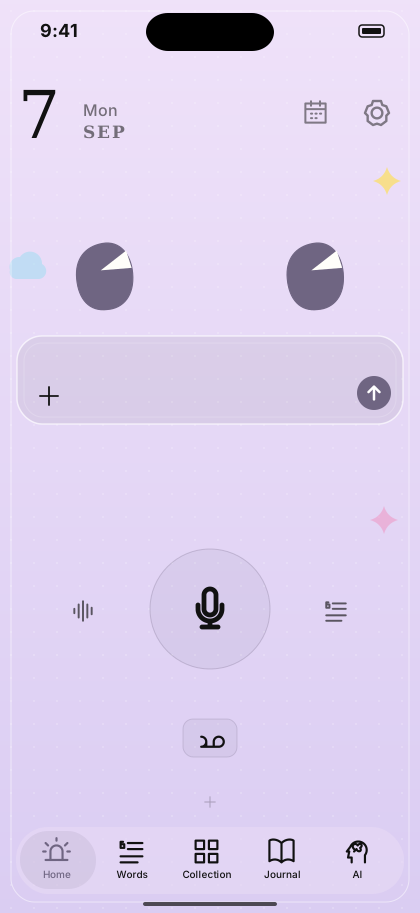
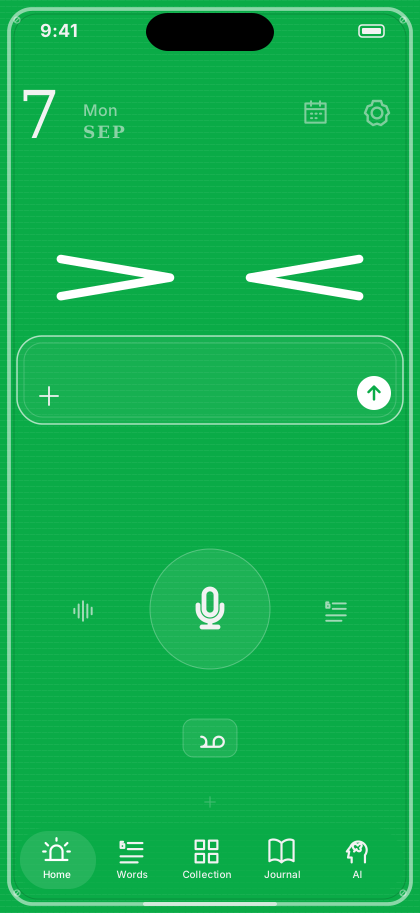
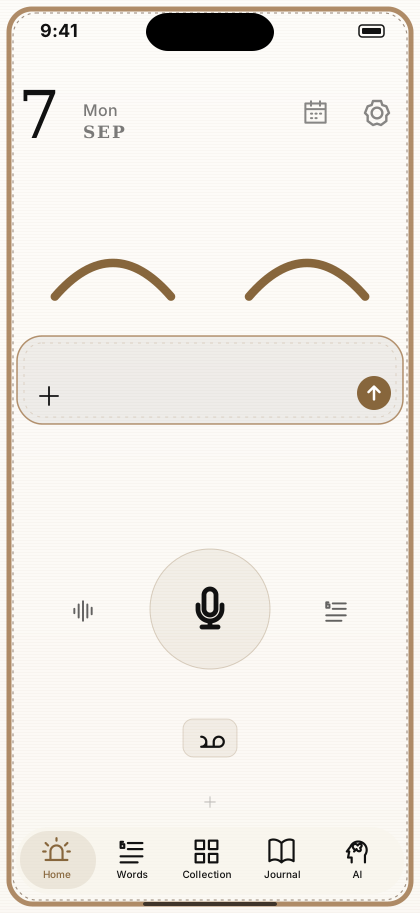
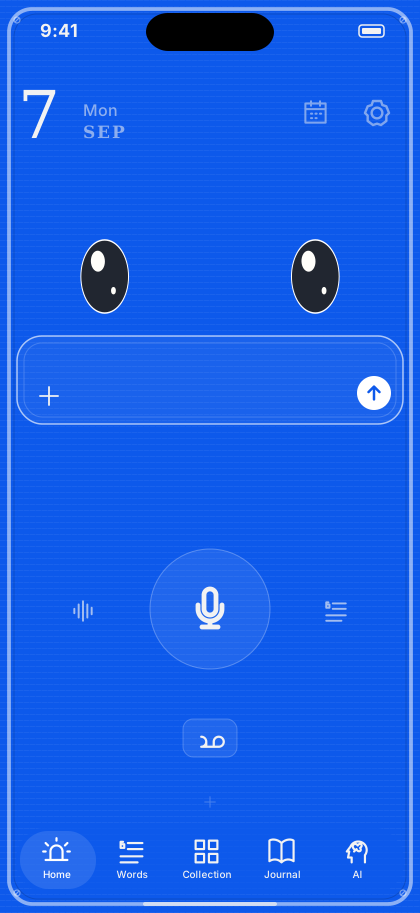
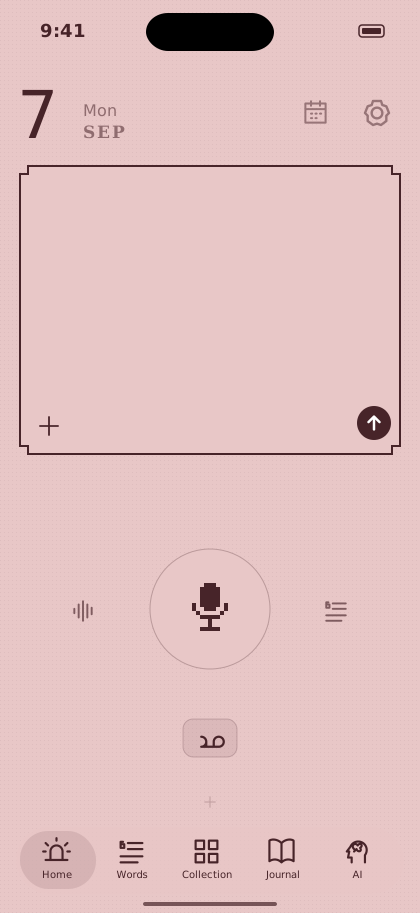
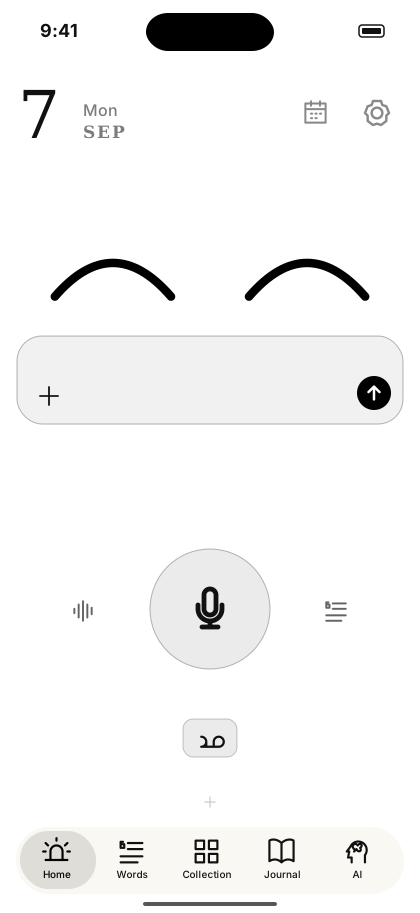
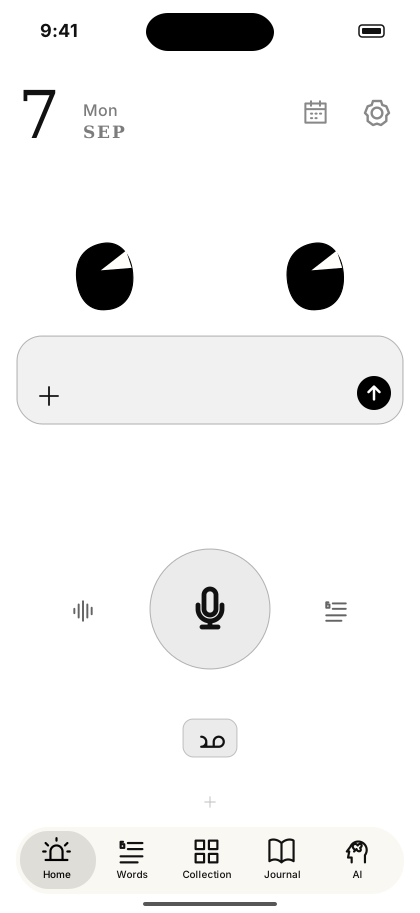
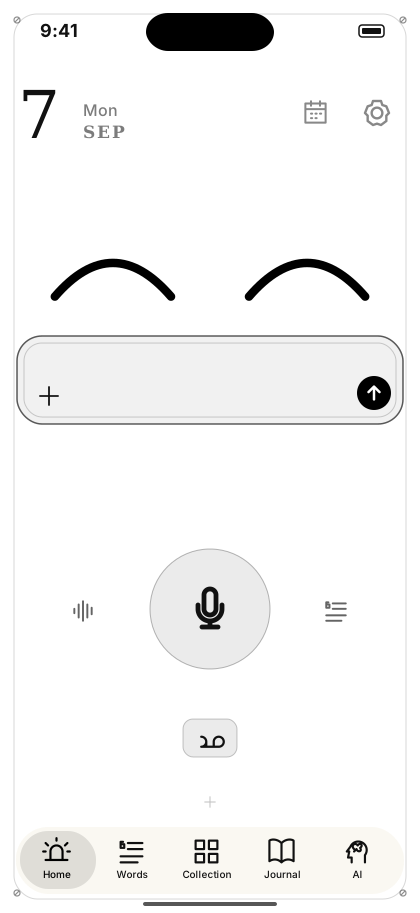
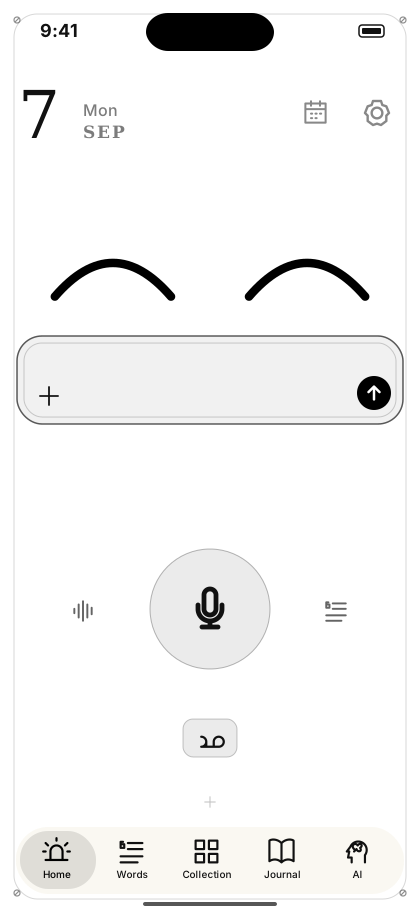
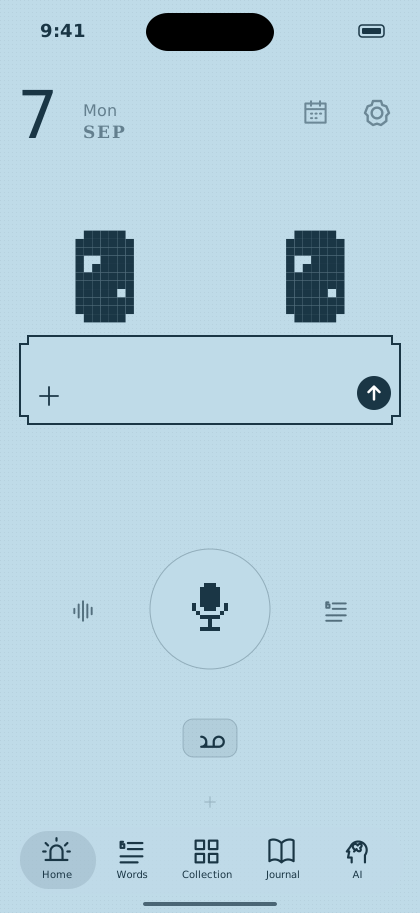
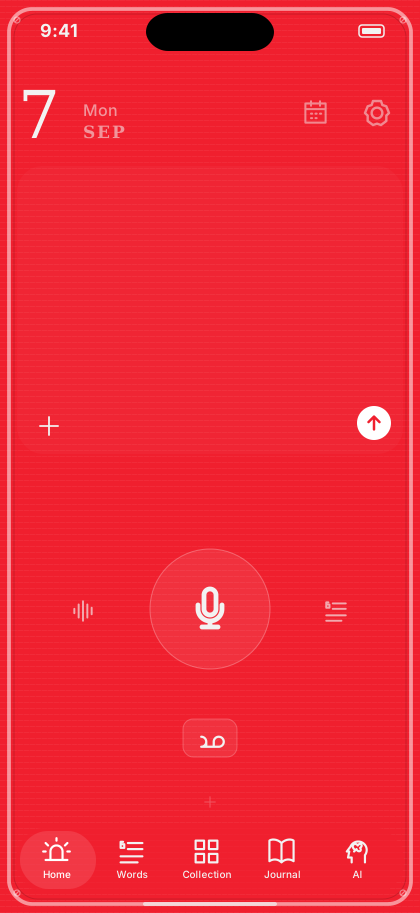
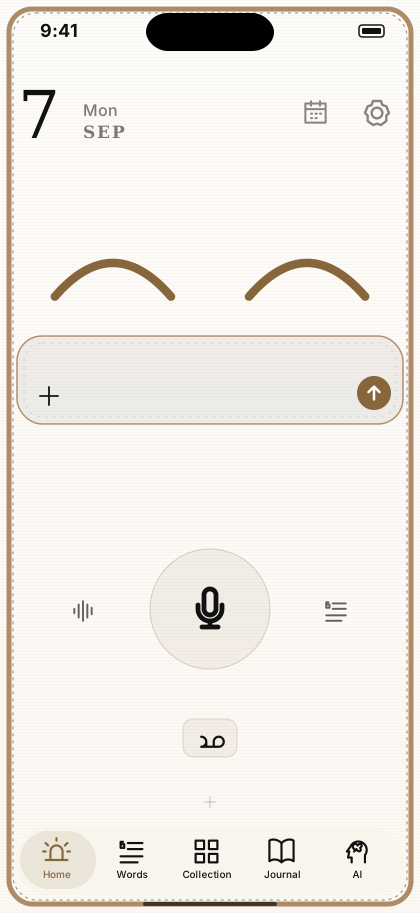
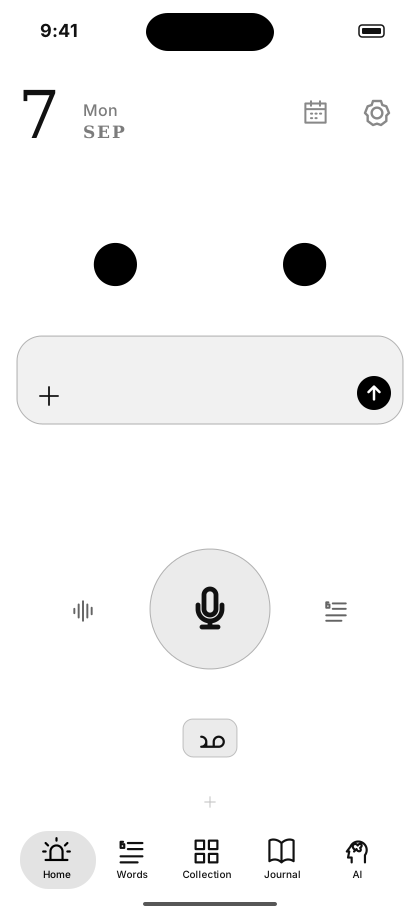
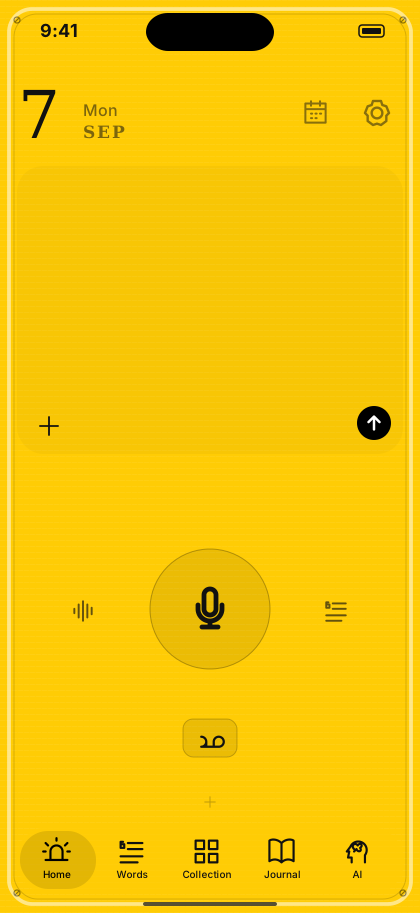
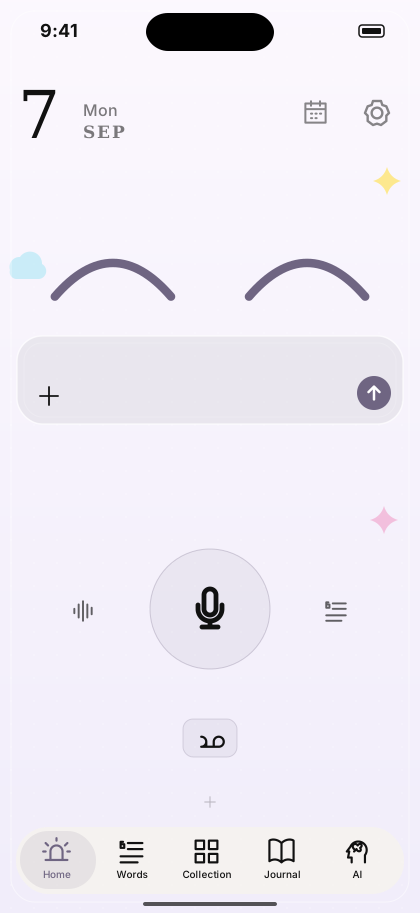
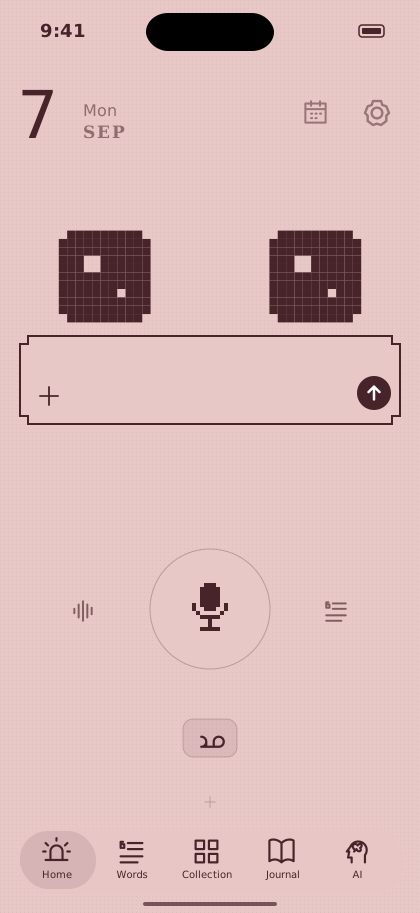
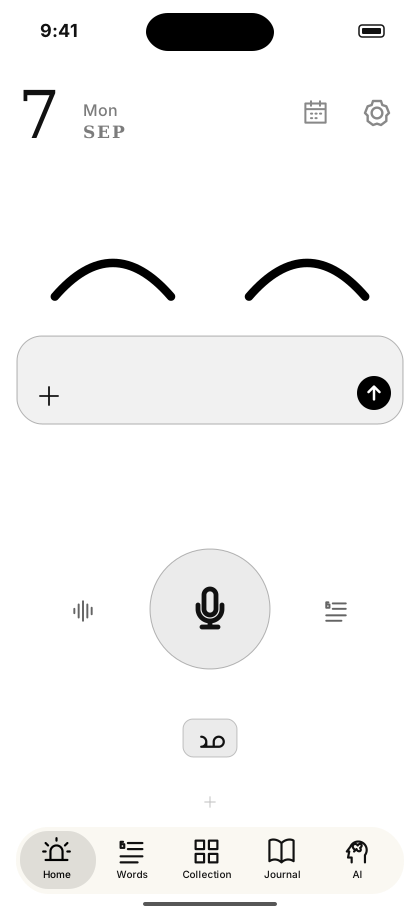
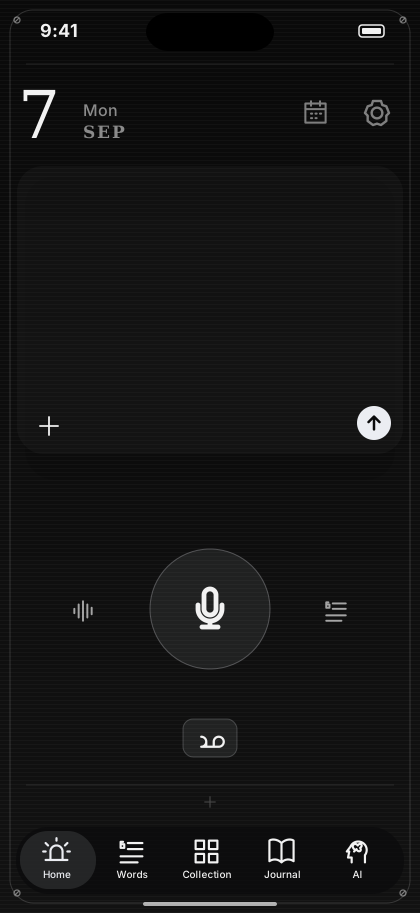
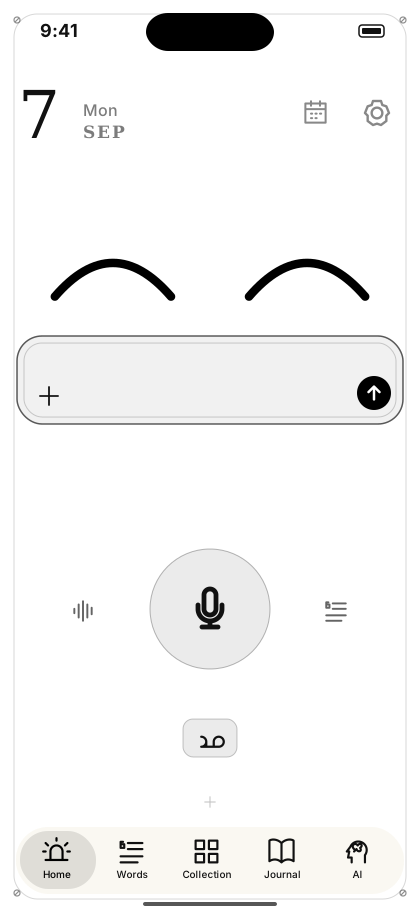
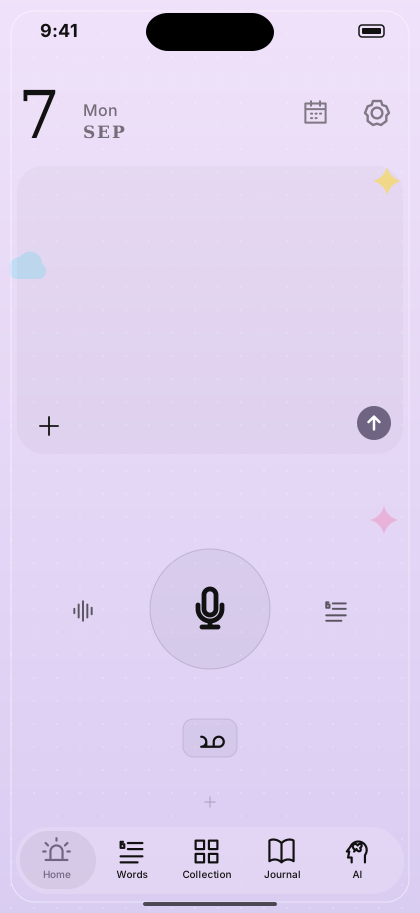
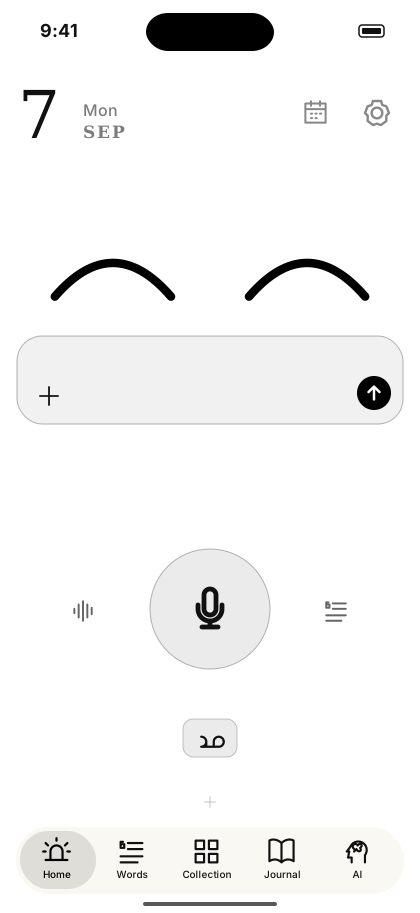
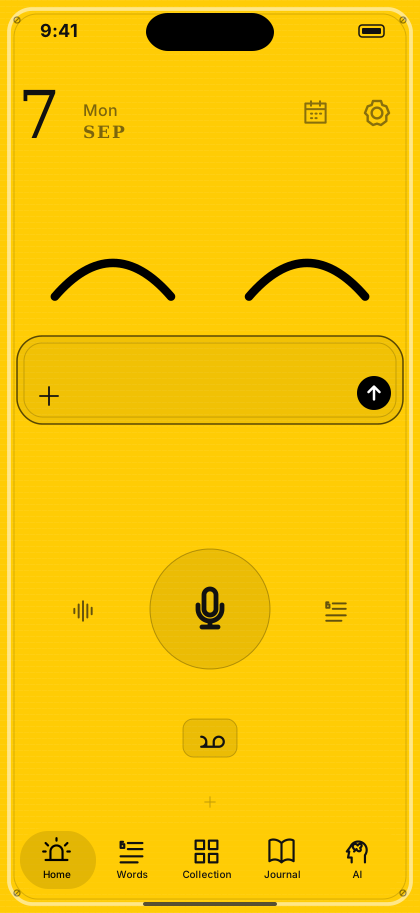
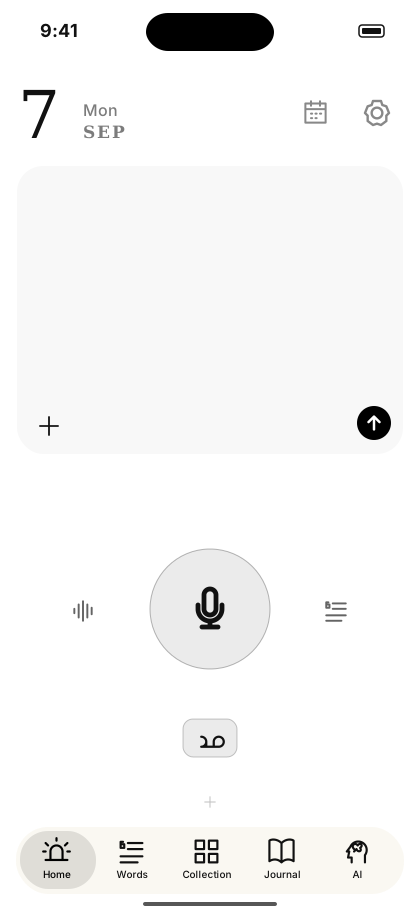
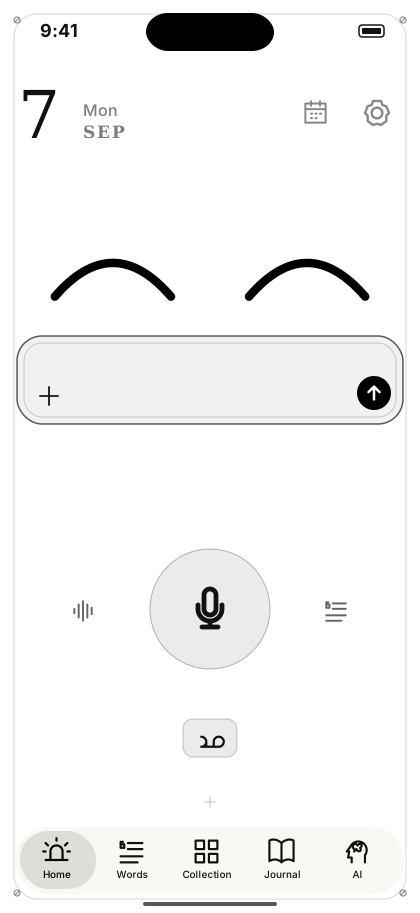
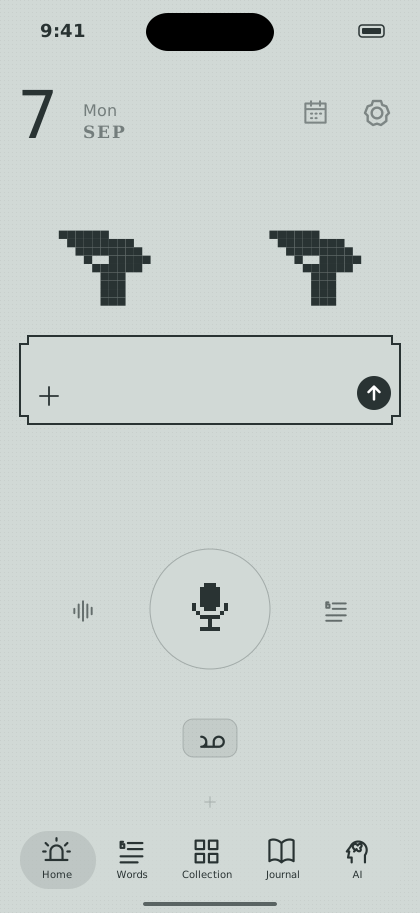
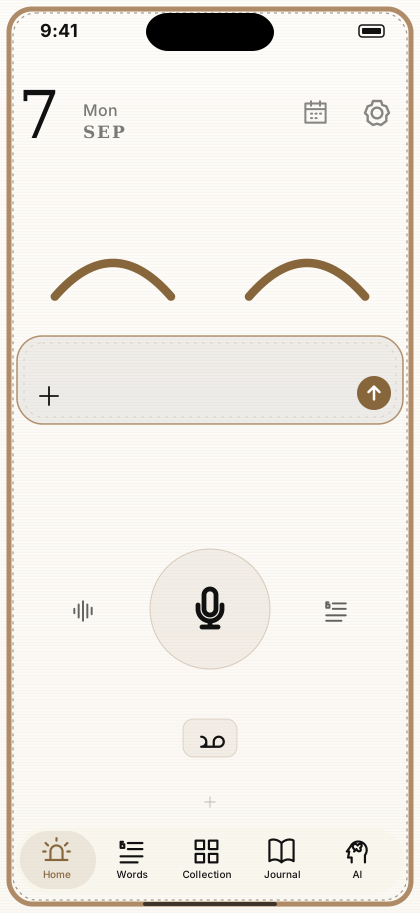
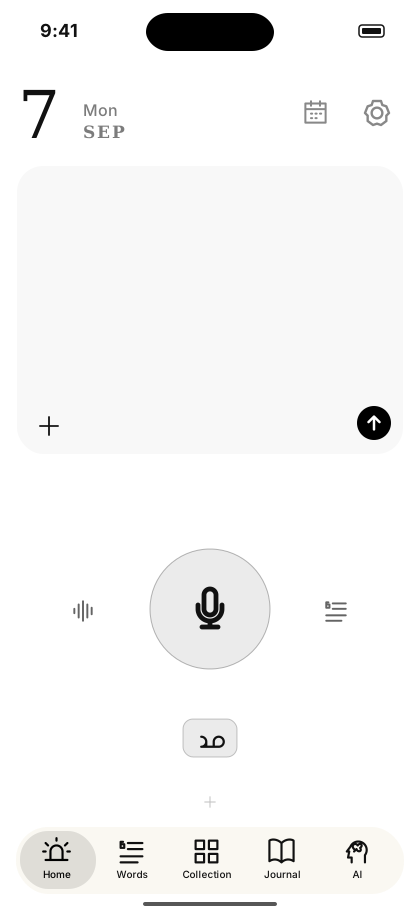
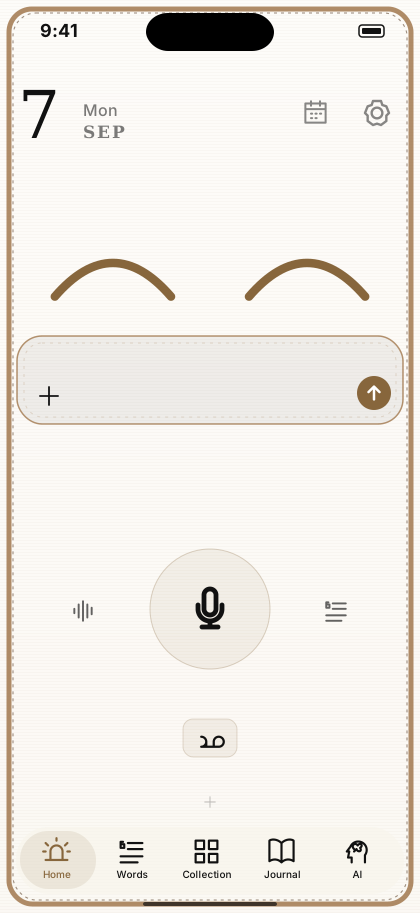
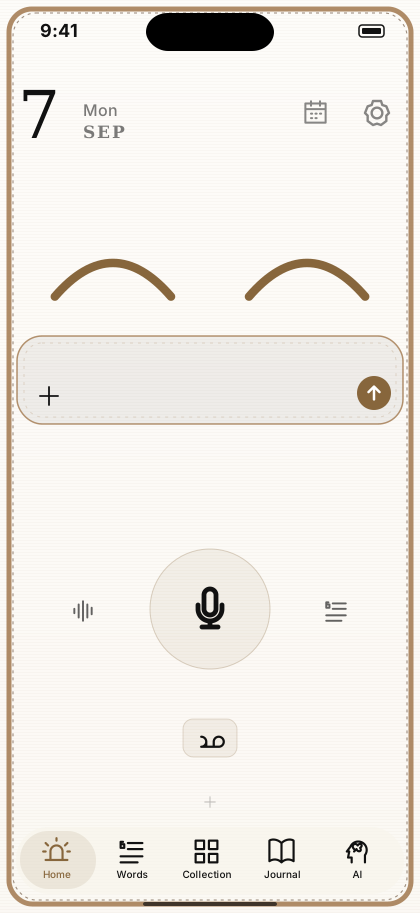
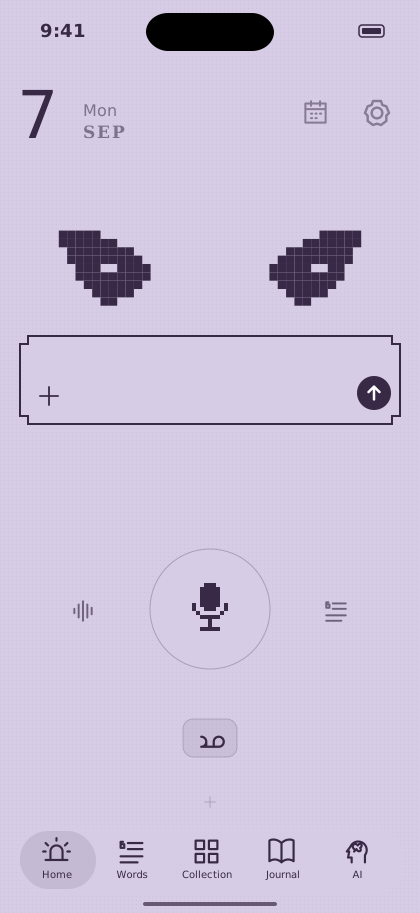
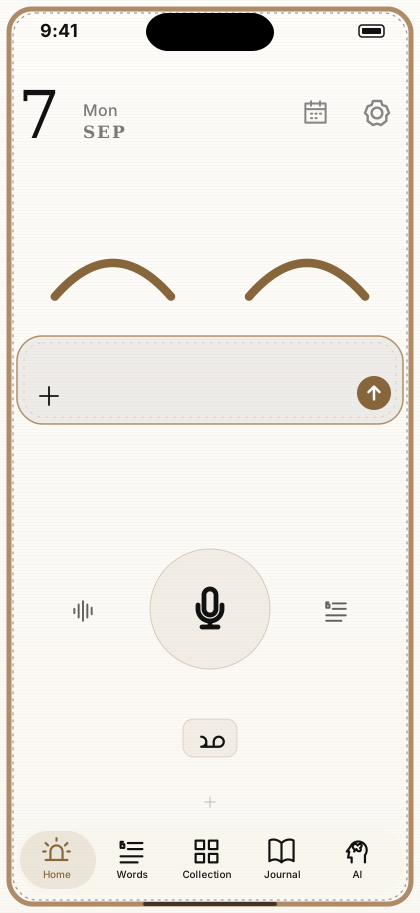
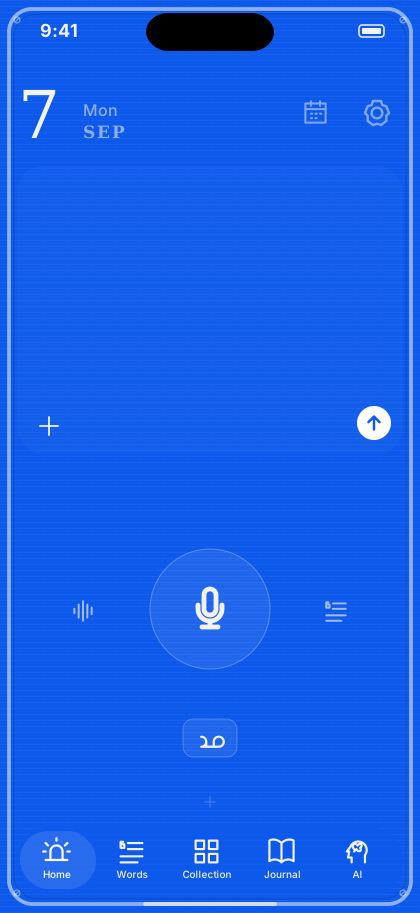
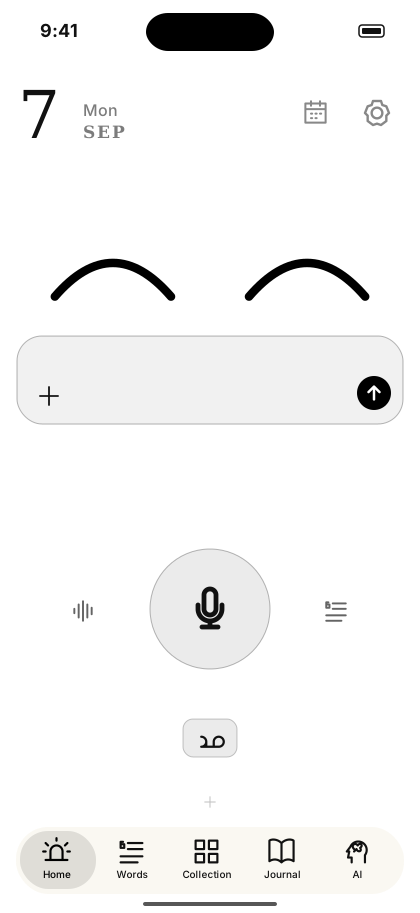
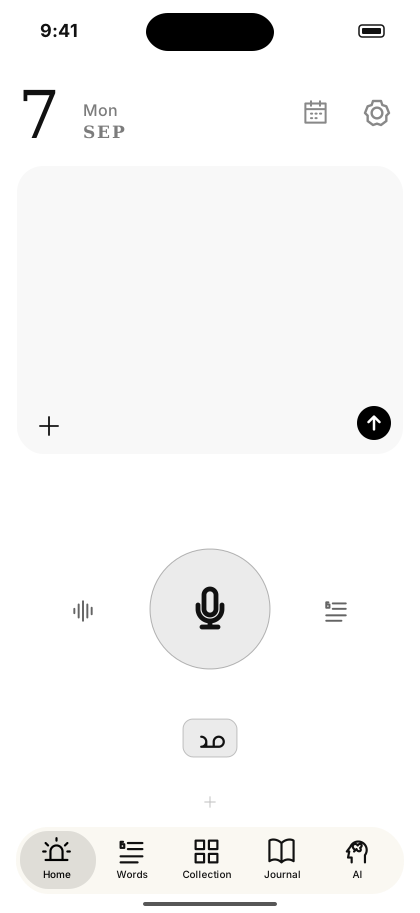
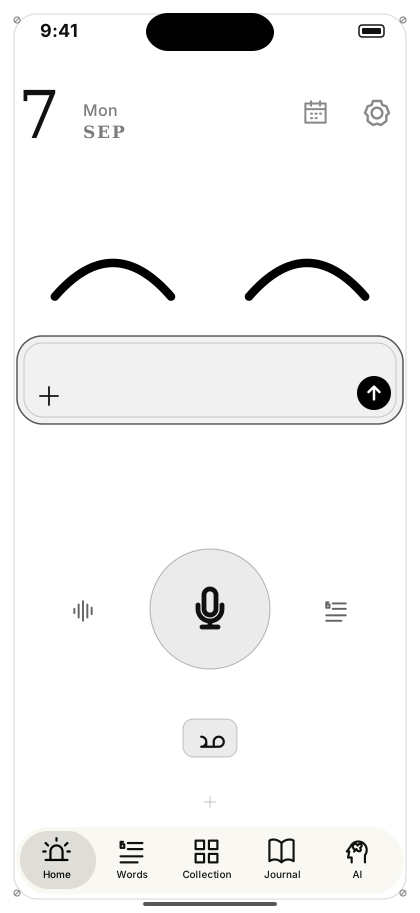
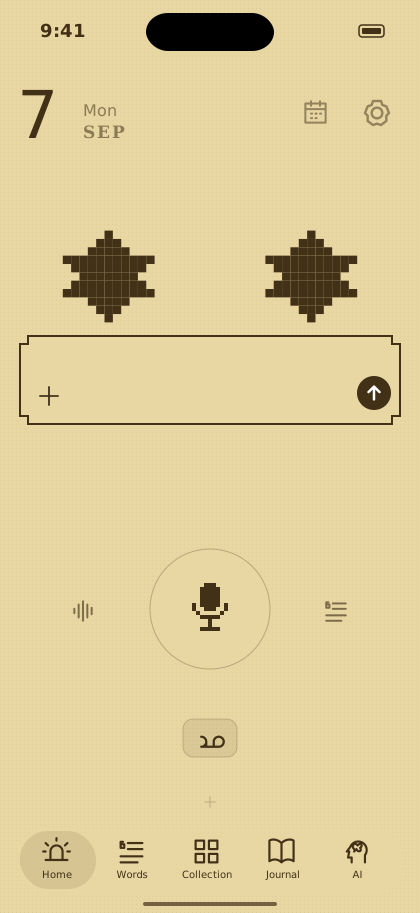
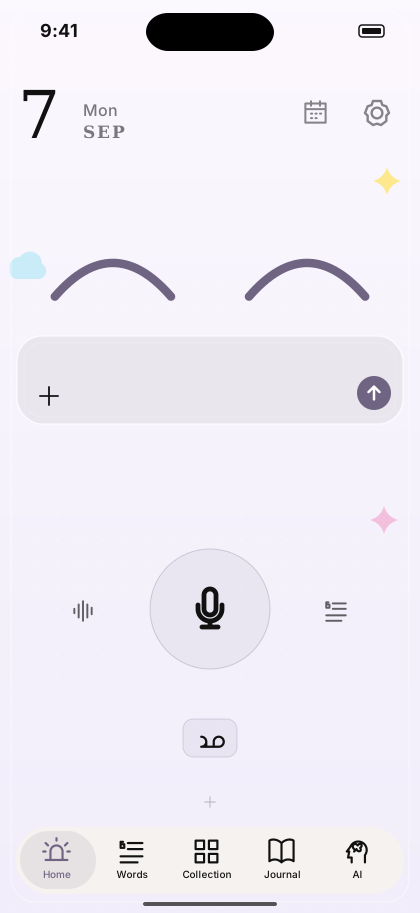
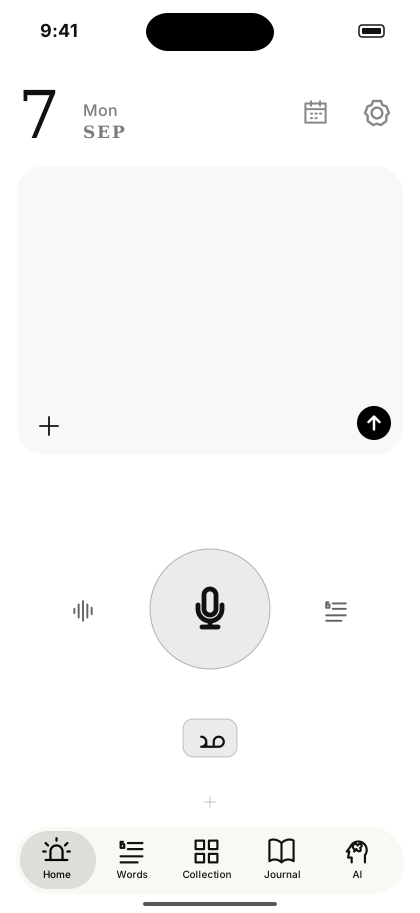
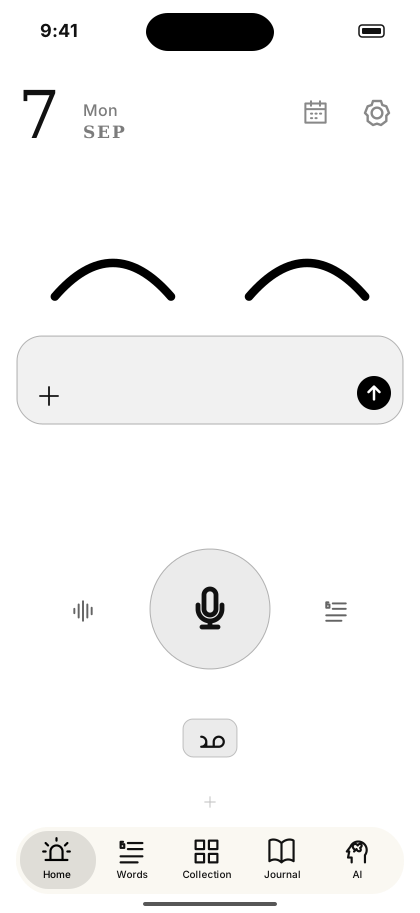
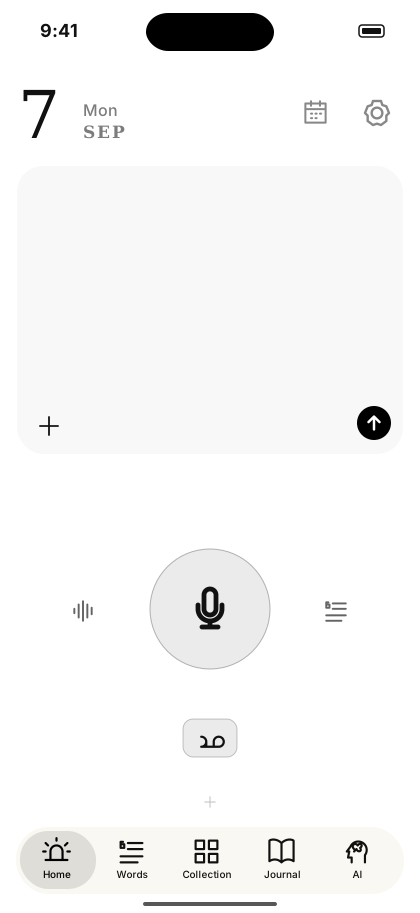
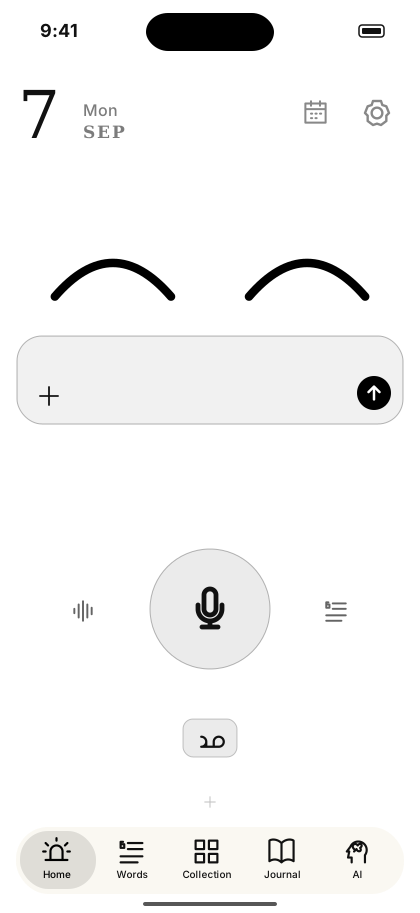
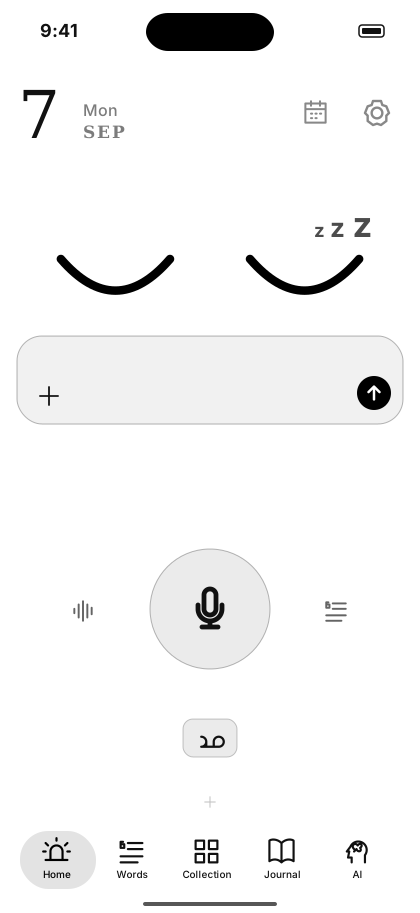
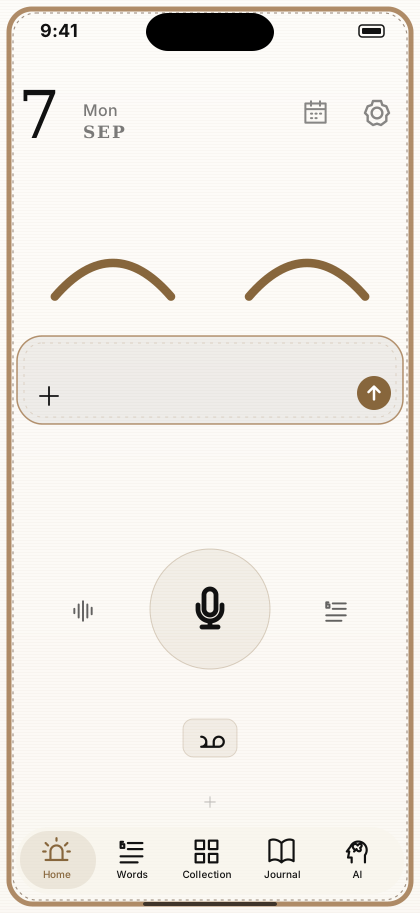
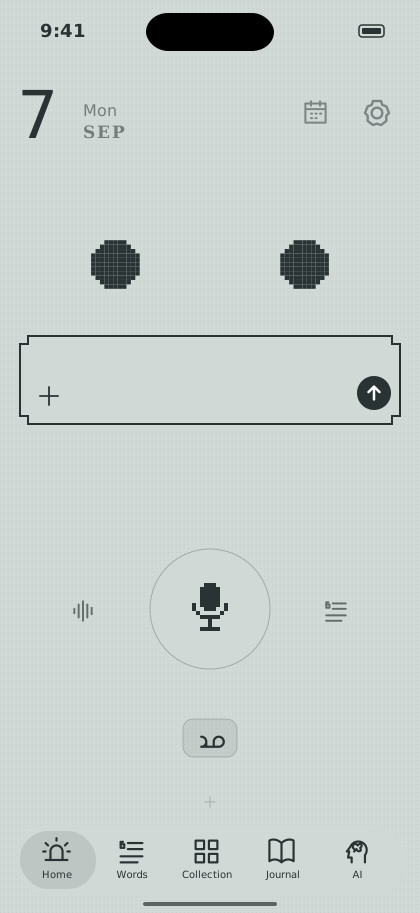
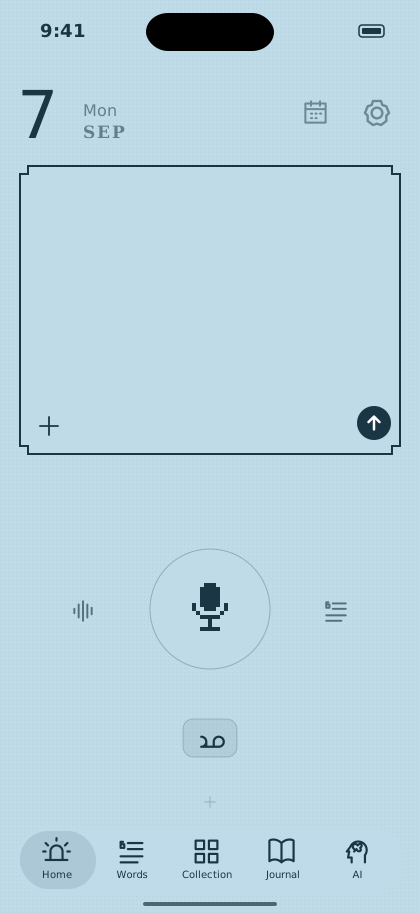
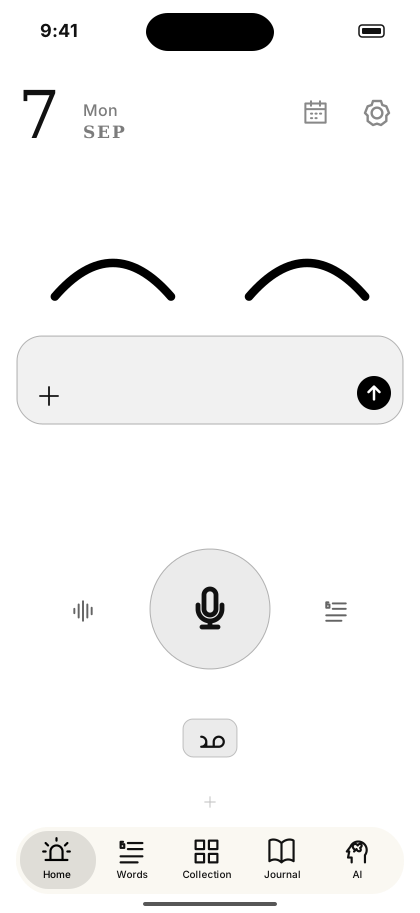
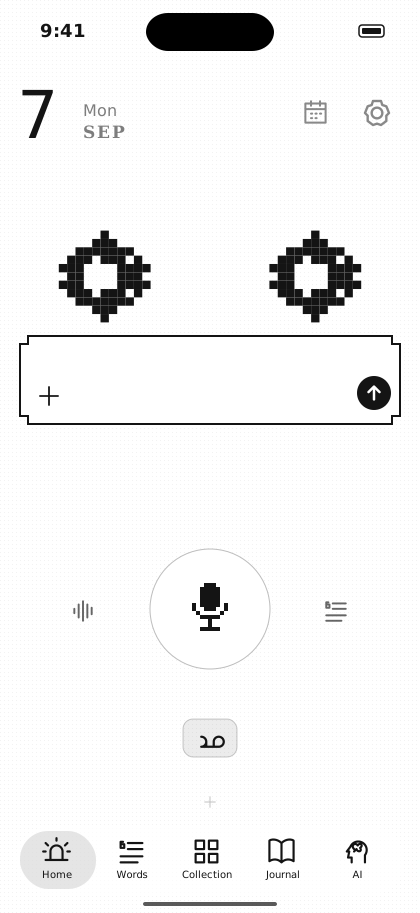
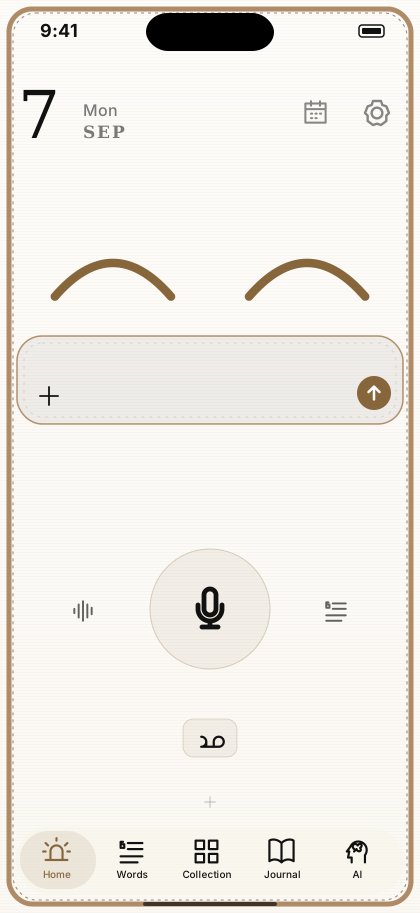
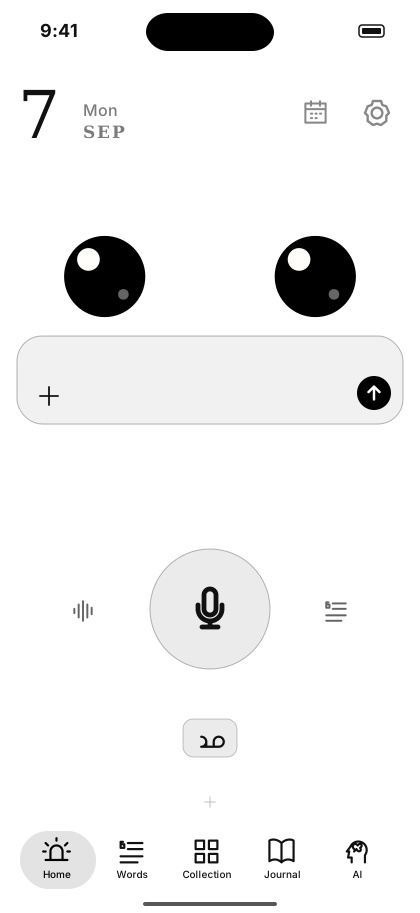
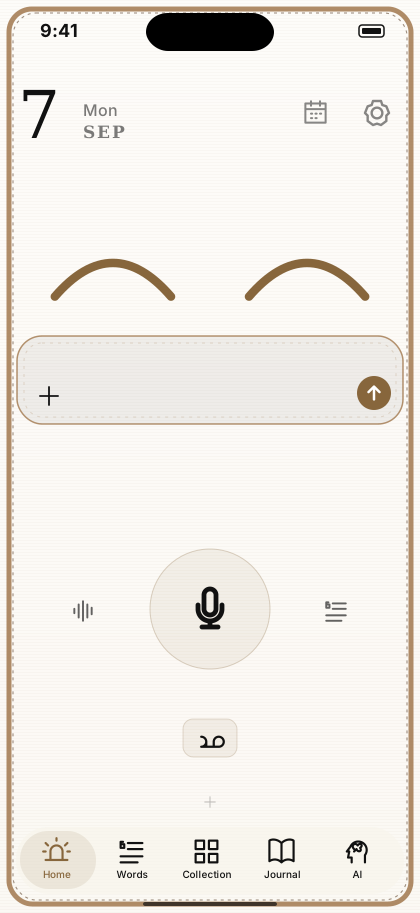
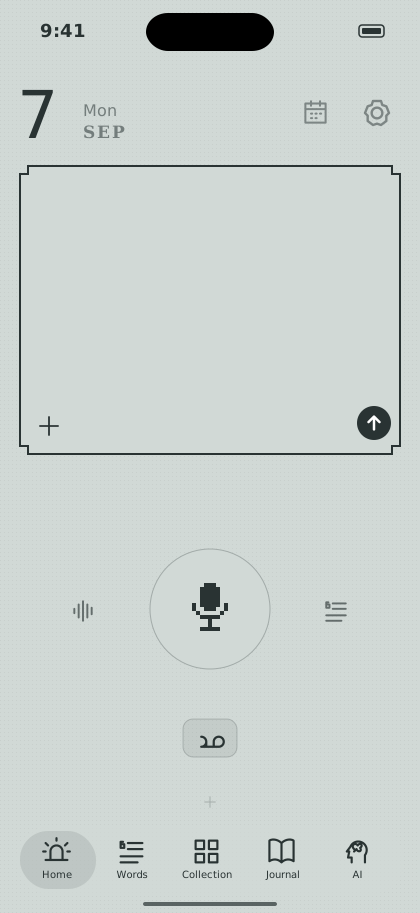
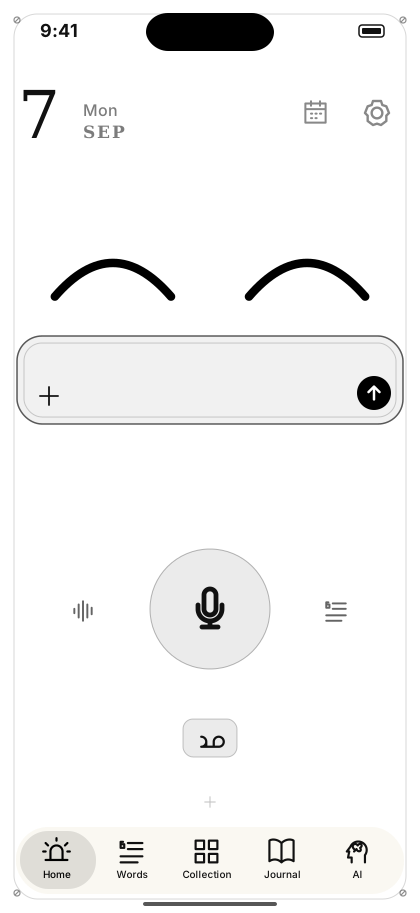
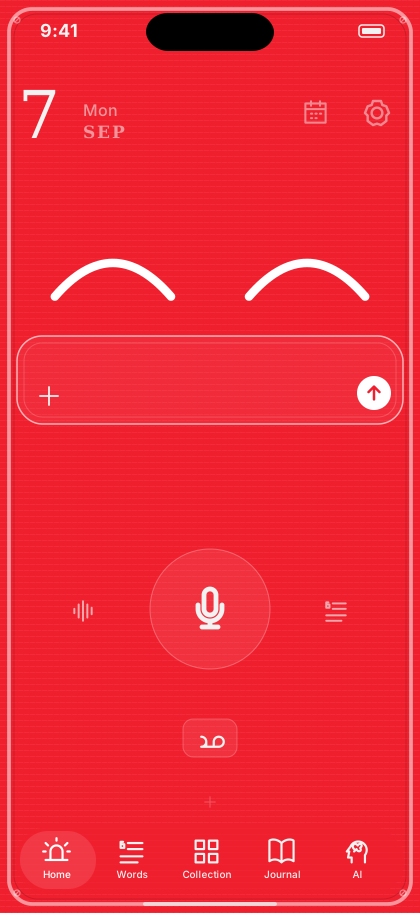
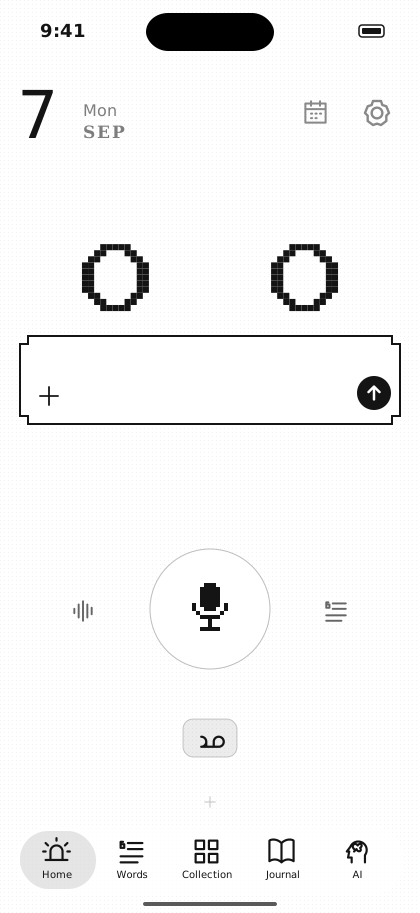
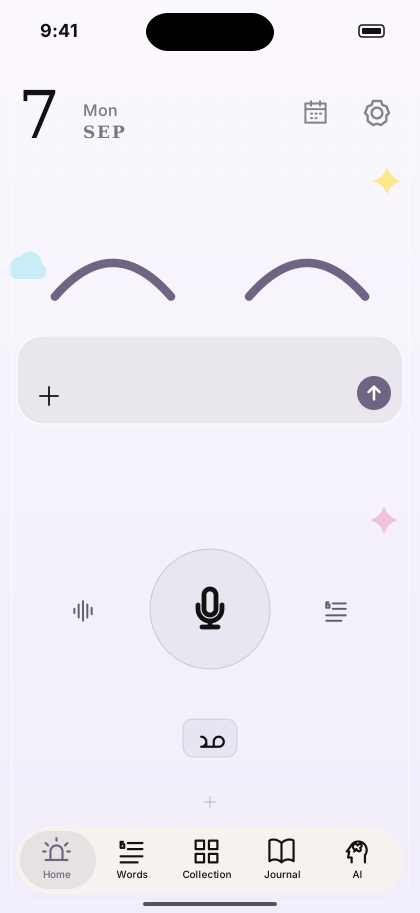
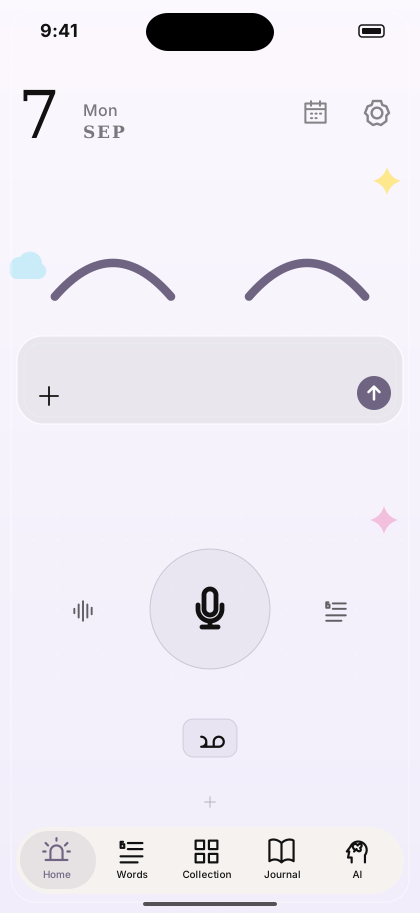
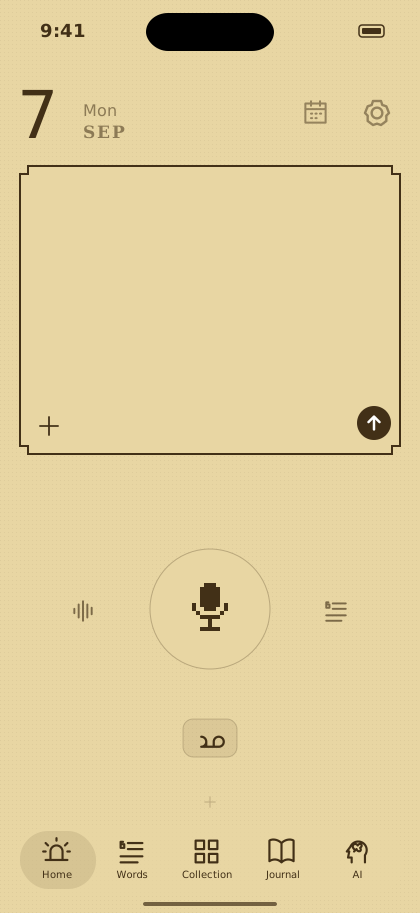
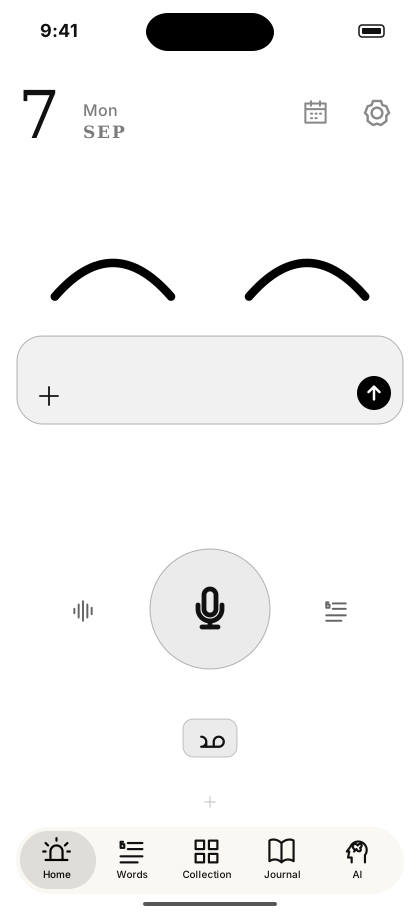
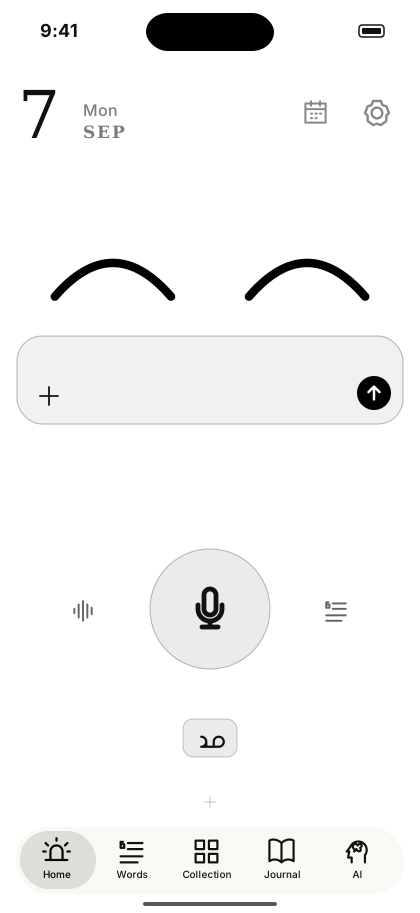
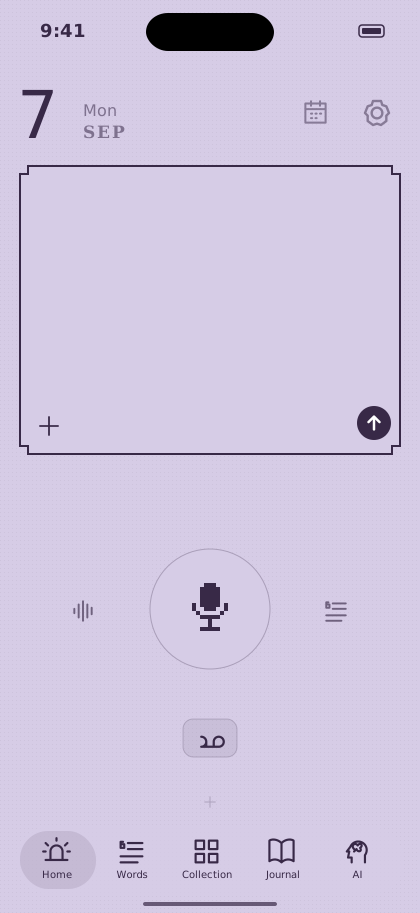
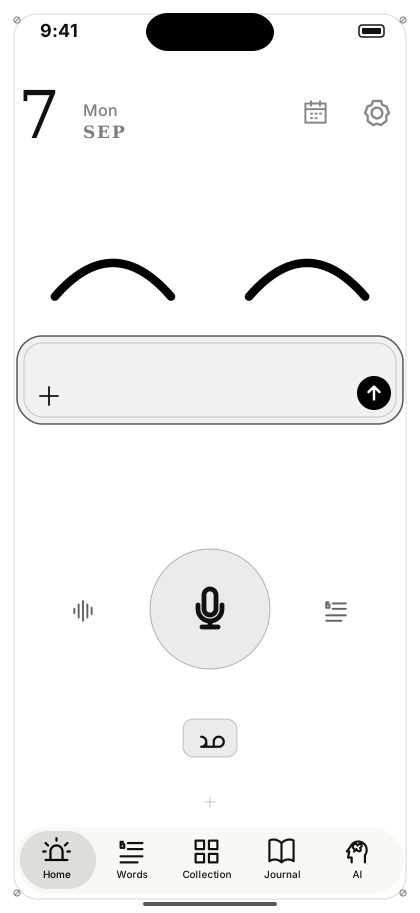
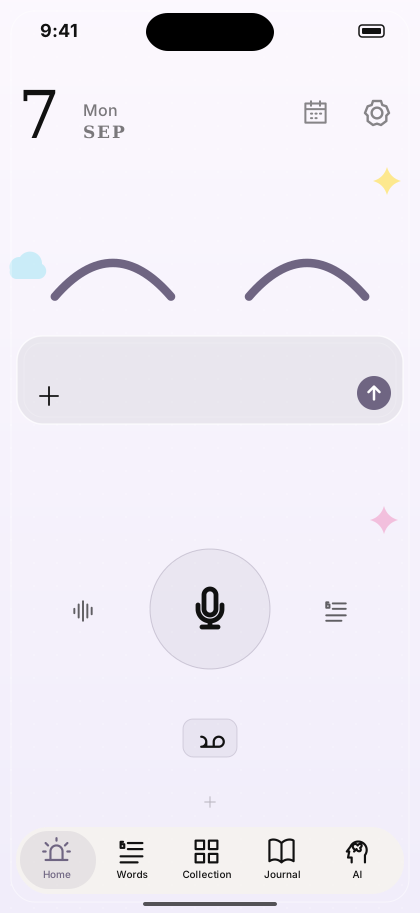
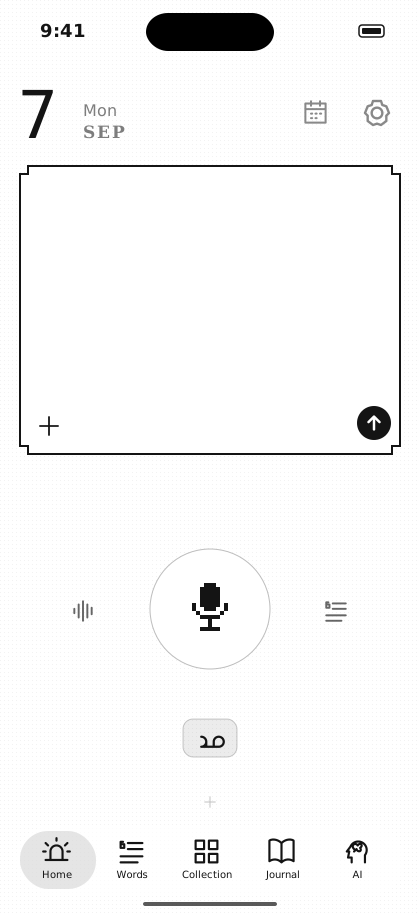
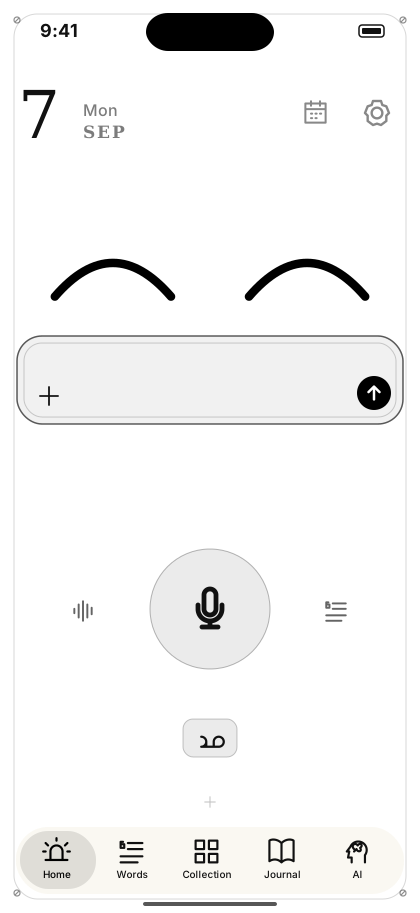
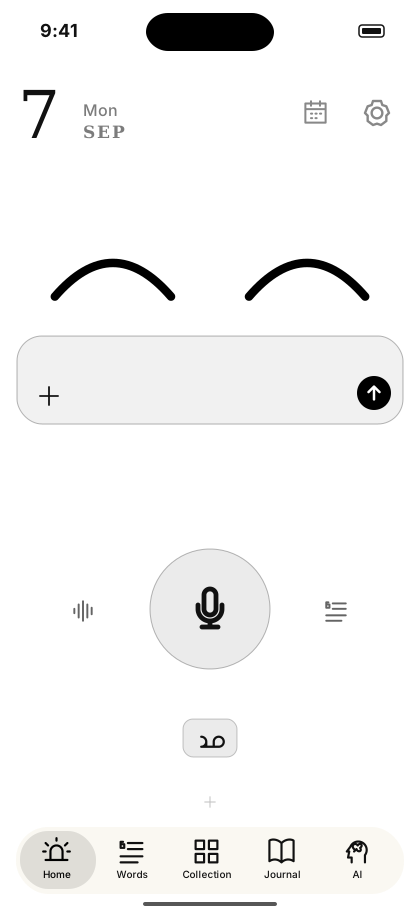
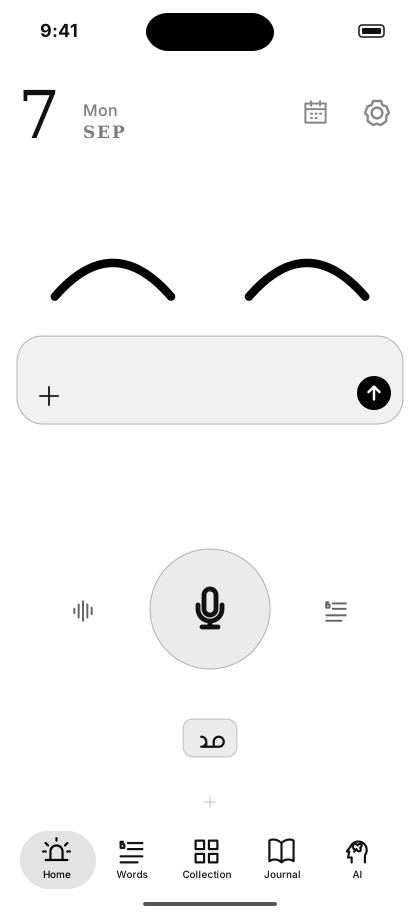
ホーム画面。にっこりした目と入力欄、中央に大きな音声ボタン
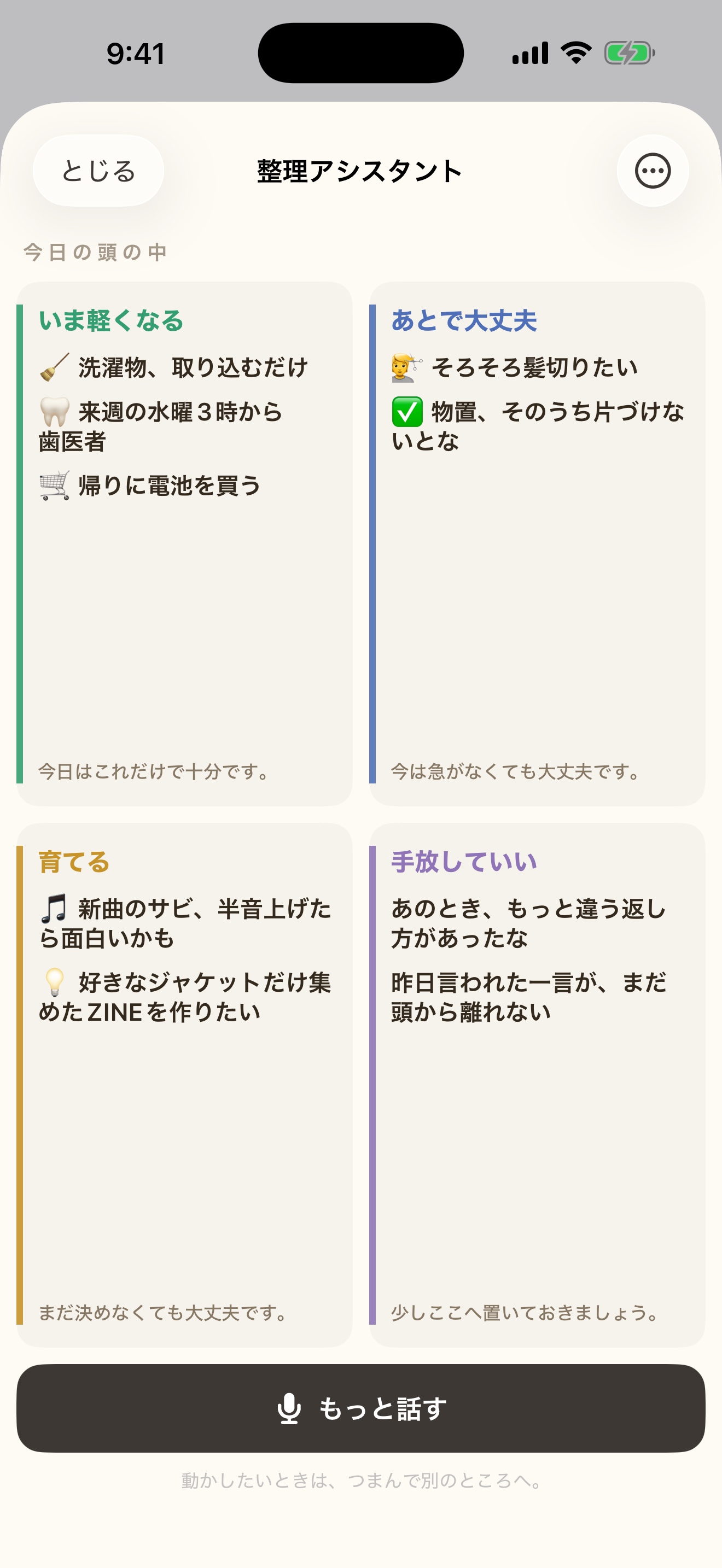
整理アシスタントTidy assistant정리 어시스턴트

今日はこれだけで、十分です。This is enough for today.오늘은 이것만으로, 충분해요.

話した言葉が4つの面へ分かれて置かれていく線画

頭にあることを、ぜんぶ話すだけ。
AIが切り分けて、4象限マトリクスに並べます。
Just say everything on your mind.
AI separates it and lays it out as a four-quadrant matrix.
머릿속에 있는 것을, 전부 말하기만.
AI가 나눠서, 4사분면 매트릭스로 늘어놓아요.

4象限マトリクス(クアドラントチャート)は、ものごとを2つの軸で4つに分けて、一目で全体を見る図です。仕事の優先順位づけでよく使われます。Headlightでは「急ぎかどうか」「いま答えを出せるかどうか」で分けます。分ける作業はAIがやるので、あなたは話すだけです。A four-quadrant matrix splits things along two axes so you can take in the whole picture at a glance — the same shape often used for prioritising work. Headlight splits by how urgent it is and whether you can settle it yet. AI does the splitting; you just talk.4사분면 매트릭스(쿼드런트 차트)는 두 개의 축으로 넷으로 나눠, 전체를 한눈에 보는 그림이에요. 업무 우선순위를 정할 때 자주 쓰여요. Headlight에서는 「급한지 아닌지」「지금 답을 낼 수 있는지」로 나눠요. 나누는 일은 AI가 하니, 당신은 말하기만 하면 돼요.

🌱 いま軽くなるLighter now지금 가벼워지는 것 今日はこれだけで十分です。This is enough for today.오늘은 이것만으로 충분해요.
🌙 あとで大丈夫Later is fine나중에도 괜찮은 것 今は急がなくても大丈夫です。No rush right now.지금은 서두르지 않아도 괜찮아요.
🌿 育てるGrowing키우는 것 まだ決めなくても大丈夫です。You don't have to decide yet.아직 정하지 않아도 괜찮아요.
🍃 手放していいCan let go놓아도 되는 것 少しここへ置いておきましょう。Let's leave it here for a while.잠시 여기에 두어요.

やることを増やすためではなく、減らすためのAIです。急かしません。責めません。できなかった日は、空白のままでいい。This AI is here to shorten the list, not lengthen it. No pushing. No blame. A day you couldn't is just blank.할 일을 늘리기 위해서가 아니라, 줄이기 위한 AI예요. 재촉하지 않아요. 탓하지 않아요. 못 한 날은 비어 있어도 괜찮아요.

言葉のタブWords tab말 탭

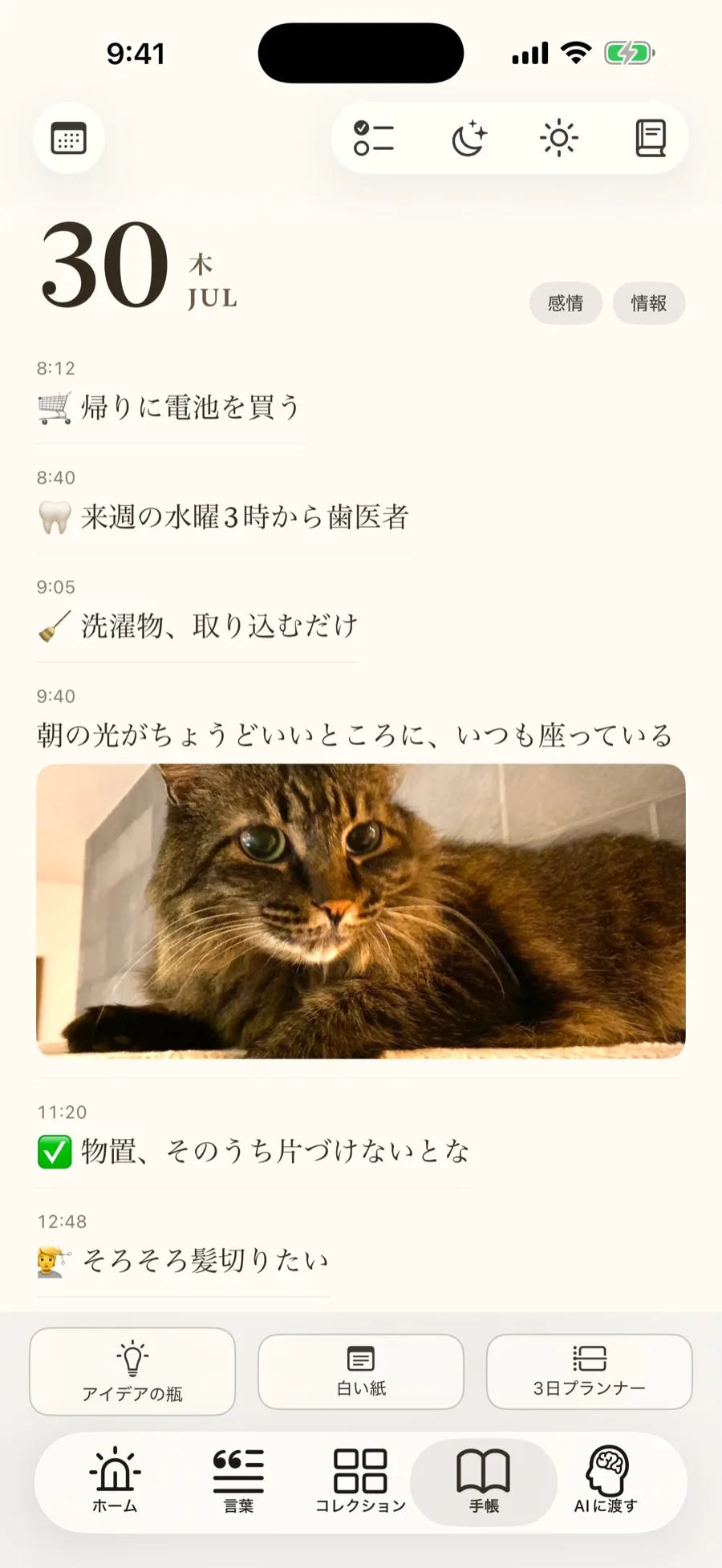
自分だけの、タイムライン。A timeline that is only yours.나만의, 타임라인.

話したことが、時間の順に並びます。
誰にも見られません。いいねも、フォロワーも、通知もありません。
What you said, laid out in order of time.
No one else can see it. No likes, no followers, no notifications.
말한 것이, 시간 순으로 나열돼요.
아무에게도 보이지 않아요. 좋아요도, 팔로워도, 알림도 없어요.

言葉のタブ。話した言葉が白い紙のカードで並ぶ
  • 預けた言葉は、白い紙のカードになって時系列に残る。写真つきの言葉も。Words you drop in become white paper cards, kept in order over time — even ones with a photo attached.맡긴 말은, 흰 종이 카드가 되어 시간순으로 남아요. 사진이 붙은 말도요.
  • 開いた瞬間から聞いている「しゃべり散らかす」モード。話し終えたら、AIが何の話をしていたかを整理して要点を残す。A “ramble” mode starts listening the moment you open it. When you're done, AI works out what you were talking about and keeps the gist.여는 순간부터 듣고 있는 「두서없이 말하기」모드. 말을 마치면, AI가 무슨 이야기를 했는지 정리해서 요점을 남겨요.
  • フォルダで自分の手でも整理できる。キーワードを決めれば、その言葉を含むものが自動で集まる。You can also organize by hand with folders. Set a keyword, and matching words gather there automatically.폴더로 직접 손으로도 정리할 수 있어요. 키워드를 정하면, 그 말이 포함된 것이 자동으로 모여요.
  • 言葉は普段しまわれていて、見たいときだけ開ける。書いたものの山に圧倒されない設計です。間違えて消してもゴミ箱から30日間もどせます。Your words stay tucked away, opened only when you want to look. Designed so a mountain of writing never feels overwhelming. Delete something by mistake, and you have 30 days to bring it back from the trash.말은 평소에는 접혀 있고, 보고 싶을 때만 펼쳐요. 쓴 것이 산더미처럼 쌓여 압도되지 않도록 설계했어요. 실수로 지워도 휴지통에서 30일 동안 되돌릴 수 있어요.
コレクションCollection컬렉션

好きなものだけ、ここに置く。Keep only what you love.좋아하는 것만, 여기에 놓아요.

心に残った音楽も、映画も、ネットの動画も、レコードのように棚へ。Music, films, videos you can't forget — onto the shelf, like records. A Japanese-style way to keep what you love, and let the rest go.마음에 남은 음악도, 영화도, 인터넷 영상도, 레코드처럼 선반으로.

  • リンクを貼るだけで、サムネイルが自動で取れて、カードになって棚に並ぶPaste a link and the thumbnail appears on its own — it becomes a card on your shelf.링크를 붙여넣기만 하면, 썸네일이 자동으로 붙어서, 카드가 되어 선반에 놓여요.
  • カードを上にスワイプすると、リンクへ飛ぶ。曲なら、その場で鳴る。Swipe up on a card to open the link. A song starts playing right there.카드를 위로 스와이프하면, 링크로 이동해요. 곡이라면, 그 자리에서 재생돼요.
  • カードをめくると、裏に感想を書いておける。Flip a card to write your own thoughts on the back.카드를 넘기면, 뒷면에 느낀 점을 적어둘 수 있어요.
  • Apple Musicのアルバムは曲順も並び、下にスワイプするとB面から再生Apple Music albums keep their track order — swipe down to play from Side B.Apple Music 앨범은 곡 순서도 그대로, 아래로 스와이프하면 B면부터 재생돼요.
  • 本はバーコードで登録。音楽はライブラリからまとめて取り込みAdd books by barcode. Bring in music straight from your library.책은 바코드로 등록. 음악은 라이브러리에서 한꺼번에 가져오기.
  • 棚は1枚の画像にして、SNSに貼れる。Turn your shelf into a single image and share it.선반은 이미지 한 장으로 만들어서, SNS에 올릴 수 있어요.

言葉にならない「好き」も、あなたの一部です。Even the 'likes' you can't put into words are part of you.말로 표현되지 않는 「좋아함」도, 당신의 일부예요.

コレクションの棚。自分の名前を付けたボードが並ぶ
アートワークが並んだコレクションのグリッド画面
カレンダーCalendar캘린더

その日の言葉と写真が、
自動で日記になる。
The day's words and photos
become a journal on their own.
그날의 말과 사진이,
저절로 일기가 돼요.

白い紙のカレンダー。記録のある日に印がついている
日をタップして開いた画面。その日の写真と言葉が並ぶ
  • カレンダーの日をタップすると、その日に話した言葉と撮った写真が並ぶ。Tap a day on the calendar, and the words you spoke and the photos you took that day line up.캘린더의 날짜를 탭하면, 그날 말한 것과 찍은 사진이 늘어서요.
  • つまり、使っているだけで日記が勝手に育っていく。書こうと頑張らなくていい。Which means a journal grows on its own, just from using the app. No need to force yourself to write.즉, 쓰기만 해도 일기가 저절로 자라나요. 애써 쓰려고 하지 않아도 돼요.
  • 先の日には予定やメモを書けて、リマインダーも付けられる。Write plans or notes on a future day, and set a reminder for them.앞으로의 날짜에는 일정이나 메모를 적을 수 있고, 알림도 붙일 수 있어요.
  • 「来週水曜3時に歯医者」と話せば、iPhoneのカレンダーへの登録も一度だけ誘ってくれる。勝手には登録しません。あなたの予定を読む権限も持ちません。Say “dentist next Wednesday at 3” and it offers, once, to add it to your iPhone calendar. It never adds anything on its own, and it never reads your existing plans.「다음 주 수요일 3시에 치과」라고 말하면, iPhone 캘린더 등록도 한 번만 물어봐요. 멋대로 등록하지 않아요. 당신의 일정을 읽을 권한도 갖지 않아요.
AIに渡すHand to AIAI로 보내기

ためた言葉を、AIに渡す。Hand your words to AI.모아둔 말을, AI에게.

ChatGPTに悩みを相談したことがあれば、わかるはずです。返ってくるのは、誰にでも当てはまる正論。あなたの今週を知らないのだから、当然です。If you've ever asked ChatGPT for advice, you know the feeling. What comes back is generic — advice that fits anyone. Of course it does. It doesn't know your week.ChatGPT에게 고민을 상담해본 적이 있다면, 아실 거예요. 돌아오는 건 누구에게나 맞는 뻔한 답. 당신의 이번 주를 모르니, 당연하죠.

Headlightには、あなたの今週がもう溜まっています。範囲を選んでまとめてコピーして、いつものAIに貼るだけで──同じ質問の答えが、こう変わります。Headlight already has your week saved up. Pick a range, copy it all at once, and paste it into whatever AI you already use — and the same question gets a very different answer.Headlight에는, 당신의 이번 주가 이미 쌓여 있어요. 범위를 골라 한꺼번에 복사해서, 평소 쓰는 AI에 붙여넣기만 하면──같은 질문의 답이, 이렇게 달라져요.

そのまま聞くとAsk it plain그냥 물어보면

「何から手をつければいい?」“Where should I even start?”「뭐부터 시작하면 좋을까요?」

「まずはタスクをすべて書き出し、重要度と緊急度で分類して、優先順位をつけましょう。」“First, write down every task, then sort by importance and urgency, and set your priorities.”「먼저 할 일을 모두 적고, 중요도와 긴급도로 분류해서, 우선순위를 정해보세요.」

…どこかで聞いた答え。…an answer you've heard before.…어디선가 들어본 답.
言葉を貼ってから聞くとAsk it after pasting your words말을 붙여넣고 물어보면

「何から手をつければいい?」“Where should I even start?”「뭐부터 시작하면 좋을까요?」

「歯医者は水曜だから今日は動かなくていい。電池はその帰りに。いちばん気になっているのは新曲のサビでしょう?今日はそこから始めよう。」“The dentist is Wednesday, so you don't need to move on that today. Grab batteries on the way back. The thing really on your mind is that new song's chorus, isn't it? Start there today.”「치과는 수요일이니까 오늘은 움직이지 않아도 돼요. 배터리는 그날 돌아오는 길에. 제일 신경 쓰이는 건 새 곡 후렴구죠? 오늘은 거기서부터 시작해봐요.」

あなたの答え。Your answer.당신의 답.
  • 渡す前に、渡すものが全部見える。範囲はフォルダやキーワードで絞れる。Before you hand anything over, you can see exactly what's being sent. Narrow the range by folder or keyword.보내기 전에, 보낼 내용이 전부 보여요. 범위는 폴더나 키워드로 좁힐 수 있어요.
  • 「自分」ページに置いた目標や傾向も、一緒に渡る。Goals and tendencies you've saved on the “You” page go along too.「나에 대해」 페이지에 둔 목표나 경향도, 함께 전달돼요.
  • ChatGPT・Gemini・Claude — ふだん使っているAIにそのまま貼るだけ。新しいAIを覚えなくていい。ChatGPT, Gemini, Claude — paste it into whichever AI you already use. No new AI to learn.ChatGPT・Gemini・Claude — 평소 쓰는 AI에 그대로 붙여넣기만 하면 돼요. 새 AI를 익힐 필요 없어요.
  • 返ってきた答えは「持ち帰る」で、自分の記録に仕分けて保存。Bring the answer back in, and it's sorted and saved into your own records.돌아온 답은 「가져오기」로, 나의 기록에 분류해서 저장해요.
AIに渡す画面。切手の貼られた封筒に、渡す言葉が入っている
道具Tools도구

Headlightには、
こんな道具があります。
These are the tools
inside Headlight.
Headlight에는,
이런 도구가 있어요.

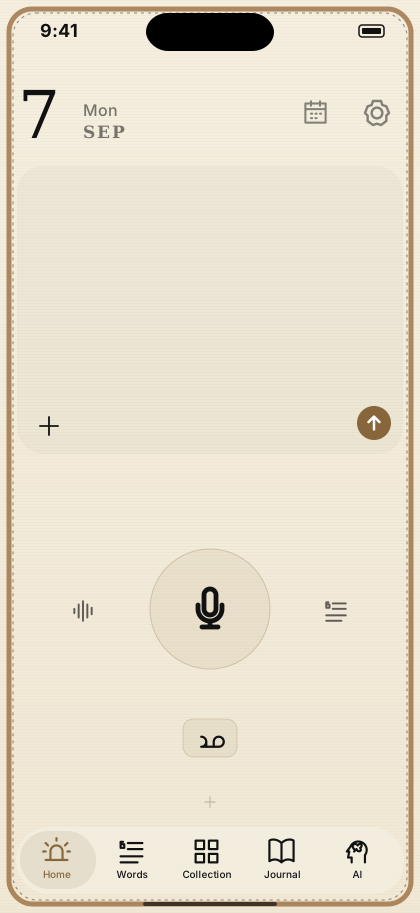
画面の下、タブのすぐ上が道具置き場です。
並べる道具は、あなたが選びます。
Just above the tab bar is your tool shelf.
You choose what sits there.
화면 아래, 탭 바로 위가 도구 자리예요.
놓을 도구는 당신이 고릅니다.

🧠 頭を軽くするLighten your head머리를 가볍게

  • 整理アシスタントTidy assistant정리 어시스턴트話した内容をAIが切り分けて、4つに振り分けるAI splits what you said into four groups말한 내용을 AI가 나눠, 네 곳으로 분류해요
  • 覚えておくRemember기억해 두기相手ごとにページを作り、大切なこと・やること・記録をまとめるA page per person: key facts, to-dos and a log대상마다 페이지를 만들어, 중요한 것・할 일・기록을 모아요
  • 白い紙Blank paper흰 종이AIを通さず、そのまま書いて残せるメモA plain note that never goes through AIAI를 거치지 않고, 그대로 써서 남기는 메모
  • アイデアの瓶Idea jar아이디어 병思いつきを瓶に溜めて、実現したら達成の棚へ移すIdeas collect in a jar; realised ones move to a shelf떠오른 것을 병에 모으고, 실현되면 달성의 선반으로
  • 手放すLet go놓아주기話した言葉を、保存せずに消すSay it, and it is discarded without being saved말한 것을, 저장하지 않고 지워요

今日を進めるMove today along오늘을 나아가게

  • やることTo do할 일話した言葉からAIが抜き出して、チェックリストにするAI pulls tasks out of what you said into a checklist말한 것에서 AI가 뽑아내, 체크리스트로 만들어요
  • 3日プランナー3-day planner3일 플래너今日からの3日を、30分単位で組み立てるLay out the next three days in 30-minute blocks오늘부터 3일을, 30분 단위로 짜요
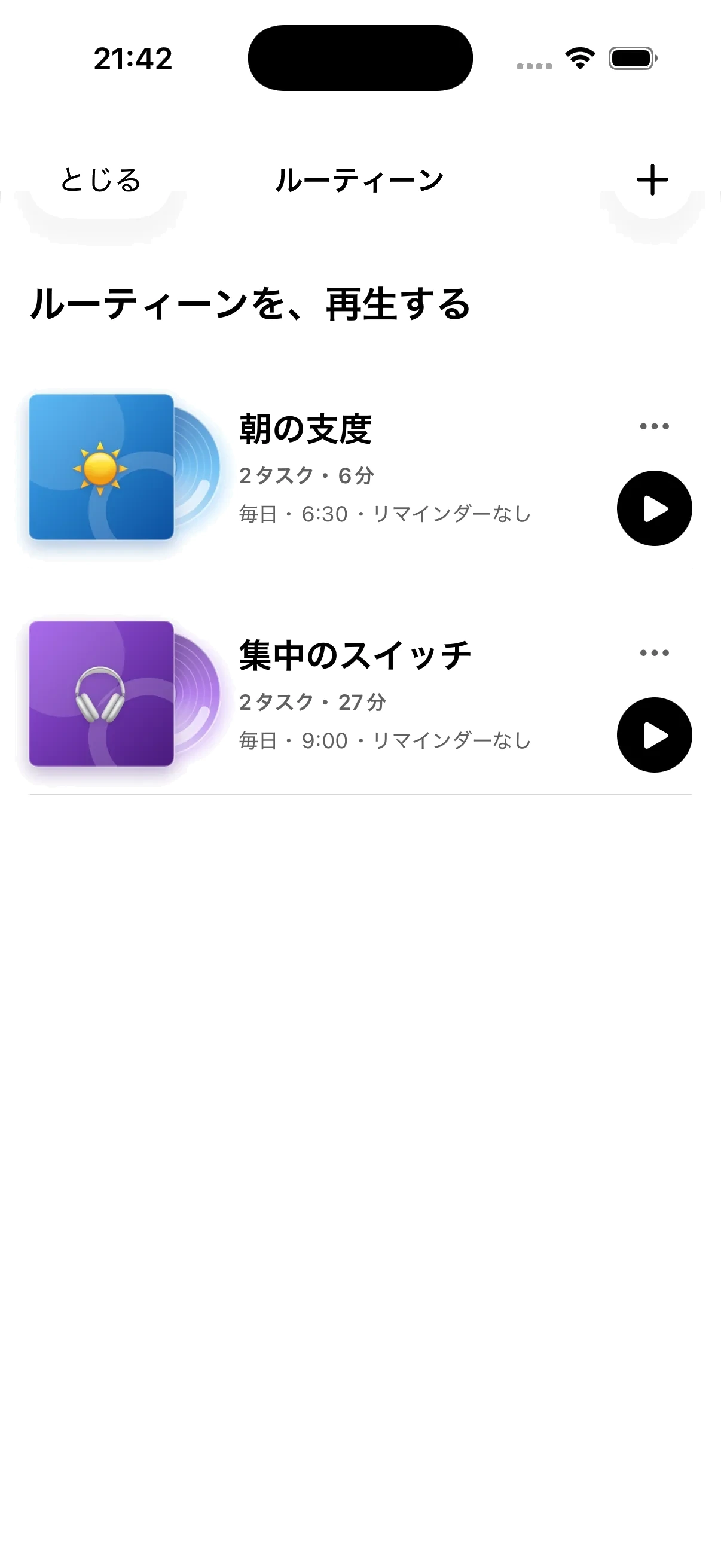
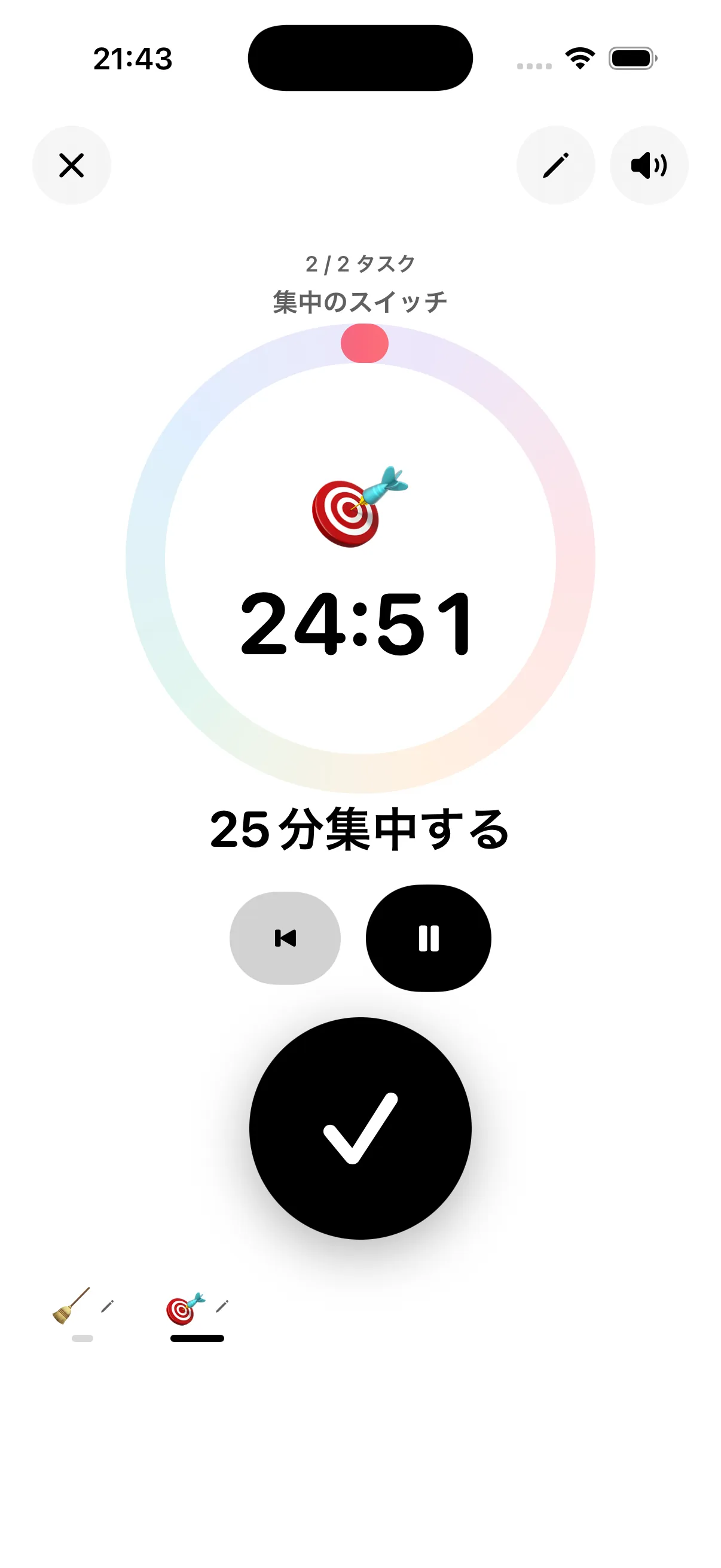
  • タイマーTimer타이머10秒〜1時間。ストップウォッチ・ポモドーロ・瞑想・筋トレも10 seconds to an hour, plus stopwatch, pomodoro, meditation and workouts10초~1시간. 스톱워치・포모도로・명상・근력 운동도

🌿 自分を整えるLook after yourself자신을 돌보기

  • 今日の調子How you're doing오늘의 컨디션7段階のスライドで記録し、カレンダーで見返せるRecord on a seven-step slider and review it on a calendar7단계 슬라이드로 기록하고, 캘린더로 되돌아볼 수 있어요
  • よかったこと・夜の振り返りGood moments & night notes좋았던 일・밤의 되돌아보기その日のよかったことと、夜の振り返りを1行ずつ残すOne line for something good, one for the night’s reflection그날 좋았던 일과, 밤의 되돌아보기를 한 줄씩
  • 瞑想Meditation명상1〜10分。呼吸に合わせて円が伸び縮みする1 to 10 minutes, with a circle that breathes with you1~10분. 호흡에 맞춰 원이 늘었다 줄었다 해요
  • 筋トレWorkout근력 운동インターバル・セット休憩・TABATA・EMOM・ラウンドの5種類Five kinds: interval, set rest, TABATA, EMOM and rounds인터벌・세트 휴식・TABATA・EMOM・라운드 다섯 가지

🏠 暮らしを支えるSupport daily life생활을 뒷받침하기

  • Medicine飲んだら押すだけ。カレンダーに残り、書き出して医師に渡せるPress when you take it; it lands on a calendar you can export for your doctor먹으면 누르기만. 캘린더에 남고, 내보내서 의사에게 전할 수 있어요
  • 食事Meals식사写真からカロリーとP/F/Cを見立て、目標との差を出すEstimates calories and macros from a photo, and the gap to your goal사진에서 칼로리와 P/F/C를 추정하고, 목표와의 차이를 내요
  • 経費Expenses경비レシートを撮ると、AIが金額と勘定科目の候補まで作るPhotograph a receipt and AI works out the amount and a suggested account영수증을 찍으면, AI가 금액과 계정과목 후보까지 만들어요
  • 音を残す・まいにちのチェック・サブスク管理Voice notes, daily checks, subscriptions소리 남기기・매일 체크・구독 관리録音・習慣のチェック・サブスクの管理Voice recording, habit checks and subscription tracking녹음・습관 체크・구독 관리

📁 しまっておくPut away보관하기

  • フォルダFolders폴더言葉をフォルダに分けて保存。分け方はAIが提案するFile your words into folders; AI suggests how to split them말을 폴더로 나눠 저장. 나누는 방법은 AI가 제안해요
  • ウィジェット・Apple WatchWidgets & Apple Watch위젯・Apple Watchホーム画面のウィジェットと、Apple Watchからの音声入力Home screen widgets, and voice capture from Apple Watch홈 화면 위젯과, Apple Watch에서의 음성 입력

道具の説明を、ぜんぶ見るRead about every tool도구 설명을 전부 보기

価格と約束Pricing & promise가격과 약속

最初の1ヶ月は、AI Proも無料。Your first month: AI Pro included, free.첫 한 달은, AI Pro도 무료.

広告はありません。あなたの行動を解析して売ることもありません。No ads. We never analyze your behavior to sell it.광고는 없어요. 당신의 행동을 분석해서 파는 일도 없어요.

カード登録なしで、ぜんぶ1ヶ月使えます。そのあとの分け方は、かかるお金に正直に決めました。薬と今日の調子は、ずっと無料。AIが動くものだけAI Pro。ほかの道具は、まとめて一度きり。No card needed — everything is open for a month. After that, the split follows what things actually cost to run. Medicine and mood are free forever. Only the AI-powered ones need AI Pro. The other tools come together in one purchase.카드 등록 없이, 전부 한 달 쓸 수 있어요. 그 뒤의 구분은, 드는 비용에 정직하게 정했어요. 약과 오늘의 컨디션은, 계속 무료. AI가 움직이는 것만 AI Pro. 다른 도구는 한꺼번에 한 번뿐.

Headlight
無料Free무료
  • 言葉・日記・カレンダーWords, journal, and calendar말・일기・캘린더
  • AIに渡す・持ち帰るHand to AI, bring it backAI로 보내기・가져오기
  • ボードは3つまでUp to 3 boards보드는 3개까지
  • 薬アシスタント・今日の調子Medicine and mood약 어시스턴트・오늘의 컨디션
  • 記録は、ずっとあなたのものYour records stay yours, always기록은, 계속 당신의 것
AI Pro
¥300 /月・年払いは¥3,000/mo · ¥3,000/yr/월・연간은 ¥3,000
  • 整理・覚えておく・経費・食事の4つTidy, remember, expenses and meals정리・기억해 두기・경비・식사 네 가지
  • AIチャット・写真の言語化AI chat and photo-to-wordsAI 채팅・사진 언어화
  • 古いiPhoneでもAIが動くAI works even on older iPhones오래된 iPhone에서도 AI가 작동해요
買い切りOne-time일회성 구매
¥500からfrom ¥500¥500부터
  • 棚をふやす ¥500(+10枚)Add a shelf ¥500 (+10 boards)선반 늘리기 ¥500(+10칸)
  • 道具ぜんぶ ¥1,000(これから増えるぶんも)All the tools ¥1,000 (including the ones to come)도구 전부 ¥1,000(앞으로 늘어날 것도)
  • ライフタイム ¥9,800(一度きり)Lifetime ¥9,800 (once)라이프타임 ¥9,800(한 번만)

広告なし。データを売らない。No ads. We never sell your data.광고 없음. 데이터를 팔지 않아요. 道具は一度きり。これから増えるぶんも、ぜんぶ入っています。Because shelf space is limited, only what you truly love ends up on it.선반에 한계가 있으니까, 정말 좋아하는 것만 놓이게 돼요.
※ 価格は予定です。正式リリース時に確定します。ベータ期間中はすべて無料でお使いいただけます。* Prices are provisional and will be finalized at official launch. Everything is free during the beta period.※ 가격은 예정이에요. 정식 출시 때 확정돼요. 베타 기간 중에는 모두 무료로 사용할 수 있어요.

サポートSupport지원

困ったときは、気軽にどうぞ。Something wrong? Just reach out.곤란할 때는, 편하게 연락 주세요.

ご質問・不具合のご報告・ご要望は、Xのリプライか、Instagram・TikTokのDM、メールでお気軽にどうぞ。Questions, bug reports, requests — reply on X, DM us on Instagram or TikTok, or send an email.질문・오류 신고・제안은, X 답글이나 Instagram・TikTok DM, 이메일로 편하게 보내주세요.

X: @HeadLight_app

Instagram: @headlight__app

TikTok: @headlight_app

メール:Email:이메일: headlight.app.jp@gmail.com

返信に数日いただくことがあります。Replies may take a few days.답장에 며칠 걸릴 수 있어요.

Q. 対応している端末は?Q. Which devices are supported?Q. 지원하는 기기는?
iPhone・iPad(iOS 17以上)、Apple Watch(watchOS 11以上)、Mac(Appleシリコン)。AIの仕分けは、最初の1ヶ月は誰でも使えます。その後はAI Pro(月¥300)で、Apple Intelligence対応かどうかに関係なく、どの機種でも動きます。記録・日記・棚は、どの端末でもずっと無料です。iPhone and iPad (iOS 17+), Apple Watch (watchOS 11+), and Mac (Apple silicon). AI sorting is open to everyone for the first month; after that it's part of AI Pro (¥300/mo) and works on any device, Apple Intelligence or not. Your records, journal, and shelves stay free on every device.iPhone・iPad(iOS 17 이상), Apple Watch(watchOS 11 이상), Mac(Apple 실리콘). AI 분류는 첫 한 달은 누구나 쓸 수 있어요. 그 후에는 AI Pro(월 ¥300)로, Apple Intelligence 지원 여부와 관계없이 어느 기종에서도 작동해요. 기록・일기・선반은 어느 기기에서든 계속 무료예요.

Q. データはどこに保存されますか?Q. Where is my data stored?Q. 데이터는 어디에 저장되나요?
すべてお使いの端末の中に保存されます。開発者があなたのデータを収集・閲覧することはありません。Entirely on your own device. The developer never collects or views your data.모두 사용 중인 기기 안에 저장돼요. 개발자가 당신의 데이터를 수집하거나 열람하는 일은 없어요.

Q. AIの整理機能はどう動いていますか?Q. How does the AI sorting work?Q. AI 정리 기능은 어떻게 작동하나요?
最初の1ヶ月とAI Proでは、クラウドのAIが処理します。送られた言葉は仕分けのためにだけ使われ、AIの学習には使われません。Apple Intelligence対応機種では端末内AIも併用します。端末の外にデータが出るのは、AIの機能を使ったときと、「AIに渡す」を自分で押したときだけです。During your first month and with AI Pro, a cloud AI does the sorting. What you say is used only for that sorting — never to train AI. On Apple Intelligence devices, on-device AI is used as well. Data leaves your device only when an AI feature runs, or when you press “Hand to AI” yourself.첫 한 달과 AI Pro에서는, 클라우드 AI가 처리해요. 전송된 말은 분류에만 사용되고, AI 학습에는 사용되지 않아요. Apple Intelligence 지원 기종에서는 기기 내 AI도 함께 사용해요. 데이터가 기기 밖으로 나가는 건, AI 기능을 사용했을 때와 「AI로 보내기」를 직접 눌렀을 때뿐이에요.

Q. バックアップはできますか?Q. Can I back up my data?Q. 백업은 가능한가요?
設定画面から、写真を含む完全バックアップ(JSON)を書き出せます。iCloud DriveやNASへのMarkdown同期(Headlight保管庫)もあります。From Settings, you can export a full backup (JSON) including photos. Markdown sync to iCloud Drive or a NAS (the Headlight Vault) is also available.설정 화면에서, 사진을 포함한 전체 백업(JSON)을 내보낼 수 있어요. iCloud Drive나 NAS로의 Markdown 동기화(Headlight 보관함)도 있어요.