HEAD-LIGHT

道具The tools도구

画面の下、タブのすぐ上が道具置き場です。
並べる道具は、あなたが選びます。
Just above the tab bar is your tool shelf.
You choose what sits there.
화면 아래, 탭 바로 위가 도구 자리예요.
놓을 도구는 당신이 고릅니다.

← Head-Lightのことを見る← Back to Head-Light← Head-Light 보러 가기
🧠 頭を軽くするClear your head머리를 가볍게

考えや気持ちを整理する道具Tools for sorting out thoughts and feelings생각과 마음을 정리하는 도구

整理アシスタントTidy assistant정리 어시스턴트AI ProAI ProAI Pro

話した内容をAIが切り分けて、4つに振り分けるAI splits what you said into four groups말한 내용을 AI가 나눠, 네 곳으로 분류해요

もつれた考えが4つに分かれ、不要なひとつを笑顔で見送るイラスト。

開くと、もうマイクが聞いています。頭にあることを、順番も気にせず話してください。話し終えて「整理する」を押すと、AIが意味のまとまりで切り分けて、4象限マトリクスに並べます。It's already listening when you open it. Say what's on your mind, in any order. Press “sort it out” and AI separates it into meaningful pieces and lays them out as a four-quadrant matrix.열면 이미 마이크가 듣고 있어요. 머릿속에 있는 것을 순서 상관없이 말해 주세요. 「정리하기」를 누르면 AI가 의미 단위로 나눠, 4사분면 매트릭스로 늘어놓아요.

🌱 いま軽くなる / 🌙 あとで大丈夫 / 🌿 育てる / 🍃 手放していい。「急ぎか」と「いま答えを出せるか」で分けています。つまんで別のところへ動かせて、言葉そのものも直せます。切り出された言葉は日記にも並びます。🌱 Lighter now / 🌙 Later is fine / 🌿 Growing / 🍃 Can let go — split by how urgent it is and whether you can settle it yet. Drag anything to another quadrant, or edit the words themselves. What's separated out also appears in your journal.🌱 지금 가벼워지는 것 / 🌙 나중에도 괜찮은 것 / 🌿 키우는 것 / 🍃 놓아도 되는 것. 「급한지」와 「지금 답을 낼 수 있는지」로 나눠요. 집어서 다른 곳으로 옮길 수 있고, 말 자체도 고칠 수 있어요.

やることを増やすためではなく、減らすためのAIです。急かしません。責めません。できなかった日は、空白のままでいい。This AI is here to shorten the list, not lengthen it. No pushing, no blame. A day you couldn't is just blank.할 일을 늘리기 위해서가 아니라, 줄이기 위한 AI예요. 재촉하지 않아요. 탓하지 않아요.

覚えておくRemember기억해 두기AI ProAI ProAI Pro

相手ごとにページを作り、大切なこと・やること・記録をまとめるA page per person: key facts, to-dos and a log대상마다 페이지를 만들어, 중요한 것・할 일・기록을 모아요

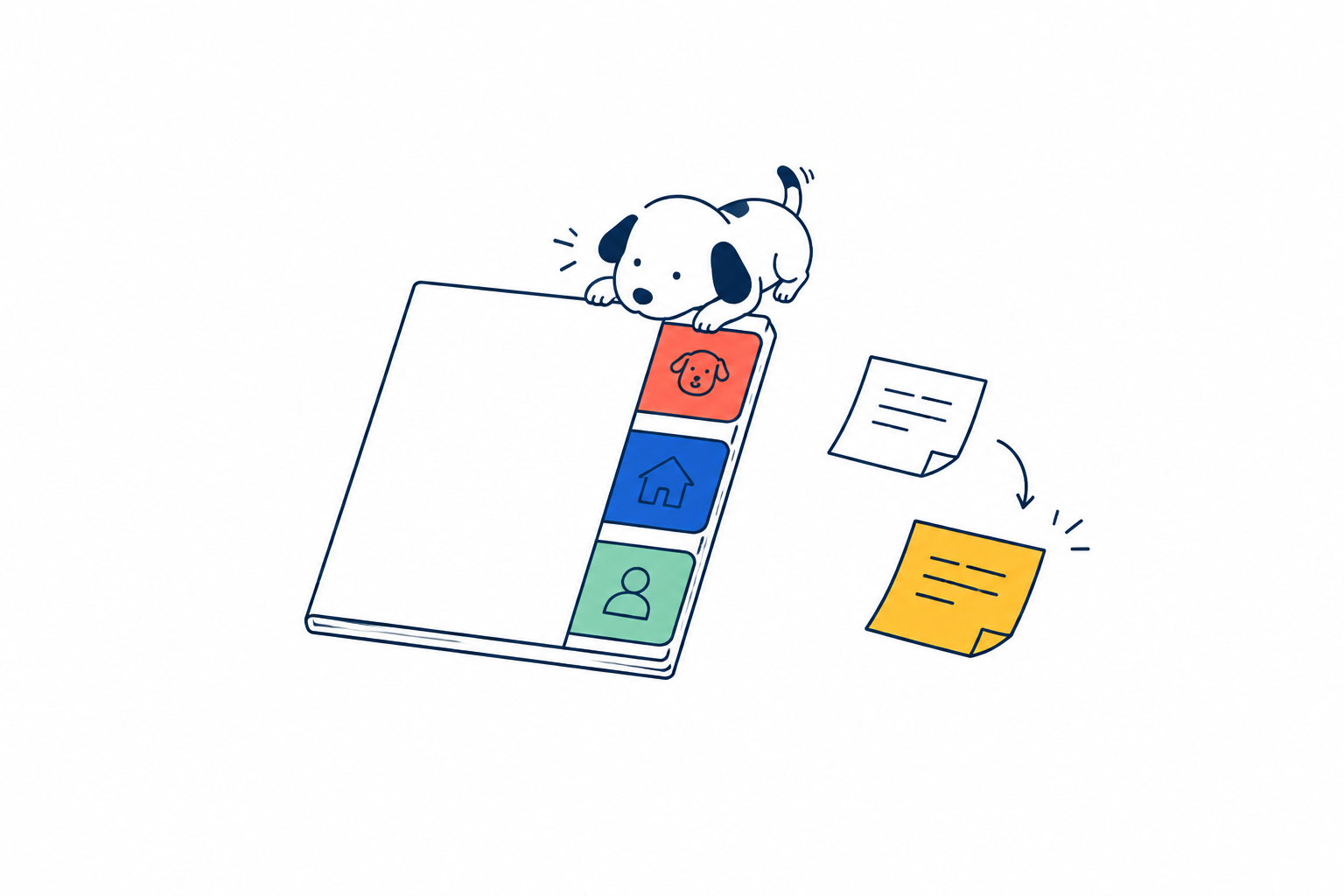
相手別のタブがついた薄い手帳に、大切なことを整理して残すイラスト。

メモ帳ではありません。相手ごとの専用ページです。子ども、ペット、パートナー、家、車、仕事。しるし(絵文字)と名前は自由に決められて、一覧は「誰について考えたいか」から選ぶ近道になります。This is not a notepad. Each subject gets its own page — a child, a pet, a partner, the house, the car, work. Choose any emoji and name; the list becomes a shortcut you enter by who, not by which feature.메모장이 아니에요. 대상마다의 전용 페이지예요. 아이, 반려동물, 파트너, 집, 차, 일. 표식(이모지)과 이름은 자유롭게 정할 수 있고, 목록은 「누구에 대해 생각하고 싶은가」로 들어가는 지름길이 돼요.

📌 大切なこと / ✅ やること / 📝 最近の記録 / 💬 AIに相談。下から書くと、AIが3つのどれかへ置きます。📌 Important / ✅ To do / 📝 Recently / 💬 Ask AI. Write at the bottom and AI files it into one of the three.📌 중요한 것 / ✅ 할 일 / 📝 최근 기록 / 💬 AI에게 상담. 아래에 쓰면 AI가 셋 중 하나에 놓아요.

いちばん大事な作りは、「大切なこと」が増え続けないことです。同じことを言い直すと、AIが古いほうを新しいほうに書き換えます。足すほど長くなるメモは、長くなるほど読まれません。The important part: the “Important” list never grows forever. Say the same thing differently and AI replaces the old line. A note that only grows is a note nobody reads.가장 중요한 점은 「중요한 것」이 계속 늘어나지 않는다는 거예요. 같은 것을 다시 말하면, AI가 예전 것을 새것으로 바꿔 써요.

白い紙Blank paper흰 종이最初からIncluded기본 제공

AIを通さず、そのまま書いて残せるメモA plain note that never goes through AIAI를 거치지 않고, 그대로 써서 남기는 메모

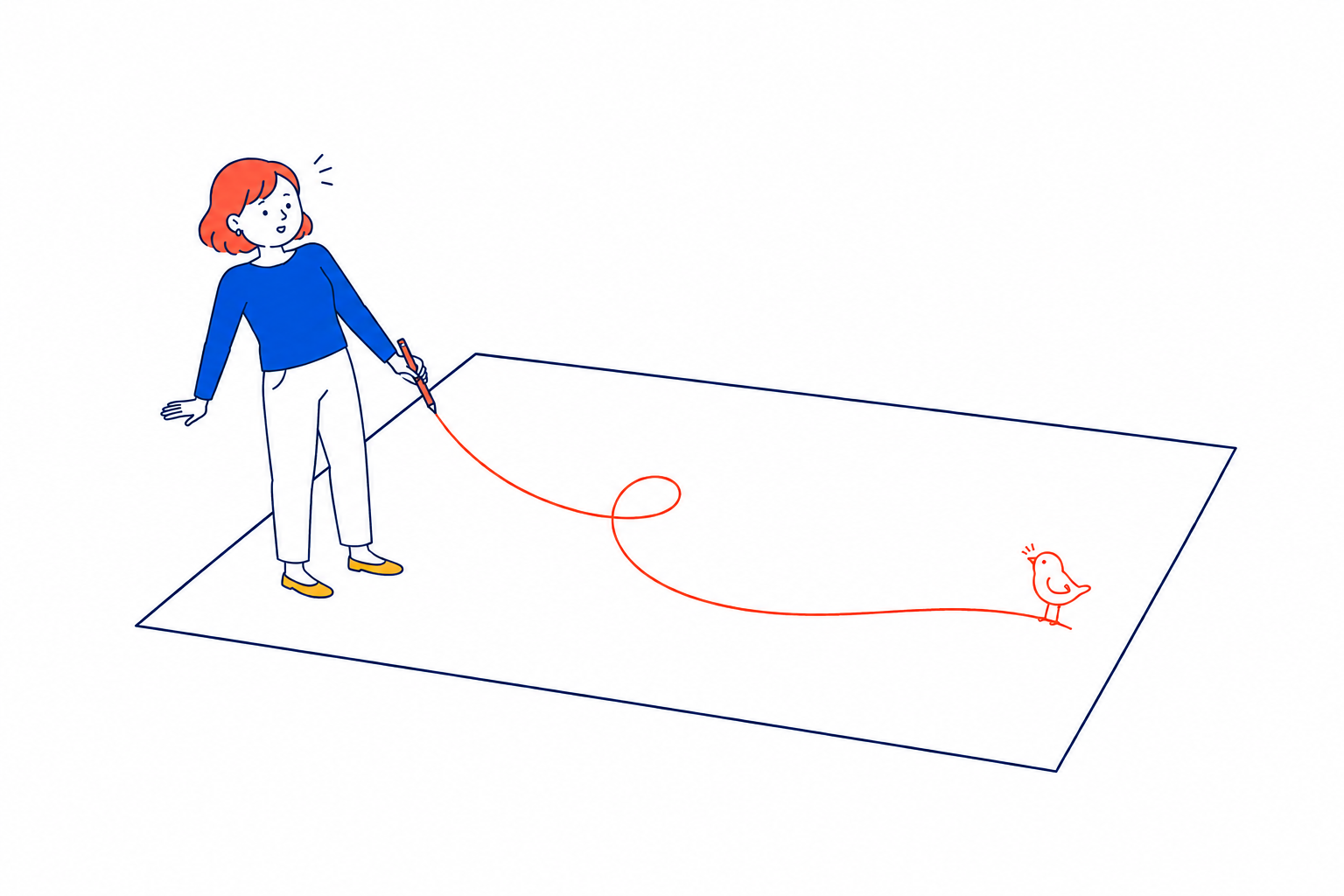
大きな白い紙へ自由な線を描くと、小鳥の形になるイラスト。

AIが何もしない場所です。ただの白い紙。書いたものは分類されず、どこにも振り分けられません。A place where AI does nothing. Just a blank sheet. What you write is not sorted, not filed anywhere.AI가 아무것도 하지 않는 곳이에요. 그냥 흰 종이. 쓴 것은 분류되지 않고, 어디로도 나뉘지 않아요.

整理されたくない日があります。そのための場所です。Some days you don't want to be organised. This is for those days.정리되고 싶지 않은 날이 있어요. 그런 날을 위한 곳이에요.

アイデアの瓶Idea jar아이디어 병無料Free무료

思いつきを瓶に溜めて、実現したら達成の棚へ移すIdeas collect in a jar; realised ones move to a shelf떠오른 것을 병에 모으고, 실현되면 달성의 선반으로

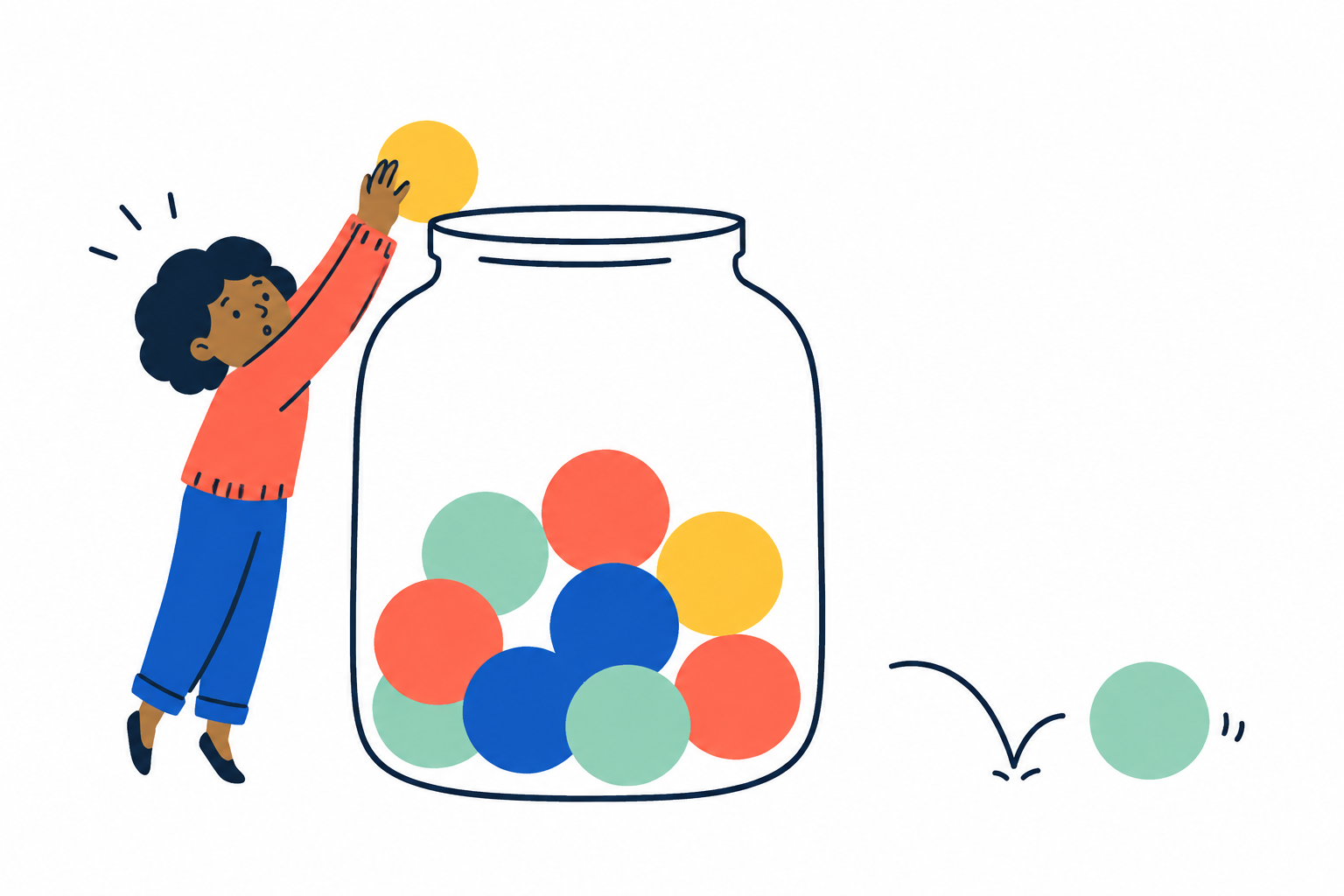
ひらめきを色の玉にして、大きな瓶へ楽しく溜めていくイラスト。

思いつきが、瓶の中の玉として溜まっていきます。満タンになった瓶は、そのまま瓶のページに居続けます。Ideas gather as marbles in a jar. A full jar simply stays on the page, full.떠오른 것이 병 속의 구슬로 쌓여 가요. 가득 찬 병은 그대로 병 페이지에 남아 있어요.

実現したものだけが、右上の棚へ移ります。そこは達成の棚です。Only what actually happened moves to the shelf in the corner. That shelf is for things you made real.실현된 것만이 오른쪽 위의 선반으로 옮겨져요. 그곳은 달성의 선반이에요.

手放すLet go놓아주기最初からIncluded기본 제공

話した言葉を、保存せずに消すSay it, and it is discarded without being saved말한 것을, 저장하지 않고 지워요

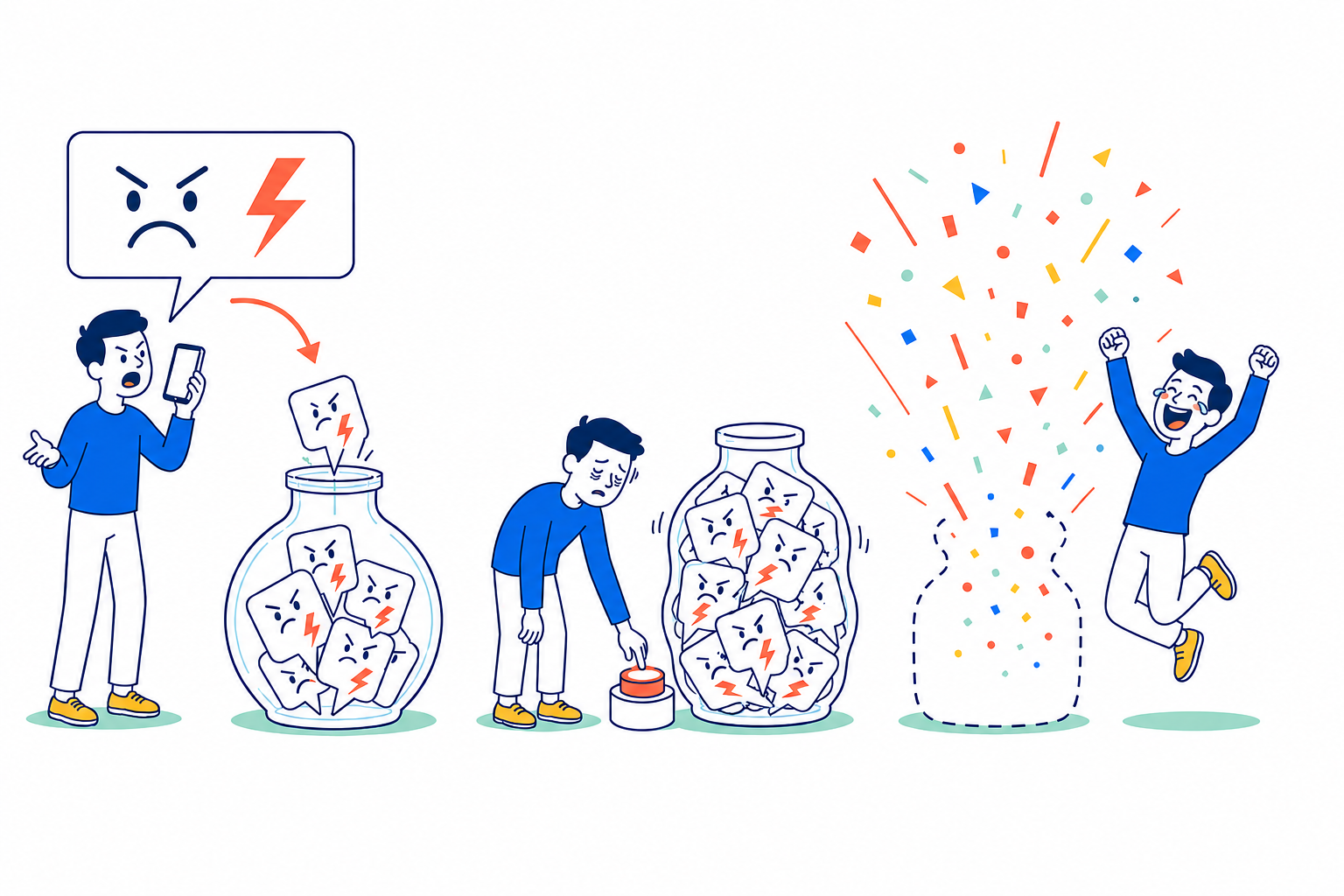
愚痴・不満・怒りを瓶へぶちまけ、パンパンになった瓶を爆発させて笑顔になる3場面のイラスト。

愚痴も、弱音も、言い切ってしまえます。話した言葉はどこにも保存されません。誰にも聞かれず、ただ出して、消せます。Complaints, weakness — say all of it. Nothing is saved anywhere. No one hears it. You just let it out, and it's gone.푸념도, 약한 소리도, 다 말해 버릴 수 있어요. 말한 것은 어디에도 저장되지 않아요.

残すことが目的ではない言葉のための場所です。A place for words whose purpose is not to be kept.남기는 것이 목적이 아닌 말을 위한 곳이에요.

今日を進めるMove today along오늘을 나아가게

やることや時間を整理する道具Tools for tasks and time할 일과 시간을 정리하는 도구

やることTo do할 일最初からIncluded기본 제공

話した言葉からAIが抜き出して、チェックリストにするAI pulls tasks out of what you said into a checklist말한 것에서 AI가 뽑아내, 체크리스트로 만들어요

チェックをひとつ終え、小さな段差を軽やかに越えるイラスト。

「電池も買わないと」と話せば、それだけがやることに入ります。自分で打ち直す必要はありません。Say “I need to grab batteries” and just that lands in your to-dos. Nothing to retype.「배터리도 사야 해」라고 말하면, 그것만이 할 일에 들어가요. 다시 입력할 필요 없어요.

チェックを押すのに、連続日数も達成率も付いてきません。Ticking something off brings no streak and no completion rate.체크를 눌러도 연속 일수도 달성률도 따라오지 않아요.

できたものは、作った時刻ではなく、チェックした正確な時刻でその日の手帳にも残ります。What you finish also appears in that day’s journal at the exact time you ticked it, not when you created it.완료한 것은 만든 시각이 아니라 체크한 정확한 시각으로 그날의 수첩에도 남아요.Erledigtes erscheint außerdem zur genauen Zeit des Abhakens im Tagebuch – nicht zur Erstellzeit.完成的項目也會以勾選的精確時間留在當天手帳中,而不是建立時間。Ce que vous terminez apparaît aussi dans le journal du jour à l’heure exacte où vous l’avez coché, et non à sa création.Lo que terminas también aparece en el diario del día a la hora exacta en que lo marcaste, no cuando lo creaste.Ciò che completi appare anche nel diario del giorno all’ora esatta del segno di spunta, non quando lo hai creato.

ルーティーンRoutines루틴Routinen例行流程RoutinesRutinasRoutine最初からIncluded기본 제공Enthalten內建InclusIncluidoIncluso

プレイリストを作るように、やることと時間を好きな順番に並べるArrange actions and time in your own order, like building a playlist플레이리스트를 만들 듯, 할 일과 시간을 원하는 순서로 놓기Schritte und Zeiten wie eine Playlist in deiner Reihenfolge ordnen像製作播放清單一樣,依喜歡的順序排列步驟與時間Ordonnez gestes et durées à votre façon, comme une playlistOrdena pasos y tiempos a tu manera, como una playlistOrdina gesti e tempi a modo tuo, come una playlist

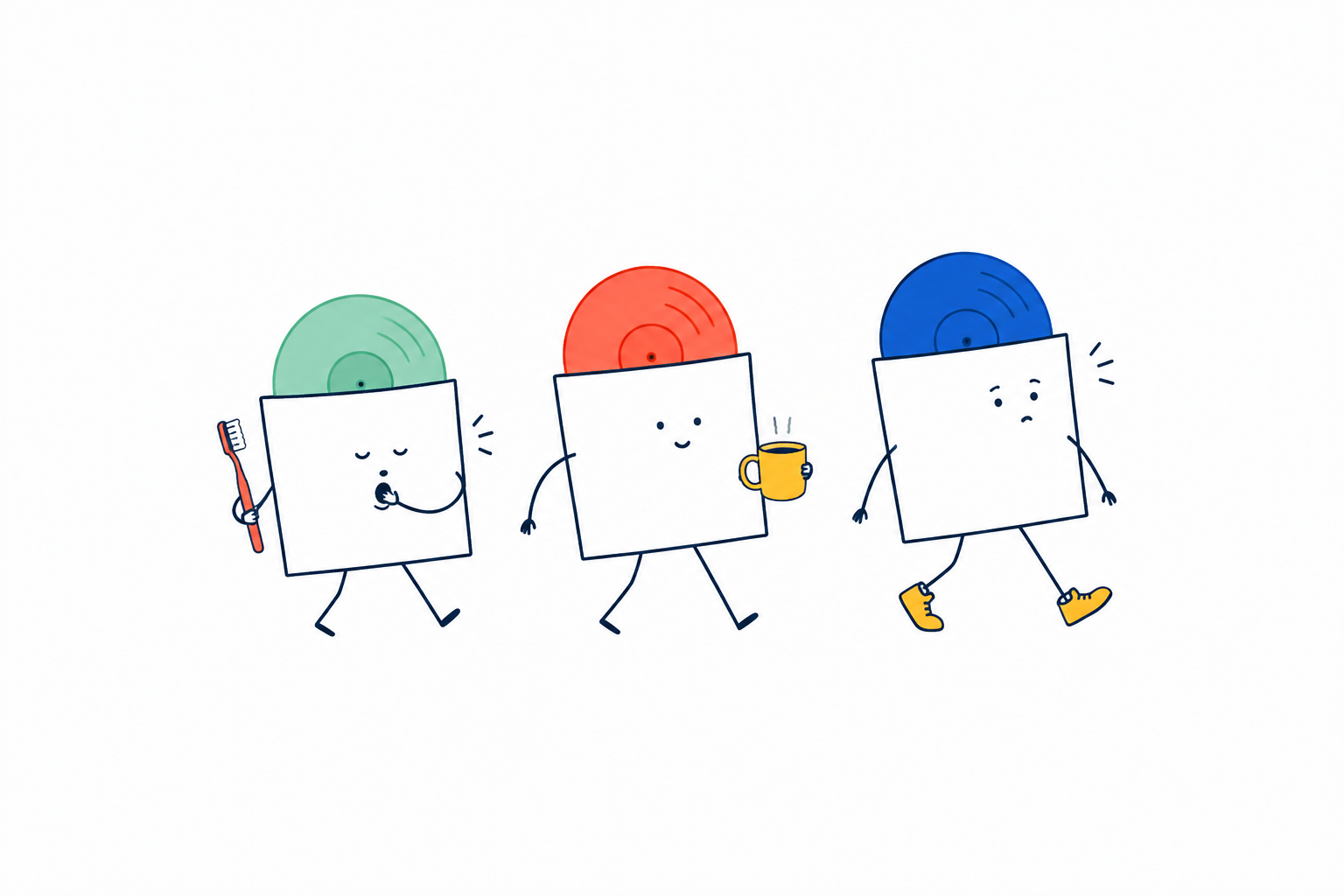
歯みがき、コーヒー、外出のレコードが、それぞれの表情で歩くイラスト。

名前をつけ、毎日・毎週・毎月と時刻を選びます。始まりは7秒の「ひと呼吸」か「すぐ始める」、進み方は「自動で次へ」か「✓で次へ」。各タスクには絵文字・名前・分数をつけ、自由に並べ替えられます。Name it, then choose daily, weekly or monthly and a time. Begin with one seven-second breath or start right away; move on automatically or with ✓. Give every step an emoji, a name and minutes, then arrange them freely.이름을 붙이고 매일·매주·매월과 시각을 골라요. 시작은 7초의 한 호흡 또는 바로 시작하기, 진행은 자동 또는 ✓를 선택해요. 각 단계에는 이모지·이름·분을 붙여 자유롭게 순서를 바꿀 수 있어요.Gib der Routine einen Namen und wähle täglich, wöchentlich oder monatlich samt Uhrzeit. Starte mit einem sieben Sekunden langen Atemzug oder sofort; gehe automatisch oder mit ✓ weiter. Jeder Schritt erhält Emoji, Namen und Minuten und lässt sich frei anordnen.命名後選擇每日、每週或每月及時間。開始可用七秒鐘的深呼吸或直接開始;前進可自動或按 ✓。每個步驟都能設定表情符號、名稱與分鐘數,並自由排序。Nommez-la, puis choisissez chaque jour, semaine ou mois et une heure. Commencez par une respiration de sept secondes ou tout de suite ; avancez automatiquement ou avec ✓. Donnez à chaque étape emoji, nom et minutes, puis réordonnez librement.Ponle nombre y elige repetición diaria, semanal o mensual y una hora. Empieza con una respiración de siete segundos o directamente; avanza automáticamente o con ✓. Da a cada paso emoji, nombre y minutos, y ordénalos libremente.Dalle un nome e scegli ripetizione giornaliera, settimanale o mensile e un orario. Inizia con un respiro di sette secondi o subito; avanza automaticamente o con ✓. Dai a ogni passaggio emoji, nome e minuti, poi riordinali liberamente.

再生すると、端末内の声と円形タイマーがひとつずつ案内します。実行中も、終えたタスク・いまのタスク・次のタスクを直接編集でき、編集の間だけタイマーと読み上げが止まります。During playback, an on-device voice and circular timer guide you step by step. You can edit finished, current or upcoming steps; the timer and voice pause only while you edit.재생하면 기기 안의 음성과 원형 타이머가 하나씩 안내해요. 실행 중에도 끝낸 단계, 현재 단계, 다음 단계를 바로 편집할 수 있고 편집하는 동안만 타이머와 음성이 멈춰요.Beim Abspielen führen dich Gerätestimme und Kreis-Timer Schritt für Schritt. Erledigte, aktuelle und kommende Schritte lassen sich direkt bearbeiten; Timer und Stimme pausieren nur währenddessen.播放時,裝置端語音與圓形計時器會逐步引導。進行中也能直接編輯已完成、目前或接下來的步驟;只有編輯時會暫停計時與朗讀。Pendant la lecture, une voix intégrée et un minuteur circulaire vous guident. Modifiez une étape passée, actuelle ou suivante ; minuteur et voix ne se mettent en pause que pendant l’édition.Al reproducir, la voz del dispositivo y un temporizador circular te guían paso a paso. Puedes editar pasos terminados, actuales o futuros; el tiempo y la voz solo se pausan mientras editas.Durante la riproduzione, voce del dispositivo e timer circolare ti guidano passo dopo passo. Puoi modificare passaggi conclusi, attuali o futuri; timer e voce si fermano solo mentre modifichi.

各タスクには文章・写真・端末の曲・Apple Musicのプレイリスト/ステーション・YouTubeを添えられます。読み上げるタスクでは案内が終わってから音楽や動画を始め、一時停止と再開にも連動します。次に別の音楽や動画がなければ、同じBGMを止めません。Attach a note, photo, a library song, an Apple Music playlist or station, or YouTube to any step. When voice guidance is on, music or video starts after it finishes and follows pause and resume. If the next step has no different media, the same background music keeps playing.각 단계에 글·사진·기기 안의 음악·Apple Music 플레이리스트/스테이션·YouTube를 붙일 수 있어요. 음성 안내를 쓰면 안내가 끝난 뒤 음악이나 영상이 시작되고 일시 정지·재개에도 맞춰져요. 다음 단계에 다른 미디어가 없으면 같은 BGM이 계속 재생돼요.Füge jedem Schritt Text, Foto, einen Mediathek-Titel, eine Apple Music-Playlist oder -Station oder YouTube hinzu. Mit Sprachführung starten Musik und Video danach und folgen Pause und Fortsetzen. Hat der nächste Schritt kein anderes Medium, läuft dieselbe Hintergrundmusik weiter.每個步驟都能附上文字、照片、裝置歌曲、Apple Music 播放清單/電台或 YouTube。使用語音引導時,音樂或影片會在朗讀結束後開始,並跟著暫停與繼續。下一步若沒有其他媒體,同一段背景音樂會持續播放。Ajoutez à chaque étape texte, photo, morceau de bibliothèque, playlist ou station Apple Music, ou YouTube. Avec le guidage vocal, musique et vidéo démarrent après la voix et suivent pause et reprise. Sans autre média à l’étape suivante, la même musique continue.Adjunta a cada paso texto, foto, canción de la biblioteca, playlist o emisora de Apple Music, o YouTube. Con guía de voz, la música o el vídeo empiezan después y siguen pausa y reanudación. Si el paso siguiente no tiene otro contenido, la misma música continúa.Aggiungi a ogni passaggio testo, foto, un brano della libreria, playlist o stazione Apple Music oppure YouTube. Con la guida vocale, musica e video iniziano dopo e seguono pausa e ripresa. Se il passaggio successivo non ha altri media, la stessa musica continua.

通知やアラームをつけられ、ホーム画面のウィジェットやApple Watchから選んだルーティーンを直接再生できます。最後までできた一回は正確な時刻で手帳に残り、今の継続・最長・達成回数と、10段階で育つ植物になります。同じ周期の中で何度再生しても、継続と植物は1回分だけ進みます。Add a notification or alarm, and start a chosen routine directly from a Home Screen widget or Apple Watch. Each full completion stays in your journal at the exact time and contributes to current streak, best streak, completions and a ten-stage plant. Replaying within the same day, week or month advances the streak and plant only once.알림이나 알람을 붙이고 홈 화면 위젯 또는 Apple Watch에서 선택한 루틴을 바로 재생할 수 있어요. 끝까지 마친 한 번은 정확한 시각으로 수첩에 남고 현재 연속·최장·달성 횟수와 10단계 식물에 반영돼요. 같은 일·주·월 안에 여러 번 재생해도 연속과 식물은 한 번만 자라요.Füge Mitteilung oder Wecker hinzu und starte eine gewählte Routine direkt per Home-Bildschirm-Widget oder Apple Watch. Jeder vollständige Abschluss bleibt zur genauen Uhrzeit im Tagebuch und zählt für aktuelle Serie, Rekord, Erfolge und eine Pflanze mit zehn Stufen. Innerhalb desselben Tages, derselben Woche oder desselben Monats wachsen Serie und Pflanze nur einmal.可加入通知或鬧鐘,並從主畫面小工具或 Apple Watch 直接播放選定流程。每次完整達成都會以精確時間留在手帳,並計入目前連續、最長連續、達成次數與十階段植物。同一天、同一週或同一月內重複播放,連續與植物只前進一次。Ajoutez notification ou alarme et lancez la routine choisie depuis un widget d’accueil ou l’Apple Watch. Chaque réussite complète reste dans le journal à l’heure exacte et compte pour série actuelle, record, total et plante en dix étapes. Dans une même journée, semaine ou mois, série et plante n’avancent qu’une fois.Añade notificación o alarma e inicia la rutina elegida desde un widget de inicio o el Apple Watch. Cada finalización queda en el diario a la hora exacta y cuenta para racha actual, récord, logros y planta de diez etapas. En un mismo día, semana o mes, la racha y la planta solo avanzan una vez.Aggiungi notifica o sveglia e avvia la routine scelta da un widget Home o da Apple Watch. Ogni completamento resta nel diario con l’ora esatta e conta per serie attuale, record, traguardi e pianta in dieci fasi. Nello stesso giorno, settimana o mese, serie e pianta avanzano una sola volta.

Apple Musicのリンク再生には、通信・MusicKitの許可・有効なサブスクリプションが必要です。アラームはiOS 26以降。それ以外と毎月の繰り返しは音付き通知になります。Apple Music links require internet, MusicKit permission and an active subscription. Alarms require iOS 26; other systems and monthly repeats use sound notifications.Apple Music 링크 재생에는 인터넷, MusicKit 권한, 유효한 구독이 필요해요. 알람은 iOS 26 이상에서 지원하며, 그 외와 매월 반복은 소리 알림을 사용해요.Apple Music-Links benötigen Internet, MusicKit-Zugriff und ein aktives Abo. Wecker erfordern iOS 26; sonst und bei monatlichen Wiederholungen werden Mitteilungen mit Ton verwendet.播放 Apple Music 連結需要網路、MusicKit 權限與有效訂閱。鬧鐘需 iOS 26;其他系統與每月重複會使用有聲通知。Les liens Apple Music nécessitent Internet, l’autorisation MusicKit et un abonnement actif. Les alarmes demandent iOS 26 ; ailleurs et pour les répétitions mensuelles, une notification sonore est utilisée.Los enlaces de Apple Music requieren Internet, permiso de MusicKit y una suscripción activa. Las alarmas necesitan iOS 26; otros sistemas y las repeticiones mensuales usan notificaciones con sonido.I link Apple Music richiedono Internet, autorizzazione MusicKit e un abbonamento attivo. Le sveglie richiedono iOS 26; sugli altri sistemi e per le ripetizioni mensili si usano notifiche sonore.

3日プランナー3-day planner3일 플래너無料Free무료

今日からの3日を、30分単位で組み立てるLay out the next three days in 30-minute blocks오늘부터 3일을, 30분 단위로 짜요

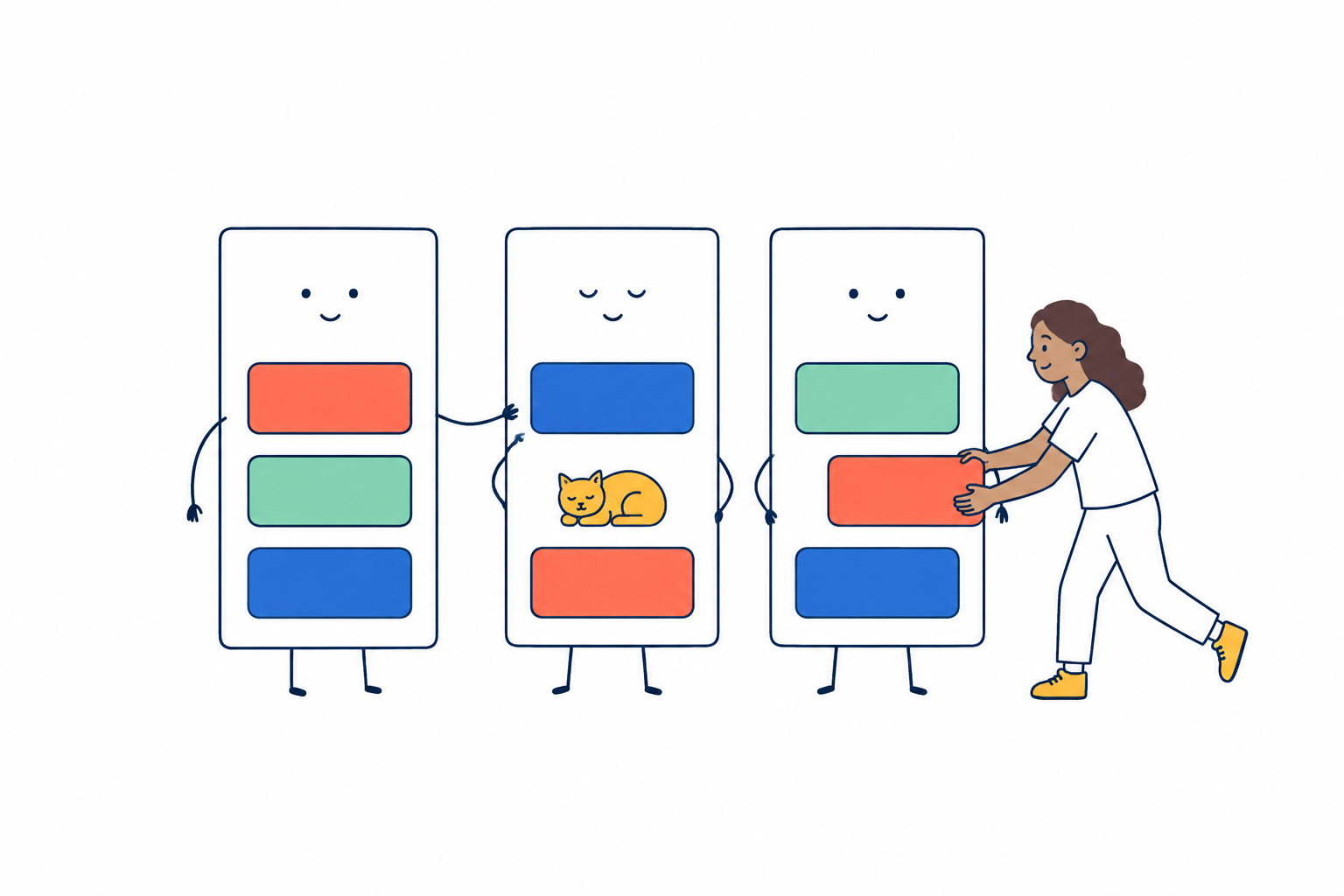
3日分の予定を色の積み木で組み、ひとつを先へ移すイラスト。

今日からの3日を、30分のコマで組みます。1週間や1ヶ月の予定表は作りません。3日なら、頭に入るからです。Lay out the next three days in 30-minute blocks. No weekly or monthly grid — three days is what fits in a head.오늘부터 3일을 30분 칸으로 짜요. 일주일이나 한 달 일정표는 만들지 않아요. 3일이면 머리에 들어오니까요.

できなかったコマは、いまから先へ自動で組み直せます。罪悪感を溜めないためです。Blocks you missed can be re-laid from now onwards, automatically. So guilt doesn't pile up.못 한 칸은 지금부터 앞으로 자동으로 다시 짤 수 있어요. 죄책감을 쌓지 않기 위해서예요.

タイマーTimer타이머無料Free무료

10秒〜1時間。ストップウォッチ・ポモドーロ・瞑想・筋トレも10 seconds to an hour, plus stopwatch, pomodoro, meditation and workouts10초~1시간. 스톱워치・포모도로・명상・근력 운동도

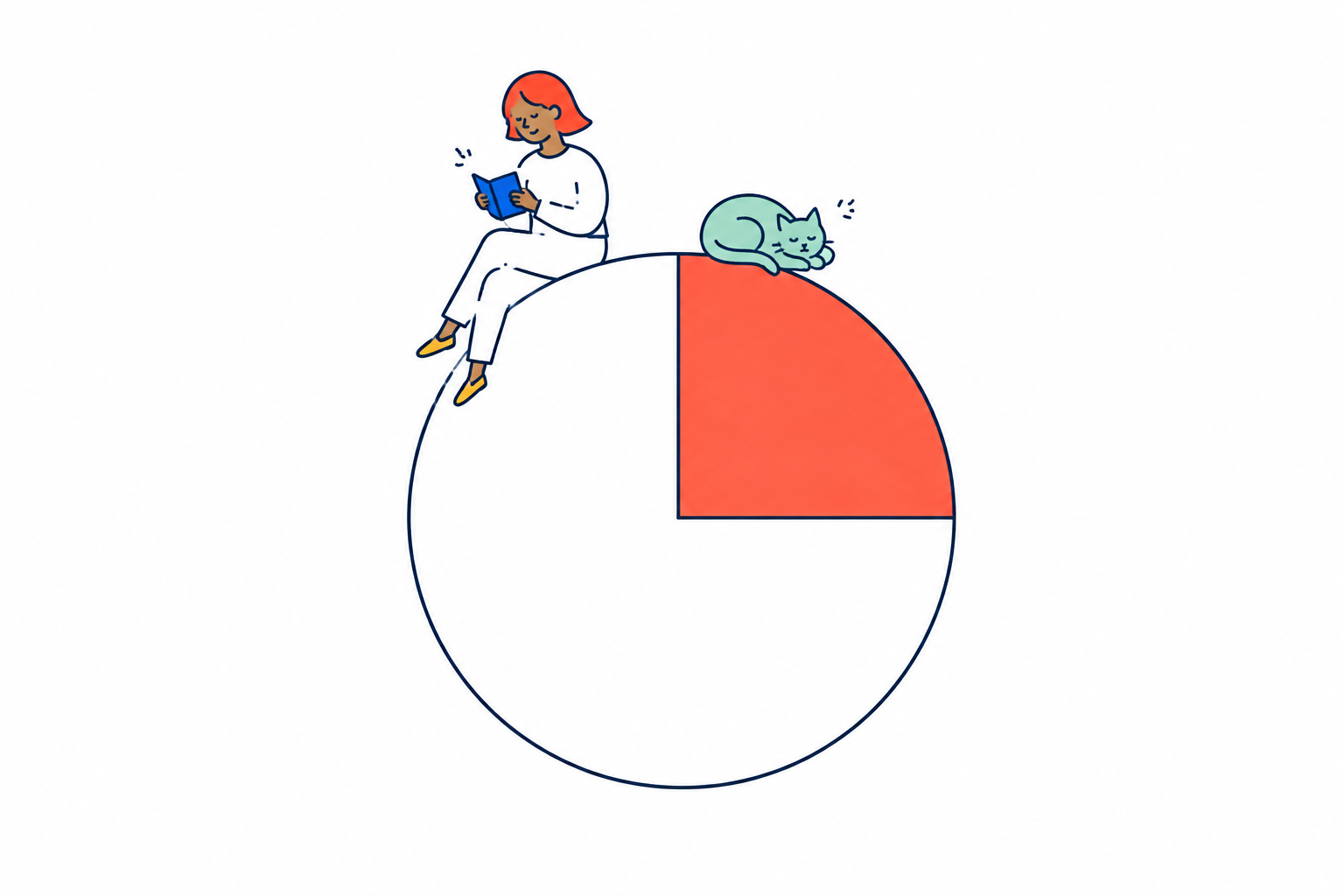
色の面積で残り時間が見える大きなタイマーの縁で、落ち着いて本を読むイラスト。

10秒から1時間まで、押した瞬間に始まります。自由に決めることもできます。残り時間は色のついた面積で減っていくので、数字を読まなくても体で分かります。From ten seconds to an hour, it starts the moment you press. Or set your own. The remaining time shrinks as a coloured wedge, so you feel it without reading numbers.10초부터 1시간까지, 누른 순간 시작돼요. 직접 정할 수도 있어요. 남은 시간은 색이 있는 면적으로 줄어들어, 숫자를 읽지 않아도 몸으로 알 수 있어요.

ストップウォッチ、ポモドーロ、瞑想、筋トレも、ここから行けます。The stopwatch, pomodoro, meditation and workout timers all live here too.스톱워치, 포모도로, 명상, 근력 운동도 여기서 갈 수 있어요.

🌿 自分を整えるLook after yourself자신을 돌보기

心や体の状態を記録・調整する道具Tools for noting how mind and body are마음과 몸의 상태를 기록·조절하는 도구

今日の調子How you're doing오늘의 컨디션ずっと無料Free forever계속 무료

7段階のスライドで記録し、カレンダーで見返せるRecord on a seven-step slider and review it on a calendar7단계 슬라이드로 기록하고, 캘린더로 되돌아볼 수 있어요

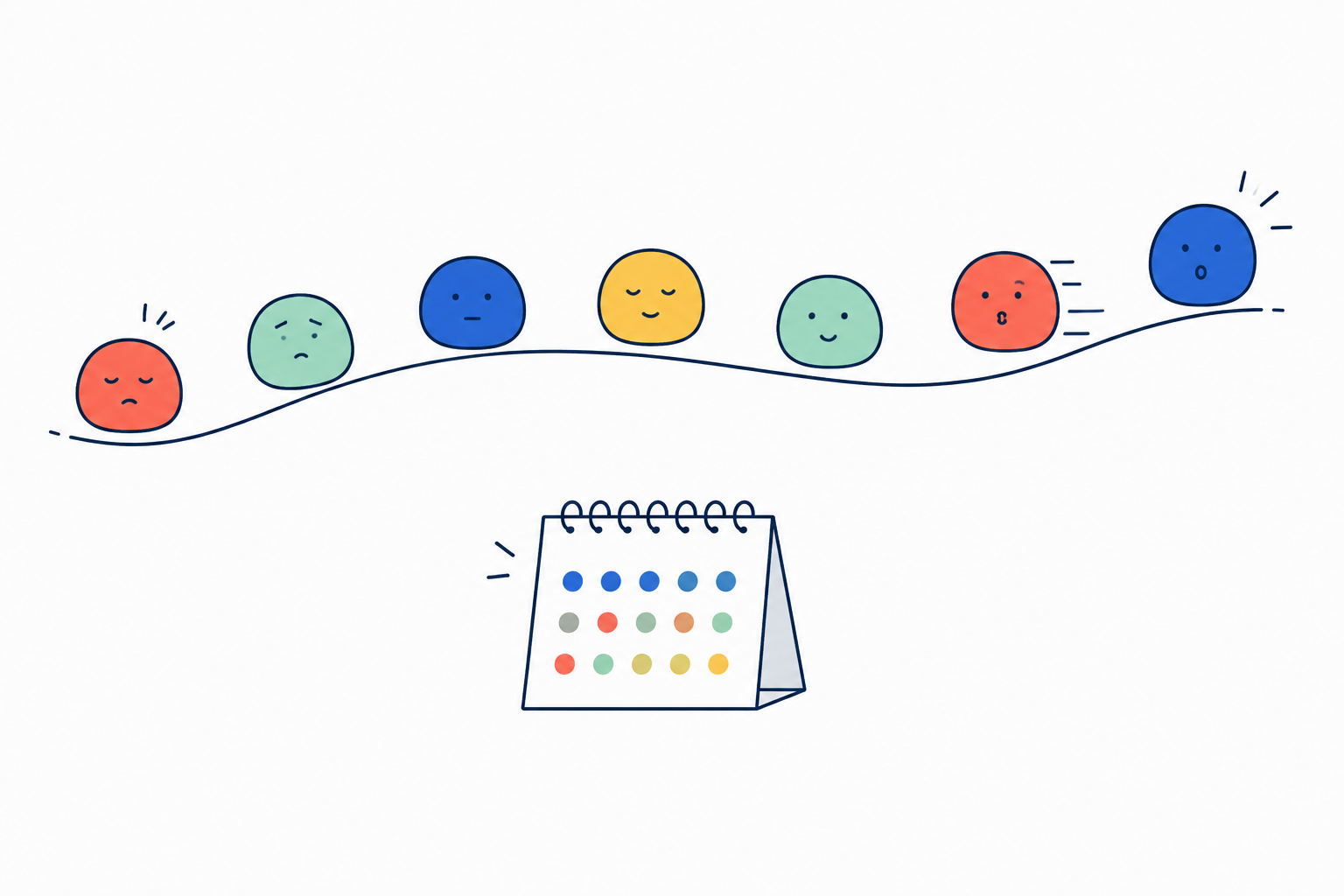
沈む日も高ぶる日も、7つの表情を同じように大切に残すイラスト。

スライドひとつで、その日の調子を残せます。真ん中が「ふつう」で、沈む側と高ぶる側の両方へ伸びます。One slider, and the day is recorded. The centre is “steady”, and it reaches both down and up.슬라이드 하나로, 그날의 컨디션을 남길 수 있어요. 가운데가 「보통」이고, 가라앉는 쪽과 들뜨는 쪽 양쪽으로 뻗어요.

「悪い←→良い」にしなかったのは、上がりすぎも記録すべき出来事だからです。良いに振り切れた日が、あとから見ると入り口だったということが起きます。It is not a “bad to good” scale, because swinging high is also worth noticing. A day that felt great can look different in hindsight.「나쁨←→좋음」으로 하지 않은 것은, 지나치게 올라가는 것도 기록해야 할 일이기 때문이에요.

カレンダーでは、その日の色が調子、下の点が薬です。「沈んだ日に薬は飲めていたか」が一目で分かります。連続日数も平均も出しません。良し悪しも書きません。並ぶのは事実だけです。On the calendar the colour of a day is your mood and the dot beneath it is your medicine, so you can see at a glance whether you were taking it on the days you were low. No streaks, no averages, no judgements — only the facts.캘린더에서는 그날의 색이 컨디션, 아래 점이 약이에요. 「가라앉은 날에 약은 먹었는지」를 한눈에 알 수 있어요.

よかったこと・夜の振り返りGood moments & night notes좋았던 일・밤의 되돌아보기最初からIncluded기본 제공

その日のよかったことと、夜の振り返りを1行ずつ残すOne line for something good, one for the night’s reflection그날 좋았던 일과, 밤의 되돌아보기를 한 줄씩

夜に見つけた小さな星を、手帳へひとつそっと残すイラスト。

その日にあったよかったことと、夜の振り返りを、ひとことずつ残せます。One line for something good that happened, and one for the night's look back.그날 있었던 좋았던 일과, 밤의 되돌아보기를 한마디씩 남길 수 있어요.

書かない日があっても、何も起きません。Skip it and nothing happens.쓰지 않는 날이 있어도, 아무 일도 일어나지 않아요.

瞑想Meditation명상無料Free무료

1〜10分。呼吸に合わせて円が伸び縮みする1 to 10 minutes, with a circle that breathes with you1~10분. 호흡에 맞춰 원이 늘었다 줄었다 해요

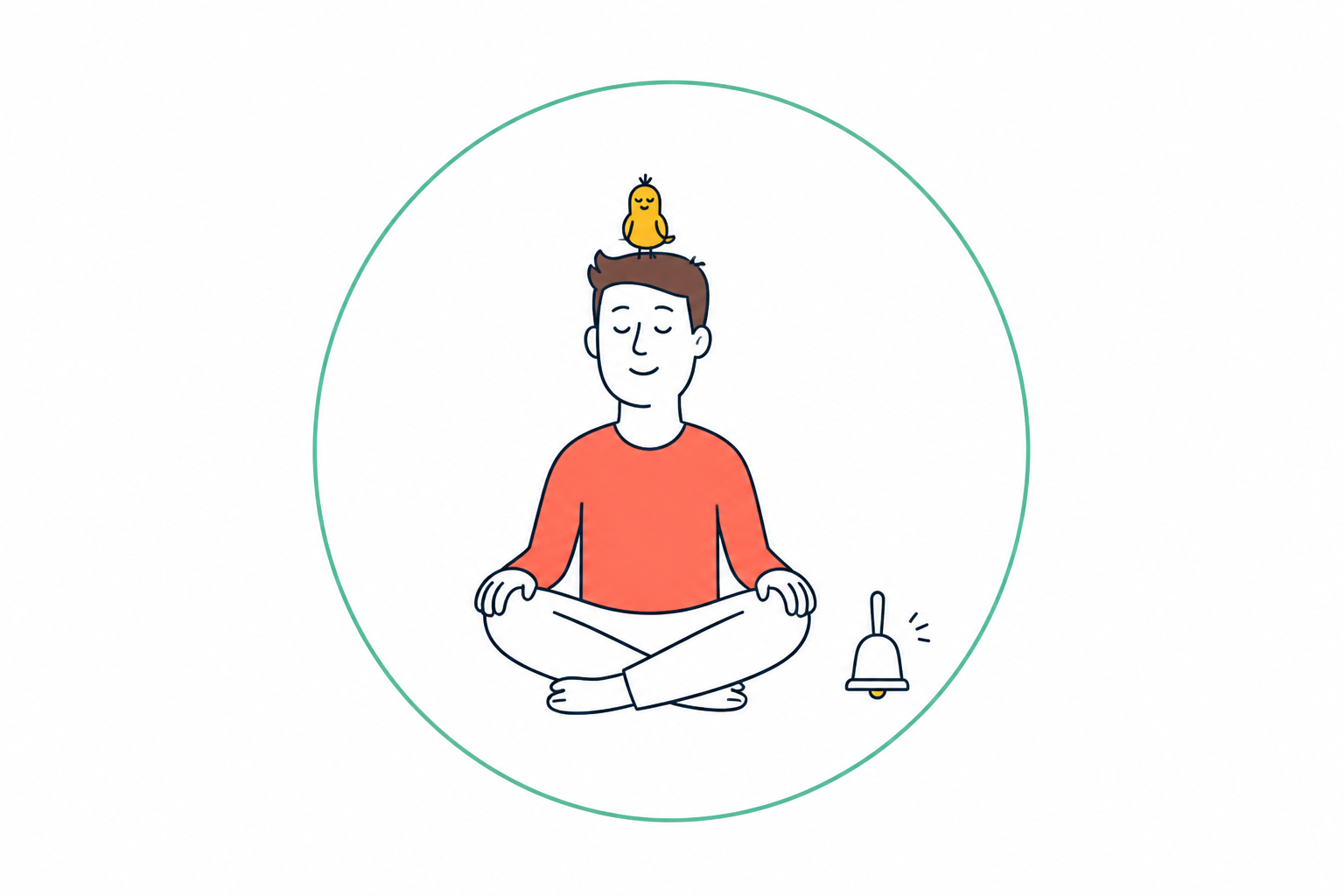
呼吸の輪の中でひと息つく人と、頭の上で一緒に休む小鳥のイラスト。

1分から10分まで。円が4秒でふくらみ、6秒でしぼみます。文字の指示はありません。始まりと終わりに、金属のベルが鳴ります。One to ten minutes. The circle grows over four seconds and shrinks over six. No written instructions. A metal bell marks the start and the end.1분에서 10분까지. 원이 4초에 부풀고, 6초에 줄어들어요. 글로 된 지시는 없어요.

記録も連続日数もありません。終わったら「おかえりなさい。」とだけ出ます。No records, no streaks. When it ends, it just says “welcome back.”기록도 연속 일수도 없어요. 끝나면 「어서 오세요.」라고만 나와요.

筋トレWorkout근력 운동無料Free무료

インターバル・セット休憩・TABATA・EMOM・ラウンドの5種類Five kinds: interval, set rest, TABATA, EMOM and rounds인터벌・세트 휴식・TABATA・EMOM・라운드 다섯 가지

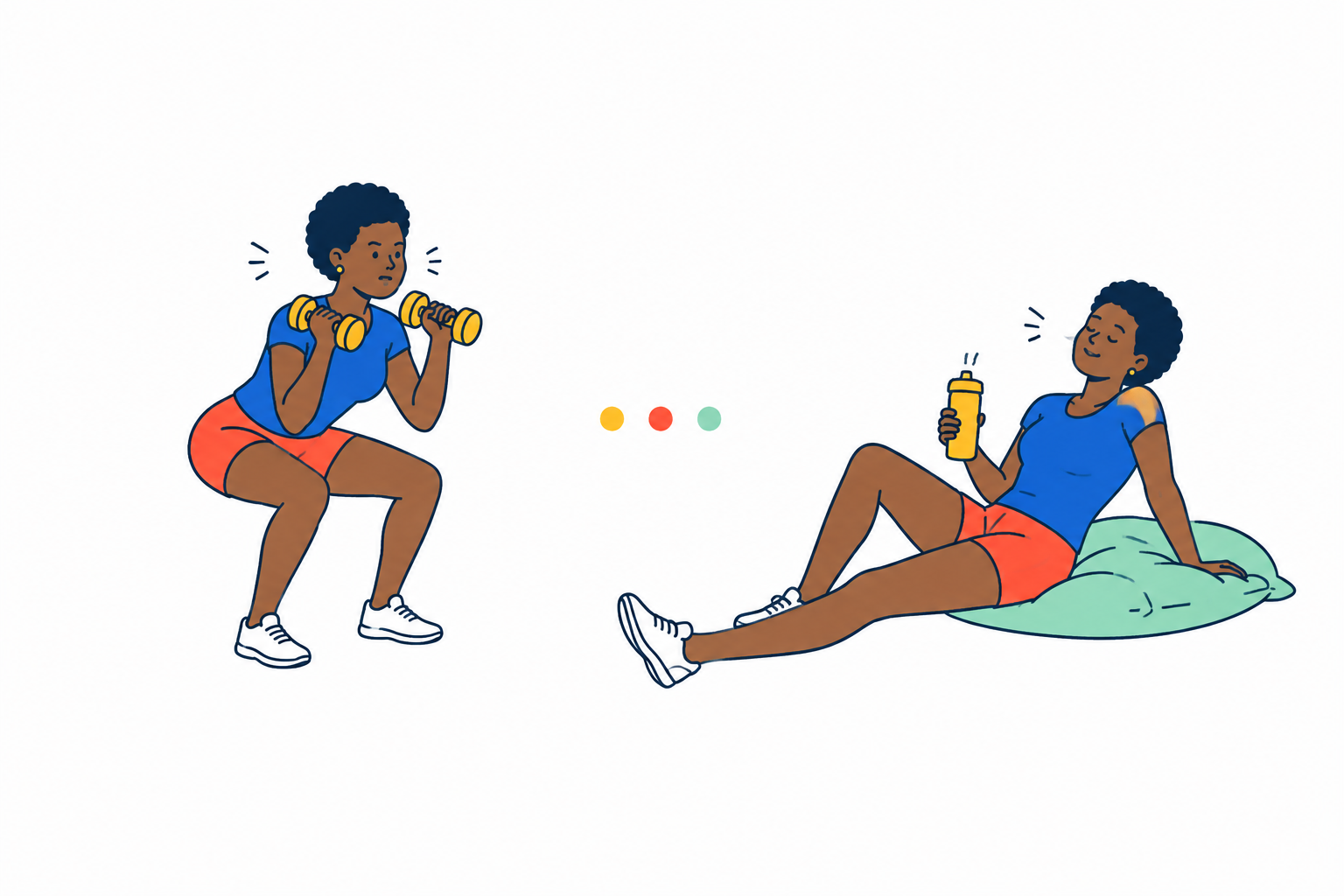
運動と休憩を交互に進める、元気でユーモラスな2場面のイラスト。

インターバル、セット休憩、TABATA、EMOM、ラウンドの5つ。準備は黄、運動は赤、休憩は緑。残り3秒は数字が大きく跳ねて、手にも刻みが返ります。Five kinds: interval, set rest, TABATA, EMOM and rounds. Amber to get ready, red to work, green to rest. In the last three seconds the number jumps and your hand feels each beat.인터벌, 세트 휴식, TABATA, EMOM, 라운드 다섯 가지. 준비는 노랑, 운동은 빨강, 휴식은 초록.

ホイッスルが鳴ります。消音モードでも鳴ります。そして回数は記録しません。A whistle sounds — even on silent. And nothing is recorded.휘슬이 울려요. 무음 모드에서도 울려요. 그리고 횟수는 기록하지 않아요.

🏠 暮らしを支えるSupport daily life생활을 뒷받침하기

日々の生活を記録・管理する道具Tools for keeping track of everyday life일상생활을 기록·관리하는 도구

薬アシスタントMedicine assistant약 어시스턴트ずっと無料Free forever계속 무료

飲んだら押すだけ。カレンダーに残り、書き出して医師に渡せるPress when you take it; it lands on a calendar you can export for your doctor먹으면 누르기만. 캘린더에 남고, 내보내서 의사에게 전할 수 있어요

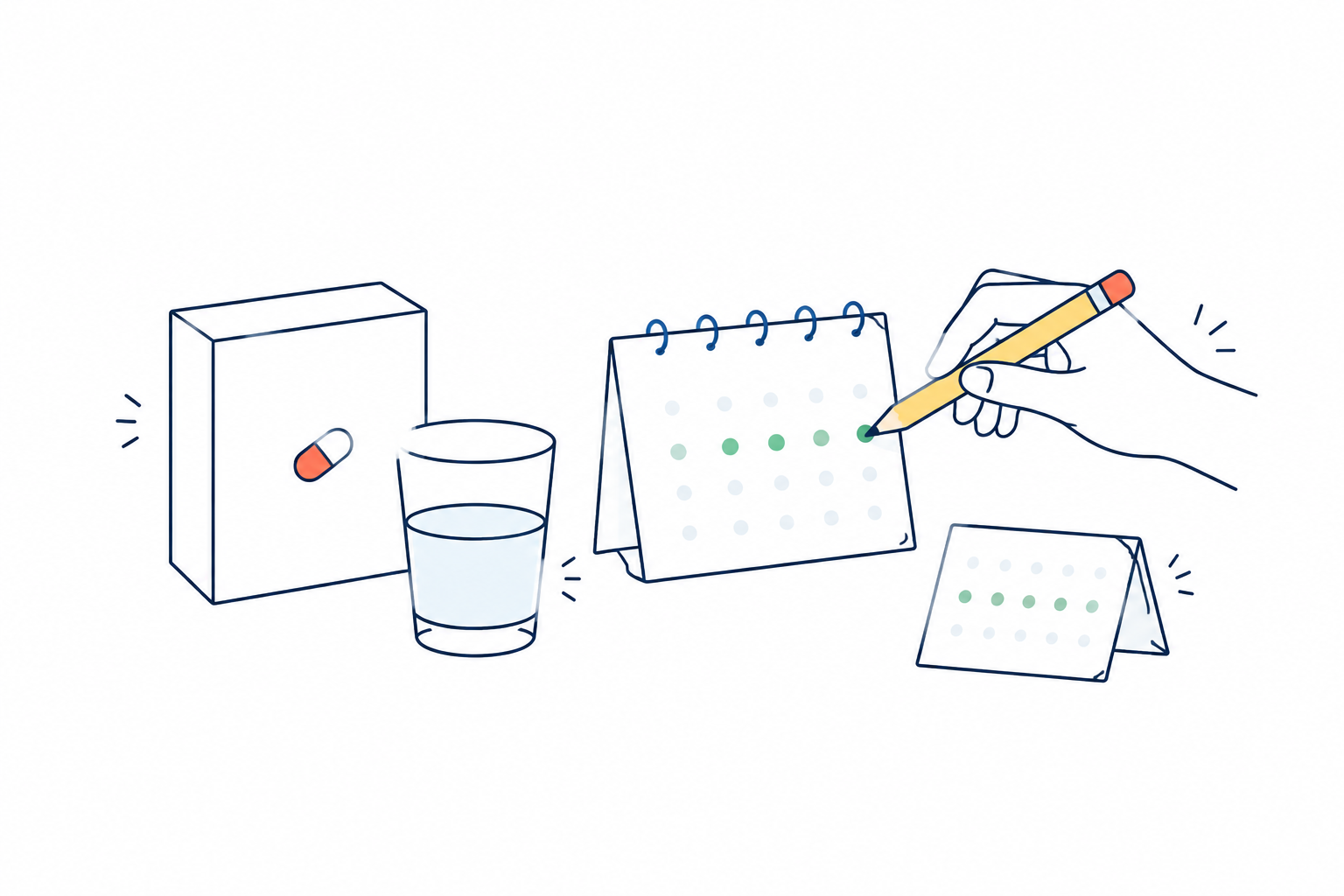
薬を飲んだ記録をカレンダーへひとつ置き、あとで見返せるイラスト。

はじめに一度だけ、薬と時間帯(朝・昼・夜・頓服)を登録します。あとは飲んだら押すだけ。押し間違えたら、もう一度押せば取り消せます。Register your medicines and times once — morning, midday, night, as needed. After that, just press when you take one. Press again to undo.처음 한 번만 약과 시간대(아침・점심・저녁・필요할 때)를 등록해요. 그 뒤로는 먹으면 누르기만.

飲んだ日も、飲まなかった日も、カレンダーに残ります。薬だけは「空白でいい」にしませんでした。飲めなかった日は、お医者さんに伝えるべきことだからです。右上から書き出せば、そのままメモやメールに貼れます。Both the days you took it and the days you did not stay on the calendar. Medicine is the one place we do not leave blanks — a missed day is something your doctor should know. Export from the top right and paste it into a note or an email.먹은 날도, 먹지 않은 날도 캘린더에 남아요. 약만은 「비워 둬도 된다」로 하지 않았어요. 못 먹은 날은 의사에게 전해야 할 일이니까요.

食事アシスタントMeal assistant식사 어시스턴트AI ProAI ProAI Pro

写真からカロリーとP/F/Cを見立て、目標との差を出すEstimates calories and macros from a photo, and the gap to your goal사진에서 칼로리와 P/F/C를 추정하고, 목표와의 차이를 내요

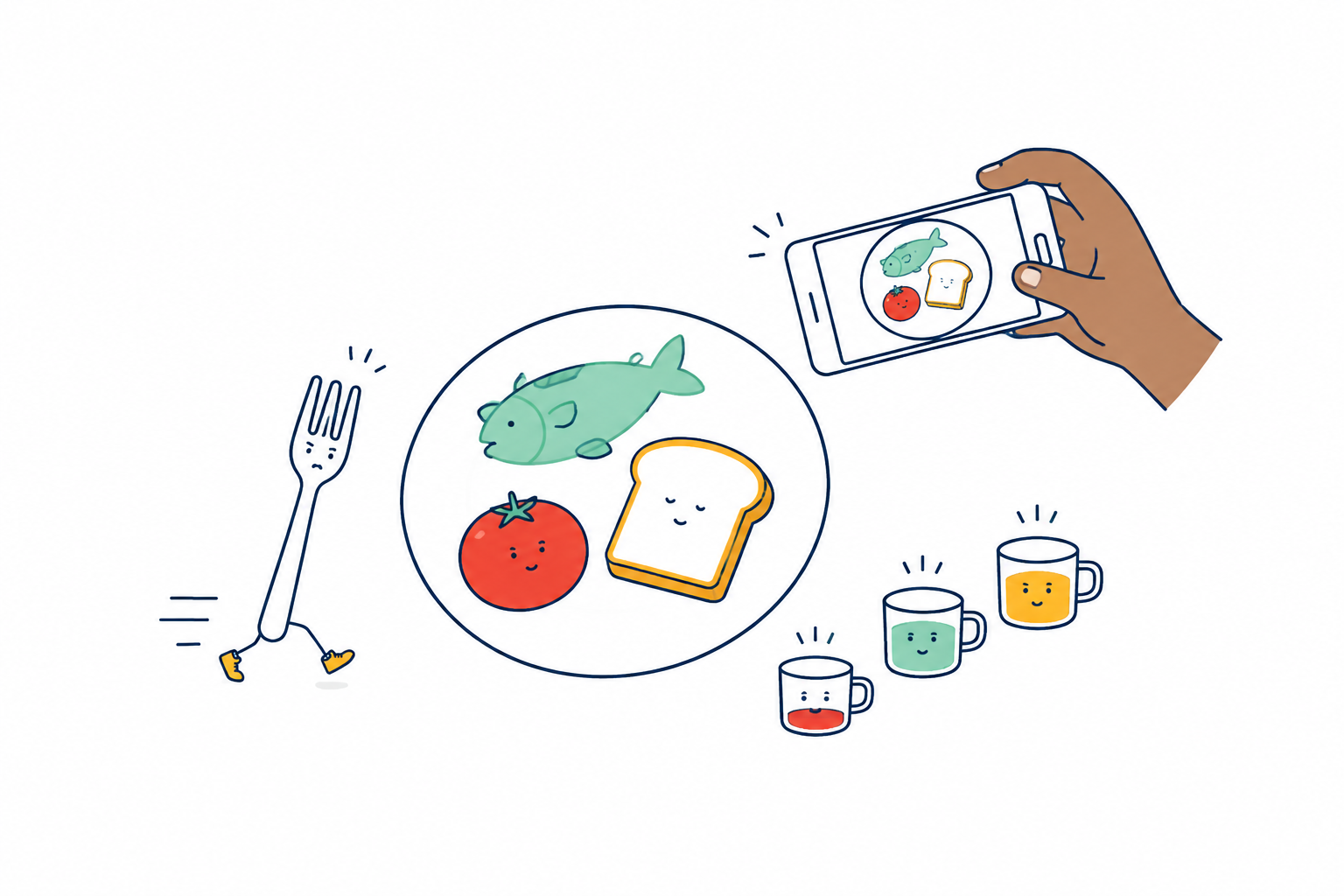
食事の写真から、栄養の目安を色の量として見渡すイラスト。

食事を撮ると、AIが料理名・食材・カロリー・たんぱく質・脂質・炭水化物を見立てます。数字は直せます。Photograph a meal and AI estimates the dish, the ingredients, the calories and the protein, fat and carbs. You can change any of it.식사를 찍으면 AI가 요리 이름・식재료・칼로리・단백질・지방・탄수화물을 추정해요.

目標は身長・体重・年齢・活動量から計算しています。AIに毎回違う数字を言わせるより、同じ数字なら必ず同じ答えが出るほうが信用できるからです。Your targets are calculated from height, weight, age and activity — the same inputs always give the same answer, which we trust more than asking AI each time.목표는 키・몸무게・나이・활동량으로 계산해요. 같은 숫자를 넣으면 반드시 같은 답이 나오니까요.

「食べすぎです」「ヘルシーですね」とは言いません。出すのは、いま何g摂ったかと、目標まであと何gかだけです。It never says “too much” or “how healthy.” It shows what you have had, and how much is left to reach your goal. Nothing else.「너무 많이 먹었어요」「건강하네요」라고 말하지 않아요.

経費アシスタントExpense assistant경비 어시스턴트AI ProAI ProAI Pro

レシートを撮ると、AIが金額と勘定科目の候補まで作るPhotograph a receipt and AI works out the amount and a suggested account영수증을 찍으면, AI가 금액과 계정과목 후보까지 만들어요

長くくるくるしたレシートを、小さく整った記録へまとめるイラスト。

レシートを撮ると、AIが店・日付・金額・品目を読みます。そのあと質問はひとつだけ。「これは何に使いましたか?」。いつもの言葉で答えれば、用途・内容・勘定科目の候補が立ちます。Photograph a receipt and AI reads the store, date, amount and items. Then one question: “What was this for?” Answer in your own words and it works out the purpose, the item and a suggested account.영수증을 찍으면 AI가 가게・날짜・금액・품목을 읽어요. 그 뒤 질문은 하나뿐. 「이건 무엇에 썼나요?」

勘定科目を覚える必要も、カテゴリを選ぶ必要もありません。国と働き方を最初に聞くので、日本以外でも案内が変わります。保管の目安も出ます。No account codes to learn, no categories to pick. It asks your country and how you work, so the guidance changes outside Japan — including how long to keep things.계정과목을 외울 필요도, 카테고리를 고를 필요도 없어요. 국가와 근무 형태를 처음에 물어요.

「確定申告対応」とは名乗りません。これは申告の準備を楽にする整理で、会計ソフトの代わりではありません。制度は変わります。最後に決めるのは、あなたと税理士さんです。It does not claim to “handle your tax return.” It makes getting ready easier; it is not accounting software. Rules change, and you and your accountant have the final say.「세금 신고 대응」이라고 내세우지 않아요. 신고 준비를 편하게 하는 정리이지, 회계 소프트웨어를 대신하지 않아요.
音を残す・まいにちのチェック・サブスク管理Voice notes, daily checks, subscriptions소리 남기기・매일 체크・구독 관리最初からIncluded기본 제공

録音・習慣のチェック・サブスクの管理Voice recording, habit checks and subscription tracking녹음・습관 체크・구독 관리

録音のカセット、毎日のチェック、定期支払いのカレンダーを並べたイラスト。

カセット型のRECボタンで、歌や声をそのまま録音できます。あとから文字にもできます。まいにちのチェックは、できたら✓を押すだけ。サブスクは話すだけで登録できて、引き落とし日と金額がひと目で分かります。A cassette-shaped record button captures a song or a voice as it is, and can turn it into text later. Daily checks are a single tick. Subscriptions register by voice, with the charge date and amount at a glance.카세트 모양의 REC 버튼으로 노래나 목소리를 그대로 녹음할 수 있어요. 매일 체크는 되면 ✓를 누르기만.

できなかった日は空白のまま。空白は空白のままにしておけます。A day you couldn't stays blank — and blank is allowed to stay blank.못 한 날은 비어 있는 그대로. 비어 있어도 괜찮아요.

📁 しまっておくPut away보관하기

言葉を整理して保存する道具Tools for filing your words away말을 정리해 보관하는 도구

フォルダFolders폴더最初からIncluded기본 제공

言葉をフォルダに分けて保存。分け方はAIが提案するFile your words into folders; AI suggests how to split them말을 폴더로 나눠 저장. 나누는 방법은 AI가 제안해요

散らばった言葉のカードが、それぞれのフォルダへ収まるイラスト。

言葉が溜まってくると、よく出てくる言葉から「このフォルダを作りませんか」と提案が出ます。承認すると、過去の言葉ごと整理されます。As words pile up, frequently repeated ones become a suggestion: “shall we make this folder?” Accept, and the past words are filed too.말이 쌓이면, 자주 나오는 말에서 「이 폴더를 만들까요?」라는 제안이 나와요.

提案はAIを呼ばずに出しています。だから、ずっと無料で使えます。The suggestion is made without calling AI, so it remains free to use.제안은 AI를 부르지 않고 나와요. 그래서 계속 무료로 쓸 수 있어요.

ウィジェット・Apple WatchWidgets & Apple Watch위젯・Apple Watch最初からIncluded기본 제공

ホーム画面のウィジェットと、Apple Watchからの音声入力Home screen widgets, and voice capture from Apple Watch홈 화면 위젯과, Apple Watch에서의 음성 입력

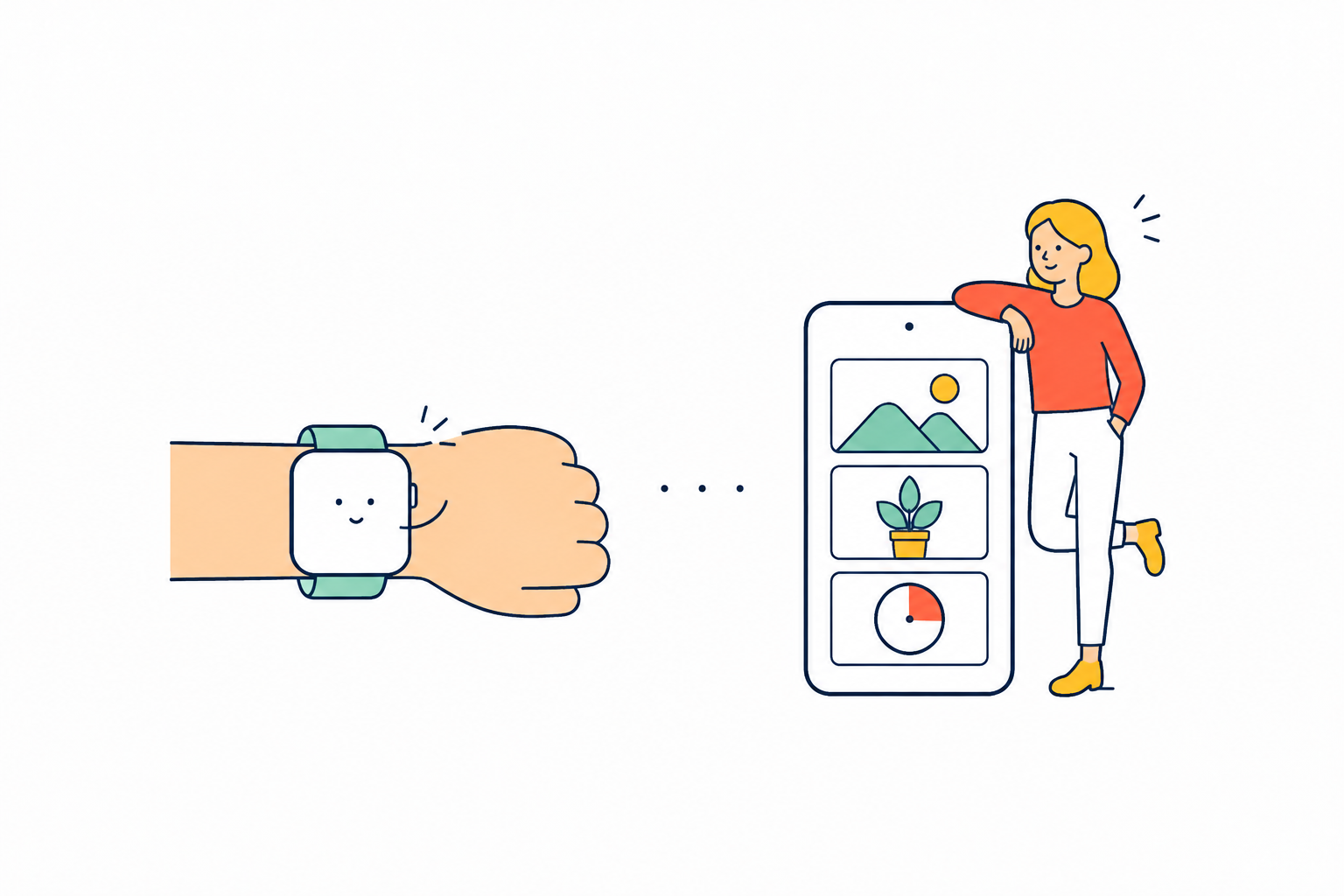
手首から話した言葉が届き、好きな道具がホーム画面に並ぶイラスト。

締め切りまでの残り時間を秒で刻むカウントダウンと、好きなコレクションをホーム画面に置けます。今日の発見ウィジェットは、パブリックドメインの絵を1日3回入れ替えます。A countdown ticking down to a deadline by the second, and any collection you like, on your home screen. The discovery widget swaps in a public-domain image three times a day.마감까지 남은 시간을 초 단위로 새기는 카운트다운과, 좋아하는 컬렉션을 홈 화면에 둘 수 있어요.

Apple Watchは、手首で話して預けるだけ。iPhoneに届いて、他の言葉と同じように整います。On Apple Watch, speak from your wrist and let go. It reaches your iPhone and settles in with everything else.Apple Watch는 손목에서 말하고 맡기기만. iPhone에 도착해 다른 말과 똑같이 정리돼요.

ルーティーンは、iPhoneのホーム画面・ロック画面のウィジェットで1件を選んでおけます。タップすると、そのルーティーンを直接再生します。Apple Watchでも一覧から選び、タスクを進め、達成をiPhoneと同じ記録へ残せます。Choose one routine for an iPhone Home Screen or Lock Screen widget and tap to play it directly. On Apple Watch, pick from the list, move through the steps and save the completion to the same record as your iPhone.iPhone 홈 화면이나 잠금 화면 위젯에 루틴 하나를 골라 둘 수 있어요. 탭하면 바로 재생해요. Apple Watch에서도 목록에서 골라 단계를 진행하고 달성을 iPhone과 같은 기록에 남길 수 있어요.Wähle eine Routine für ein iPhone-Widget auf Home- oder Sperrbildschirm und starte sie per Tippen direkt. Auf der Apple Watch wählst du aus der Liste, gehst die Schritte durch und speicherst den Abschluss im selben Verlauf wie auf dem iPhone.可為 iPhone 主畫面或鎖定畫面小工具選定一個流程,點一下即可直接播放。Apple Watch 也能從清單選擇、逐步進行,並把達成存入與 iPhone 相同的記錄。Choisissez une routine pour un widget d’accueil ou d’écran verrouillé sur iPhone, puis touchez-la pour la lancer. Sur Apple Watch, choisissez dans la liste, avancez étape par étape et enregistrez la réussite dans le même historique que l’iPhone.Elige una rutina para un widget de inicio o de la pantalla bloqueada del iPhone y tócala para iniciarla. En el Apple Watch, elige de la lista, avanza por los pasos y guarda el logro en el mismo historial del iPhone.Scegli una routine per un widget Home o schermata di blocco su iPhone e toccala per avviarla. Su Apple Watch scegli dall’elenco, avanza nei passaggi e salva il completamento nello stesso registro dell’iPhone.

無料とAI Proの違いを見るSee what’s free and what AI Pro adds무료와 AI Pro의 차이 보기